Select An Org
How To Show Tooltip For Highlighted Line Only
Publish Date: Apr 13, 2024
Task
When highlighting a line by selecting, the tooltip is displayed for un-highlighted line too.
How can I show the tooltip for the highlighted lines only?
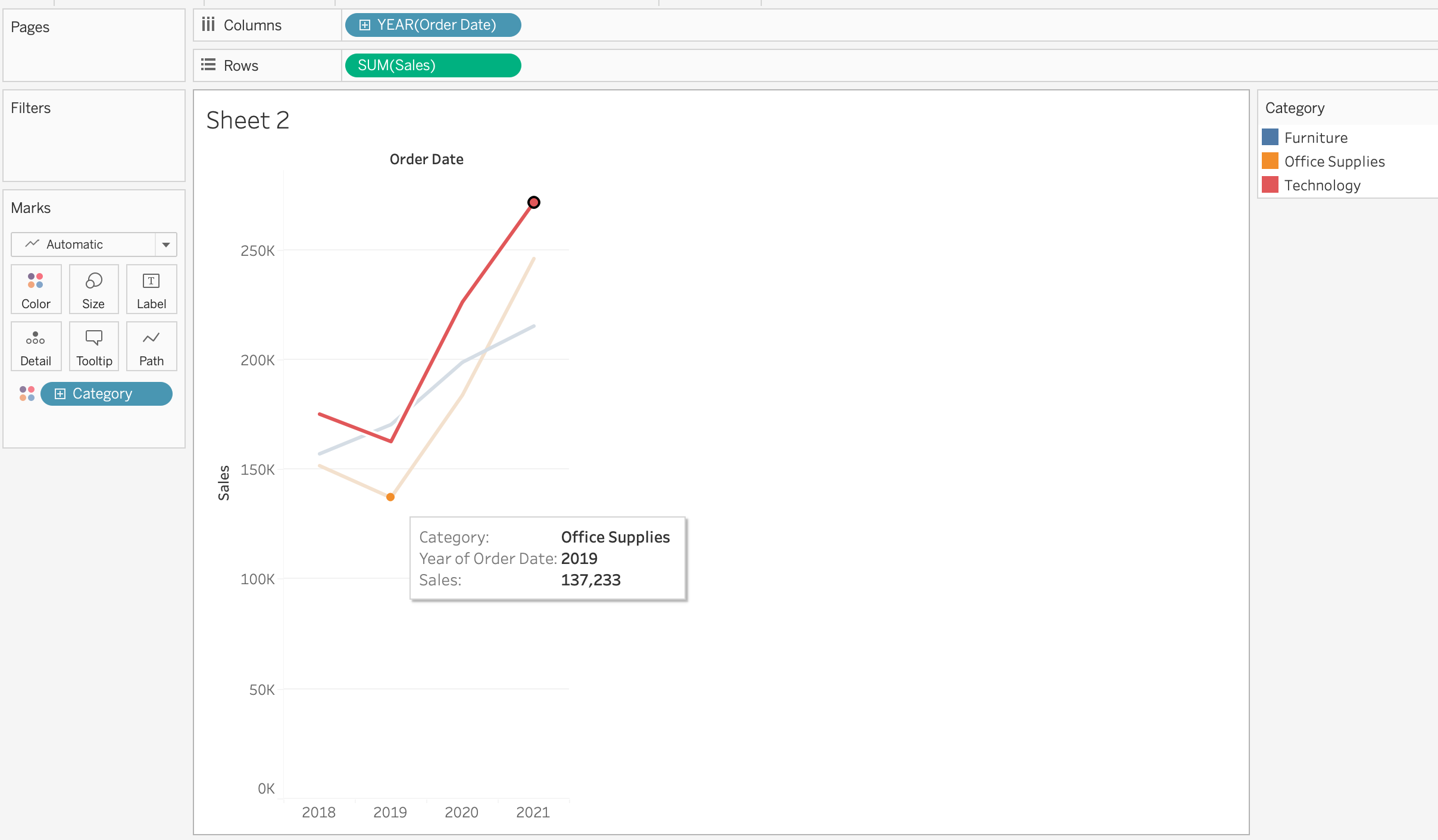
Steps
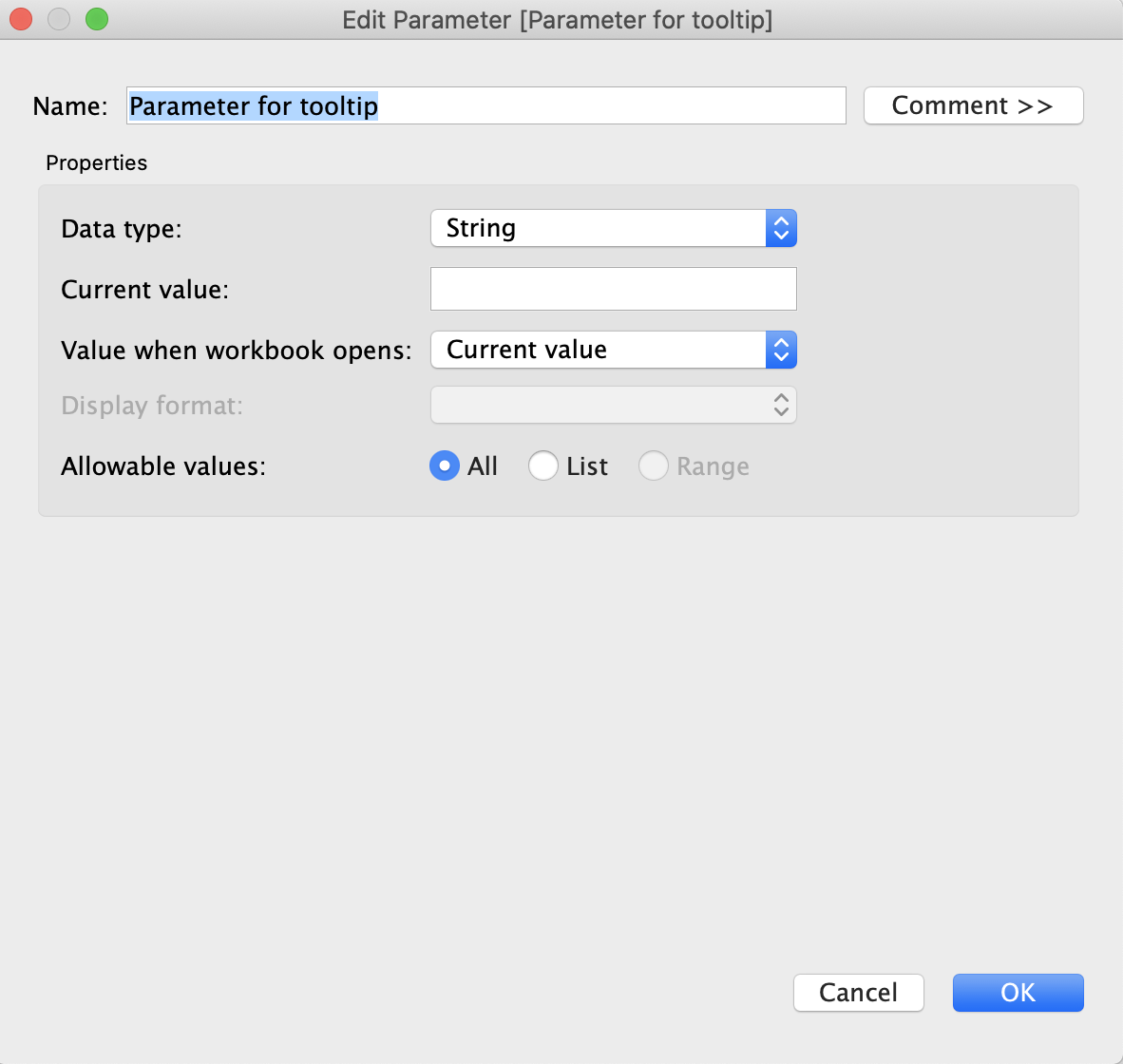
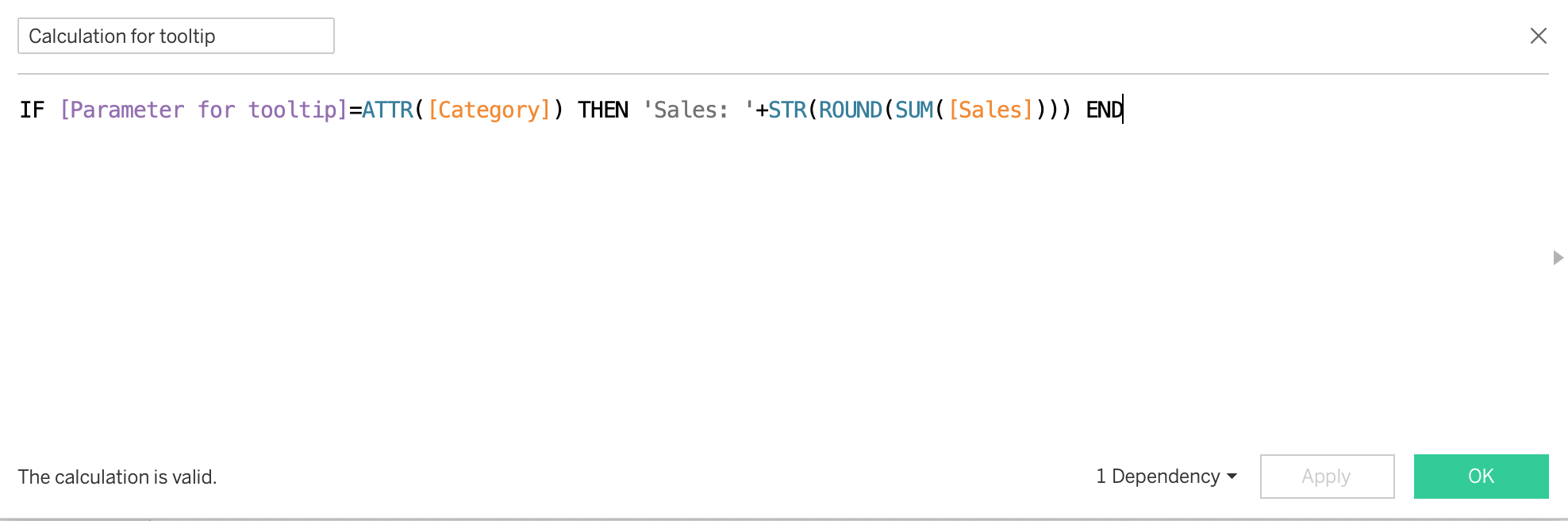
2. Create the following calculation field:
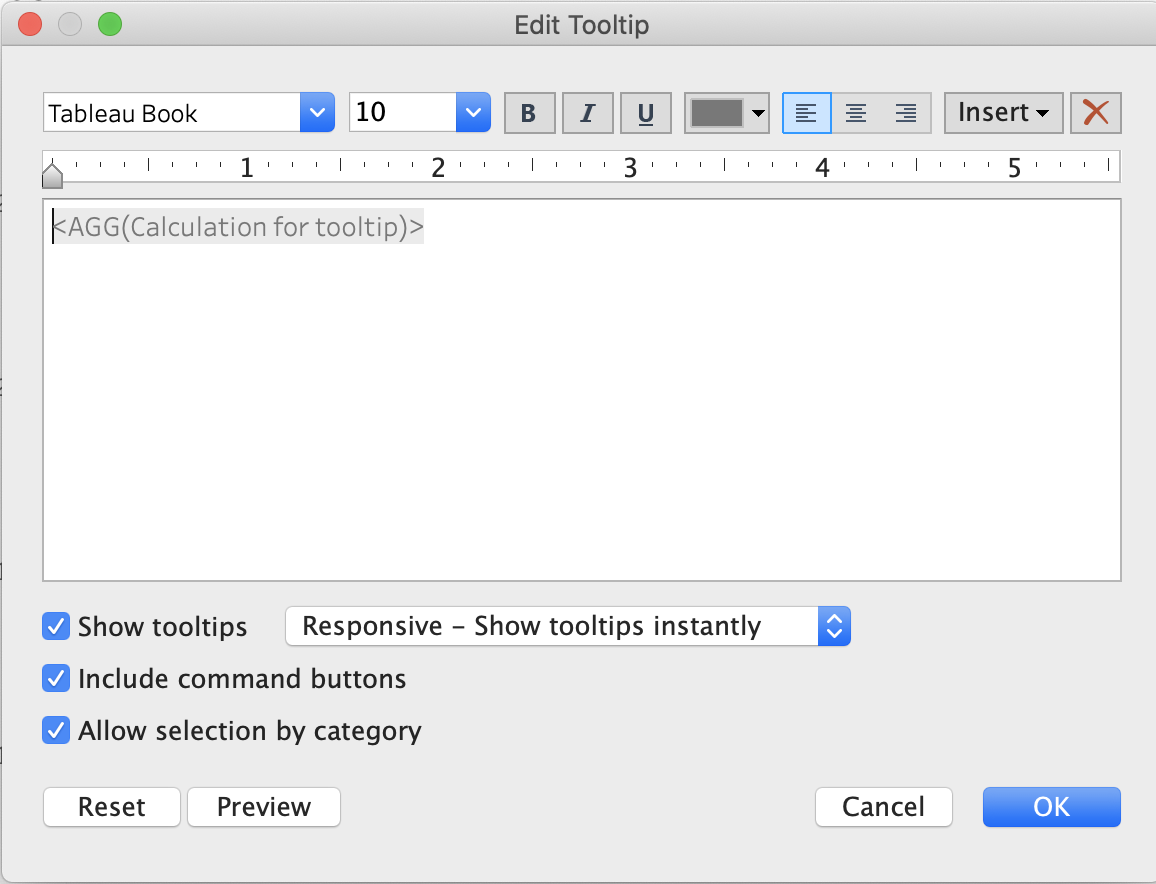
3. Drag calculation field create above to [Tooltip]
4. Click on [Tooltip] and edit Tooltip as bellow:
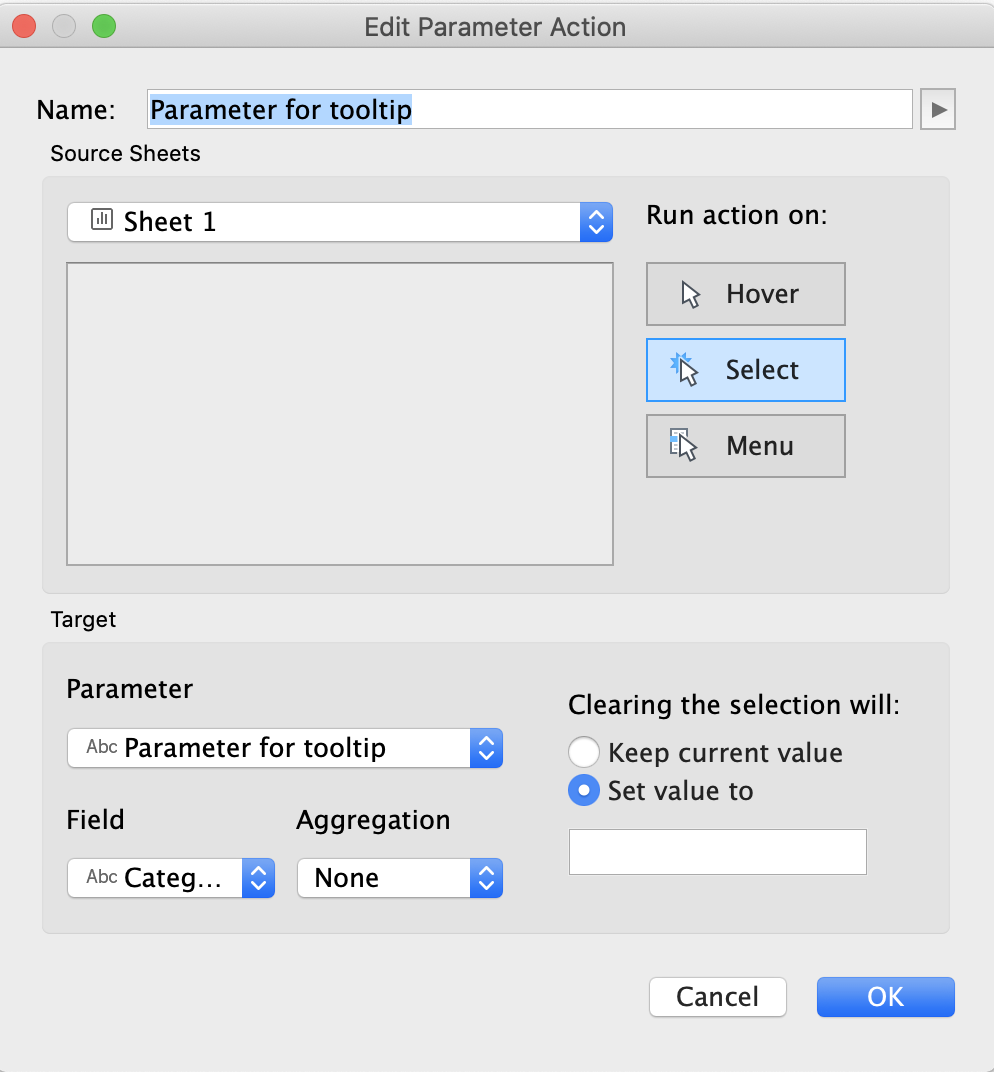
5. Click on [Worksheet] > [Actions...] > [Add Action >] > [Change Parameter...] and create parameter action as bellow:
Knowledge Article Number
001470525
Did this article solve your issue?
Let us know so we can improve!
