Seleziona un'organizzazione
How To Check The User's Last Login Date And Time
Data pubblicazione: Feb 25, 2025
Operazione
How to check the user's last login date and time on Tableau Server
Fasi
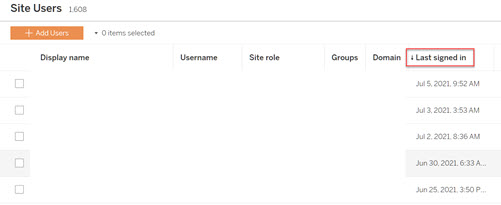
Click the [Last signed in] to sort the user list.
Option 2:
Access the "workgroup" PostgreSQL database in the Tableau Server repository, use [historical_events], [historical_event_types], and [hist_users] to create the required custom admin views.
Example:
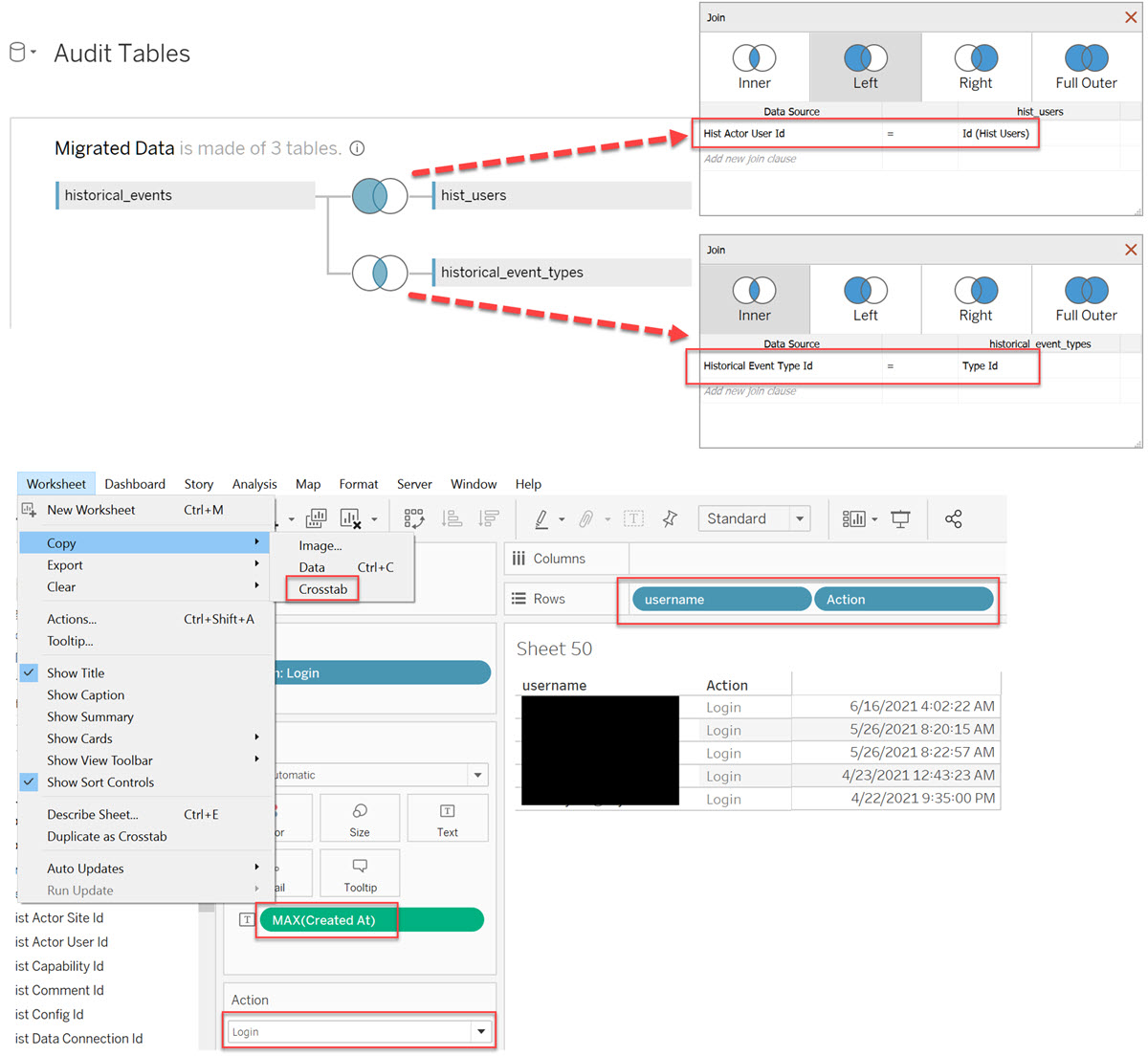
Users can copy the data from Tableau Desktop. For more information, see Create Custom Administrative Views and About the Tableau Server Data Dictionary.
Risorse aggiuntive
Numero articolo Knowledge
001470542
Questo articolo ha risolto il problema?
Facci sapere, così possiamo migliorare!
