組織を選択
Username "$DUPLICATE-xxxx" Appears after AD Group Sync on Tableau server
公開日: Mar 18, 2026
説明
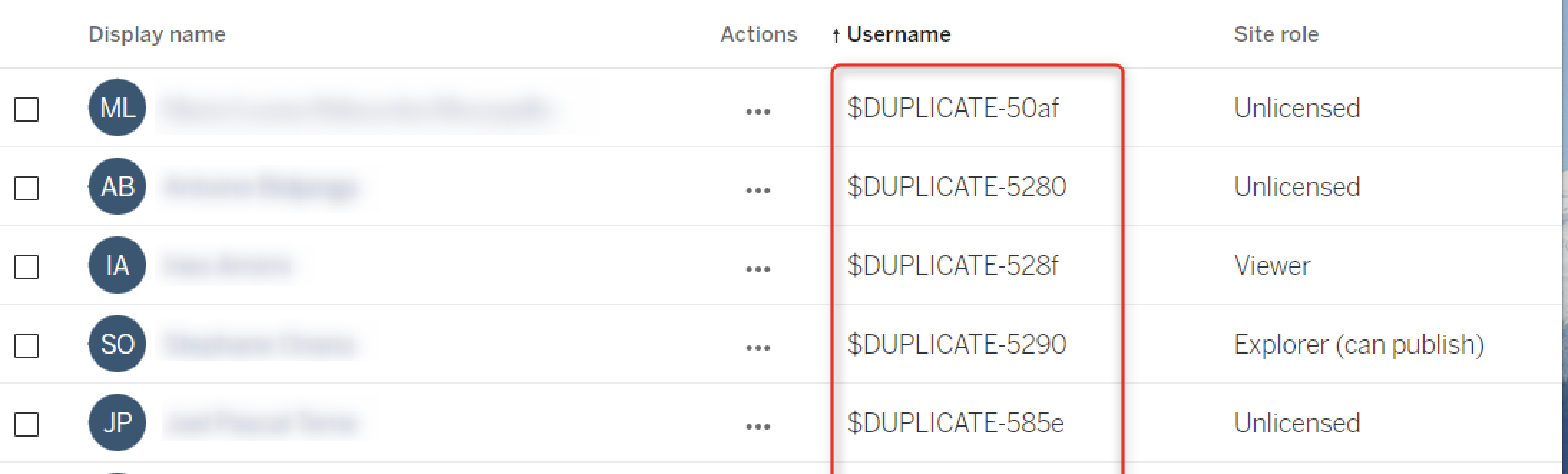
Cause
The AD user is part of two or more Tableau AD Groups.解決策
Example of one user being part of two different groups:
- User A is part of Viewer_AD group in Tableau
- User A is also part of Explorer_AD Group in Tableau
When Tableau does a Sync of the above AD groups it is likely to cause a conflict with role license being assigned as one user can only have one license for role, this may create a duplicate user.
その他のリソース
ナレッジ記事番号
001470939
この記事で問題は解決されましたか?
ご意見をお待ちしております。
