Vælg en organisation
Command Failed in TSM CLI and TSM Web Interface Showed Unexpected Server Error
Udgivelsesdato: Feb 21, 2025
Beskrivelse
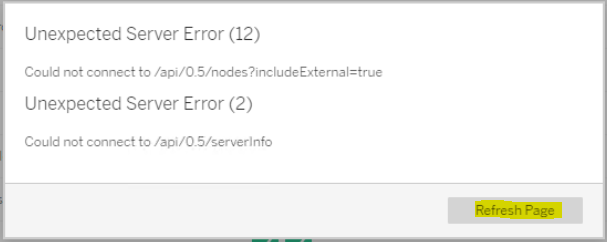
During a Coordination Emsemble deployment, a tsm command failed in the TSM CLI and the TSM Web Interface showed Unexpected Server Error.
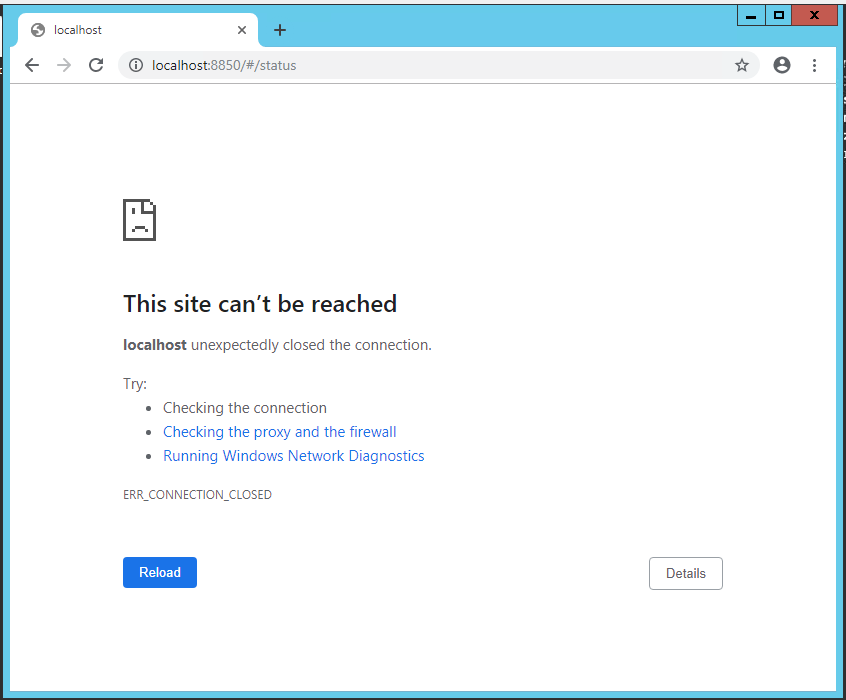
Pressing Refresh Page will change the page to This site can't be reached
Cause
The Tableau Server Administration Controller (tabadmincontroller_0)service was disabled after the tsm command failed in the TSM CLI.Løsning
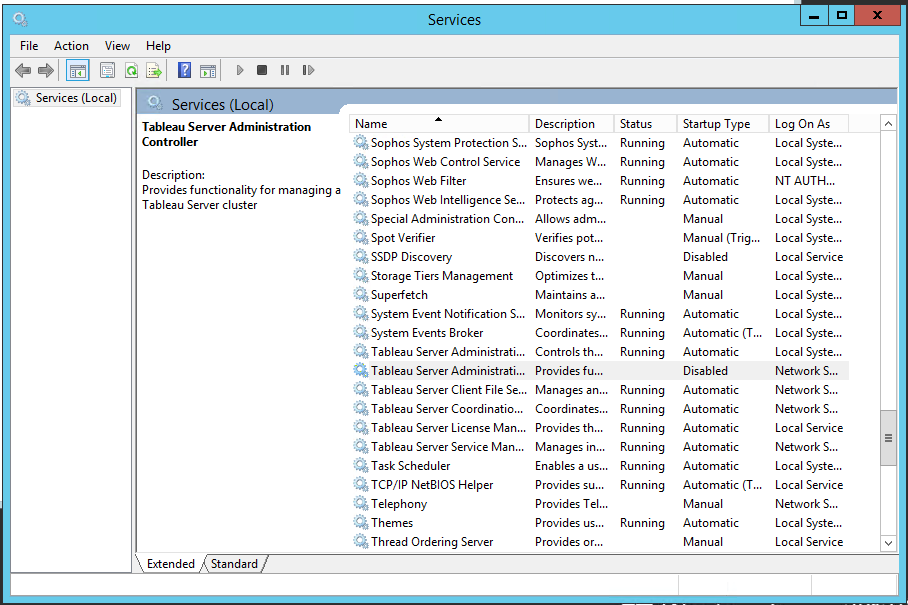
2. Tableau Server Administration Controller Properties dialog opens. Notice that Startup type is Disabled.
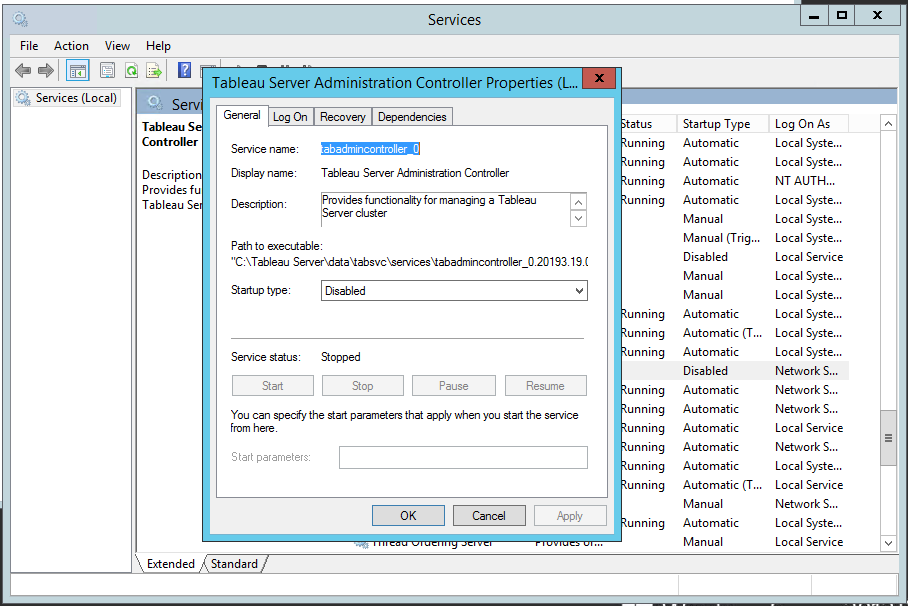
3. Change Startup type to Automatic. Then press Apply.
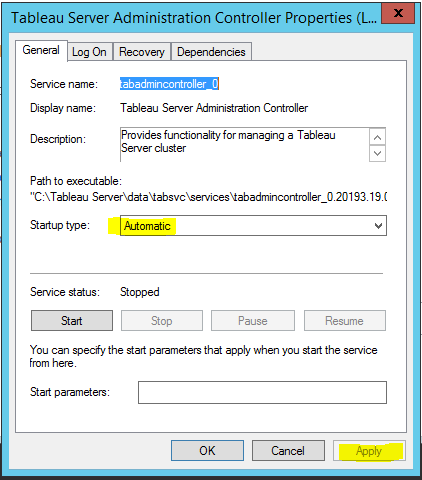
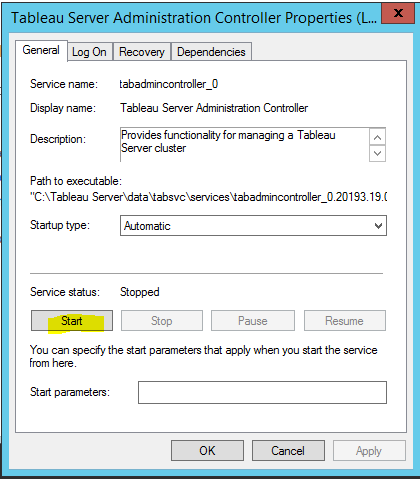
4. Press Start and make sure Service status becomes Running. Press OK to close the dialog
Yderligere ressourcer
Vidensartikelnummer
001471079
Løste denne artikel dit problem?
Giv os besked, så vi kan forbedre os!
