Välj en organisation
"Unable to Materialize Temporary Table" Error When Applying Filter Containing Dash Character
Publiceringsdatum: Apr 7, 2025
Beskrivning
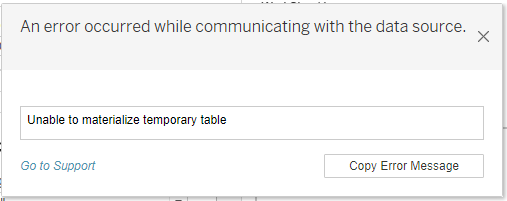
When connected to Denodo data source and applying a filter which contains en dash (–) character, the following error may occur:
Unable to materialize temporary table
Cause
The en dash '–', "E2 80 93", or '\u2013' used in the filter causes an error.
The Unicode character was included in the query whilst the Denodo database's Unicode support was not enabled.
Lösning
Option 1
Enable Unicode support in Denodo.
https://community.denodo.com/kb/view/document/Unicode%20support?category=Operation
Option 2
Replace en dashes with hyphens.
If Option 1 is not feasible or does not work, then replace en dashes (–) with hyphens (-) in the Tableau workbook.
Knowledge-artikelnummer
001472418
Löste denna artikel ditt problem?
Berätta för oss vad vi kan förbättra!
