Vælg en organisation
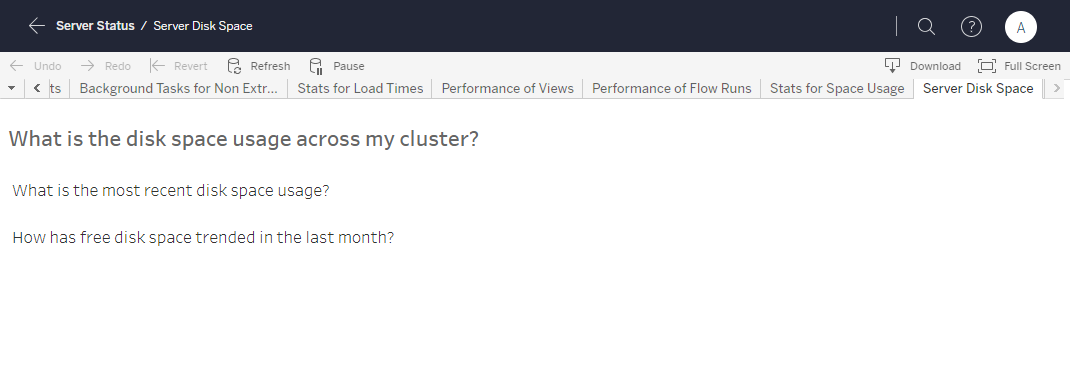
Pre-built Admin View "Server Disk Space" Displays No Data
Udgivelsesdato: Apr 22, 2025
Beskrivelse
When opening pre-built admin view "Server Disk Space", it displays no data.
Cause
If storage.monitoring.record_history_enabled was set to false, Tableau Desktop does not save free disk space history.Pre-built admin view "Server Disk Space" displays no data if there was no data for the last 30 days.
Løsning
tsm configuration get -k storage.monitoring.record_history_enabled2. If storage.monitoring.record_history_enabled is false, change it to true.
tsm configuration set -k storage.monitoring.record_history_enabled -v true
tsm pending-changes apply
3. After Tableau Server restarts successfully, wait for 30 minutes then refresh the admin view.
Yderligere ressourcer
tsm configuration set Options
Vidensartikelnummer
001472710
Løste denne artikel dit problem?
Giv os besked, så vi kan forbedre os!
