Välj en organisation
Error "That page could not be accessed" Opening Multiple Tableau Server Sites in Different Browser Tabs
Publiceringsdatum: Apr 13, 2024
Beskrivning
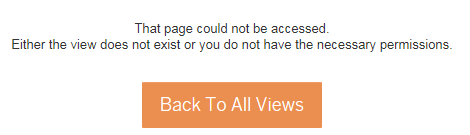
That page could not be accessed
Either the view does not exist or you do not have the necessary permissions
Either the view does not exist or you do not have the necessary permissions
Cause
Session cookies are shared per browser. When attempting to access a workbook on a different site your session cookie might still be for the previous site. The path to the content might not match because Tableau Server is looking for the content on another site.Lösning
Knowledge-artikelnummer
001472820
Löste denna artikel ditt problem?
Berätta för oss vad vi kan förbättra!
