조직 선택
Superscript and Subscript Support for all Fonts (including Custom Fonts)
게시 일자: Feb 23, 2025
상세 설명
Cause
It is currently not possible to superscript or subscript custom fonts in Tableau Desktop.솔루션
- Overlap floating text boxes to re-position copyright symbol or other symbols.
- Use images.
- Insert web pages containing the formulas
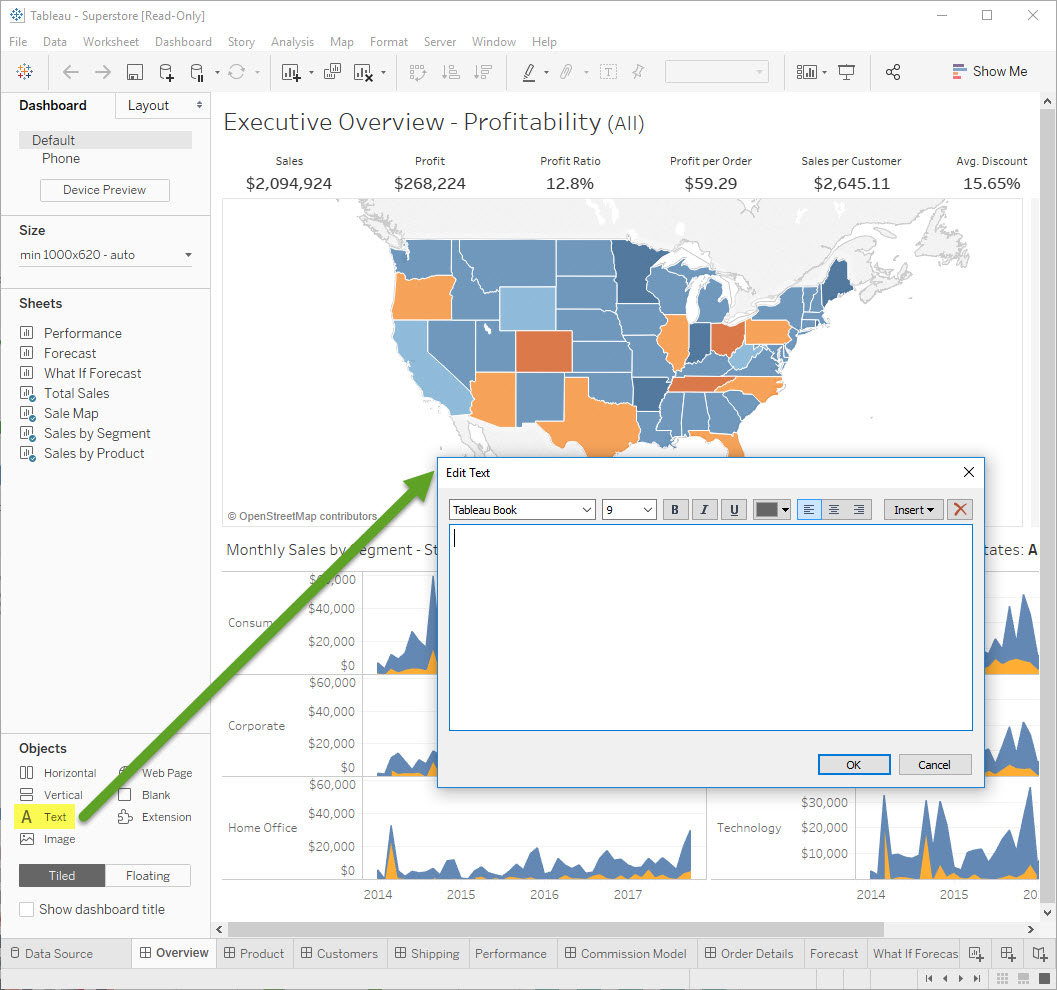
- You can edit simple formulas in text box, use any Unicode characters, like superscript and subscript in Unicode
- Copy and paste the desired characters from another source, such as Microsoft Word.
- Use Alt Codes to enter the desired characters (e.g. Alt+0236 = ì). Alt Codes at Alt Codes.net
추가 자원
Knowledge 기사 번호
001473053
이 기사를 통해 문제를 해결했습니까?
개선을 위한 의견을 보내주세요.
