Выбрать организацию
Superscript and Subscript Support for all Fonts (including Custom Fonts)
Дата публикации: Feb 23, 2025
Описание
Cause
It is currently not possible to superscript or subscript custom fonts in Tableau Desktop.Решение
- Overlap floating text boxes to re-position copyright symbol or other symbols.
- Use images.
- Insert web pages containing the formulas
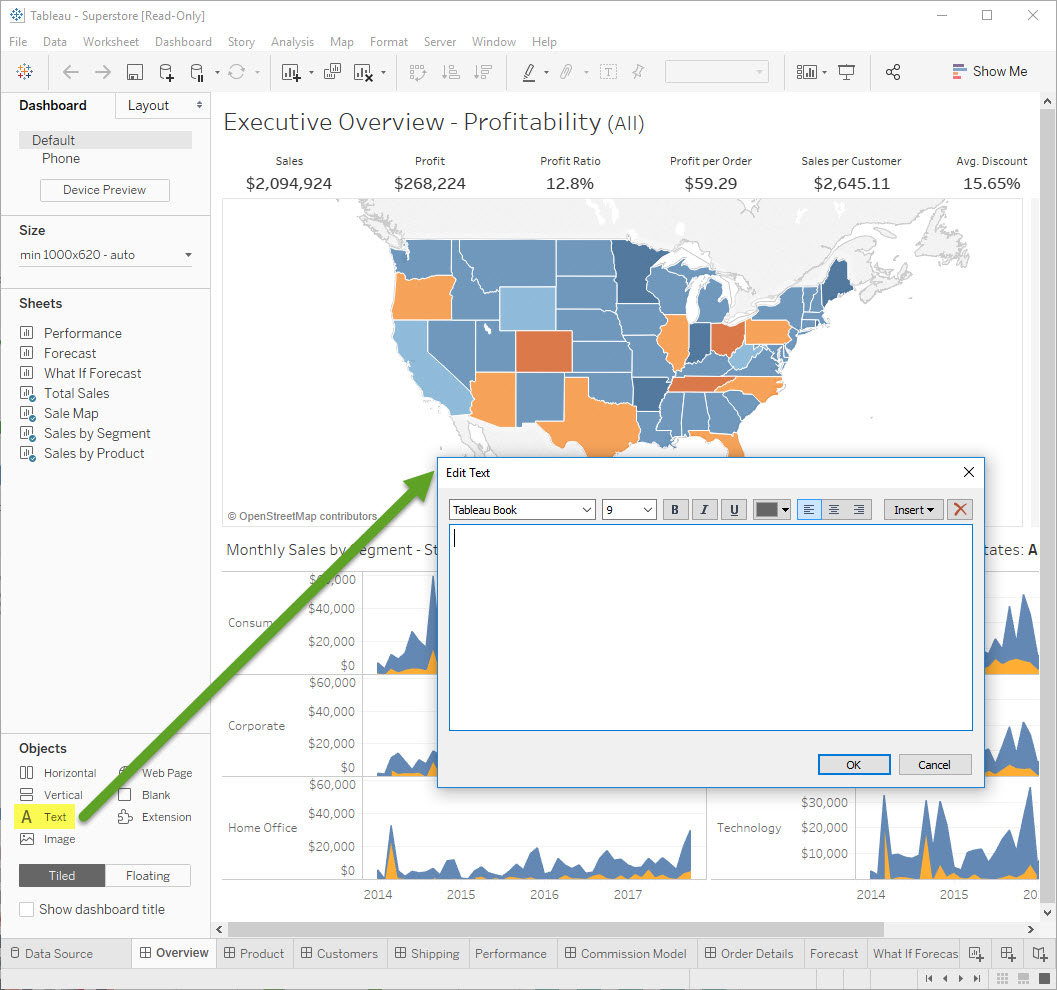
- You can edit simple formulas in text box, use any Unicode characters, like superscript and subscript in Unicode
- Copy and paste the desired characters from another source, such as Microsoft Word.
- Use Alt Codes to enter the desired characters (e.g. Alt+0236 = ì). Alt Codes at Alt Codes.net
Дополнительные ресурсы
Номер статьи базы знаний
001473053
Эта статья решила вашу проблему?
Оставьте свой отзыв, чтобы мы могли стать лучше!
