Vælg en organisation
The Row Order of Exported Crosstab Is Different from the Worksheet When Field Is Added in [Mark] Card
Udgivelsesdato: Jun 16, 2026
Beskrivelse
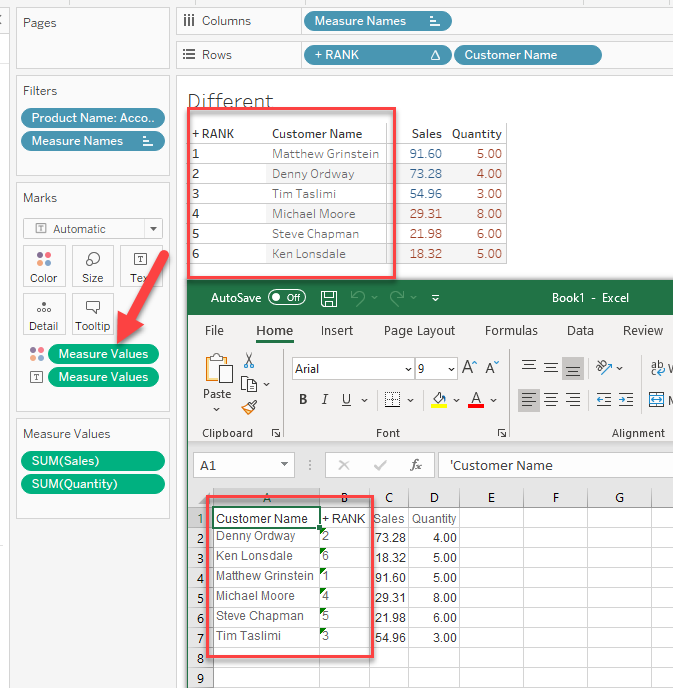
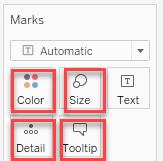
When adding a table calculation field in the view and then add another field in Mark Card, Then the downloaded CSV file looks different from Tableau View.
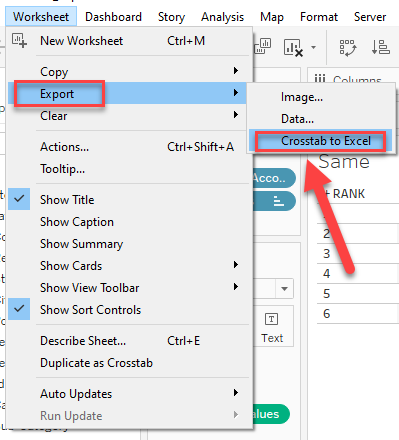
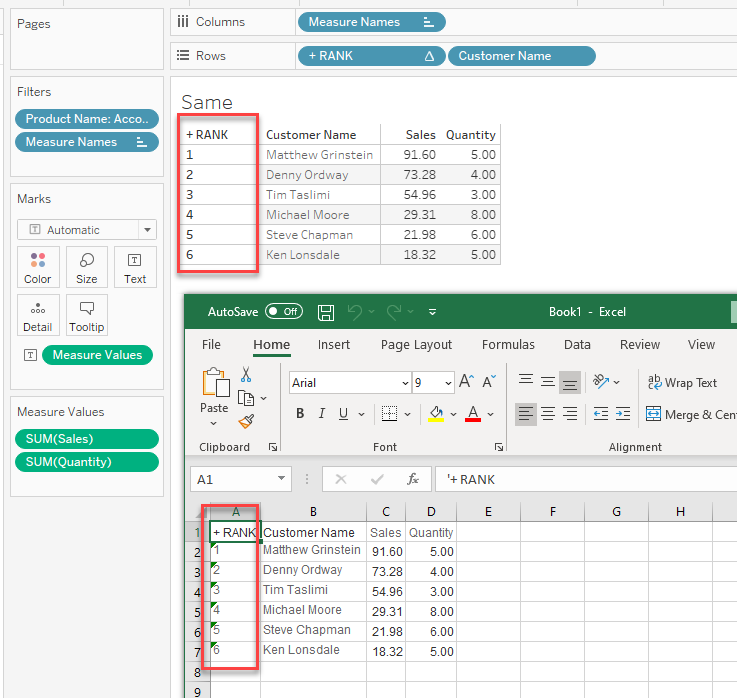
For example, when using the RANK field, The exported crosstab are as follows:
When no field is added in the [Color] mark, it works well.
When a field is added in [Color], the row order are different.
Løsning
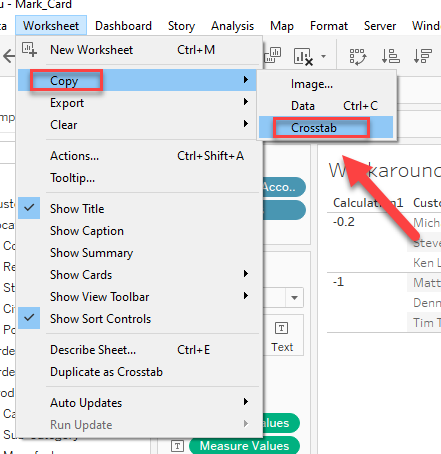
2. Please manually set the order of the rows using the [Sort] function.
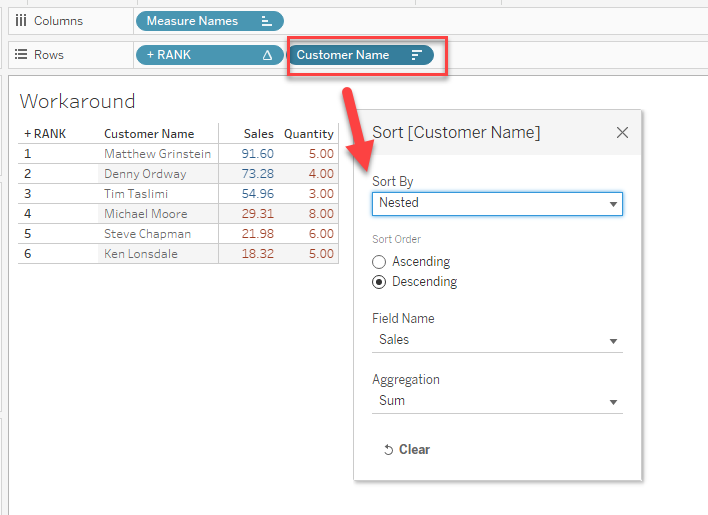
Please check the attached workbook, [Workaround] worksheet.
Yderligere ressourcer
Vidensartikelnummer
001474307
Løste denne artikel dit problem?
Giv os besked, så vi kan forbedre os!
