Sélectionner une organisation
"Error Code 94912244 Bad connection" when connecting to Spark SQL from Tableau Desktop
Date de publication: Feb 24, 2026
Description
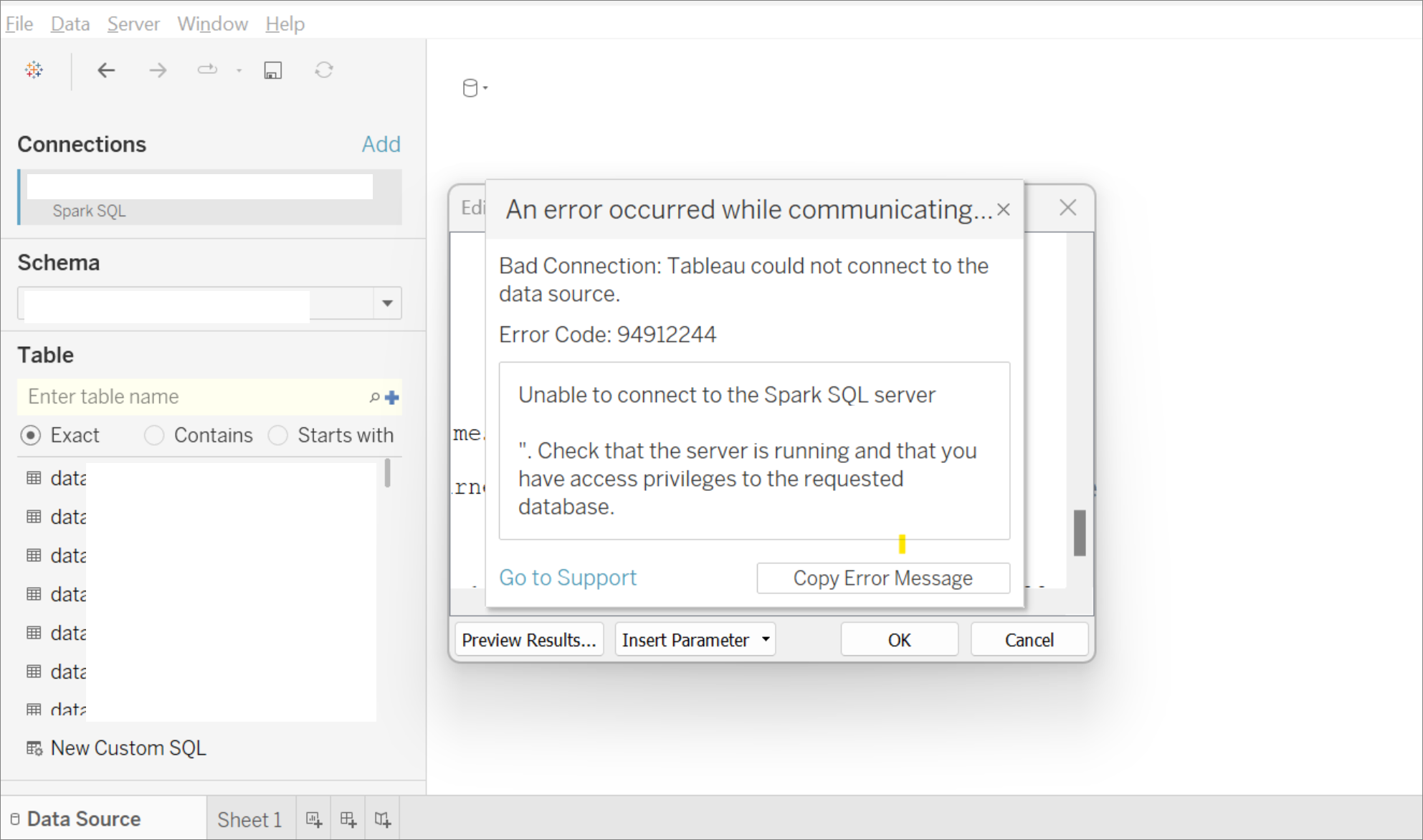
When dragging tables for a Spark SQL connection onto the canvas in Tableau Desktop, the following error can occur:
Bad Connection: Tableau could not connect to the data source.
Error Code 94912244
Unable to connect to the Spark SQL server.
Check that the server is running and that you have access privileges to the requested database.
Cause
Data source permission issue.
Résolution
- Check if Databricks cluster's Service Principle is set up for BI passthrough.
- Check if those tables are added into the Schema on the Databricks side.
Ressources supplémentaires
Numéro d’article de la base de connaissances
001475379
Cet article a-t-il résolu votre problème ?
Dites-nous ce que nous pouvons améliorer !
