Seleziona un'organizzazione
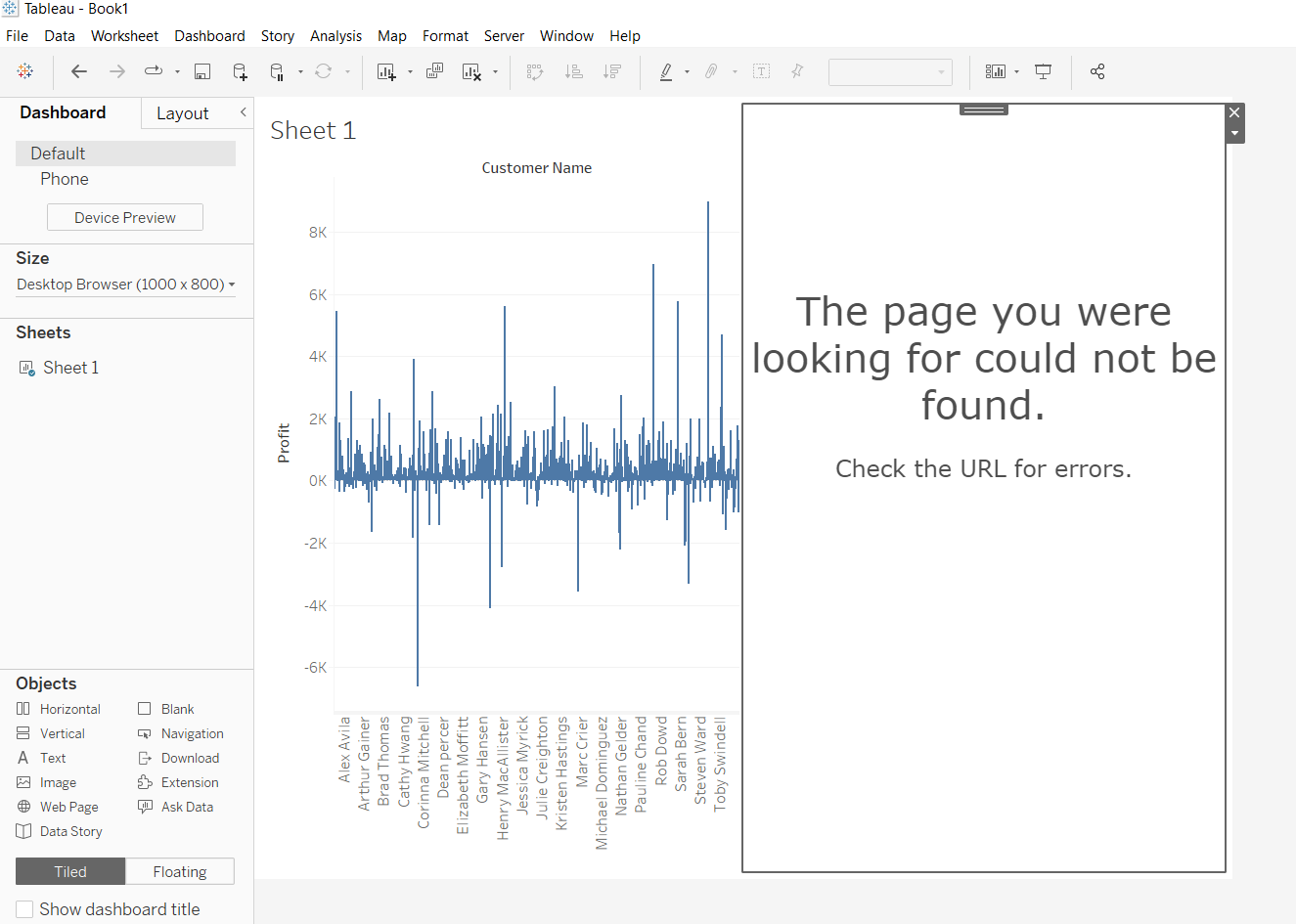
The page you were looking for could not be found. Check the URL for errors." When creating data story in Tableau Desktop.
Data pubblicazione: Apr 24, 2025
Descrizione
"The page you were looking for could not be found. Check the URL for errors."
Cause
Data story is only supported in Tableau Cloud. The functionality is not available for Tableau Server.Risoluzione
Risorse aggiuntive
Numero articolo Knowledge
001496977
Questo articolo ha risolto il problema?
Facci sapere, così possiamo migliorare!
