Velg en organisasjon
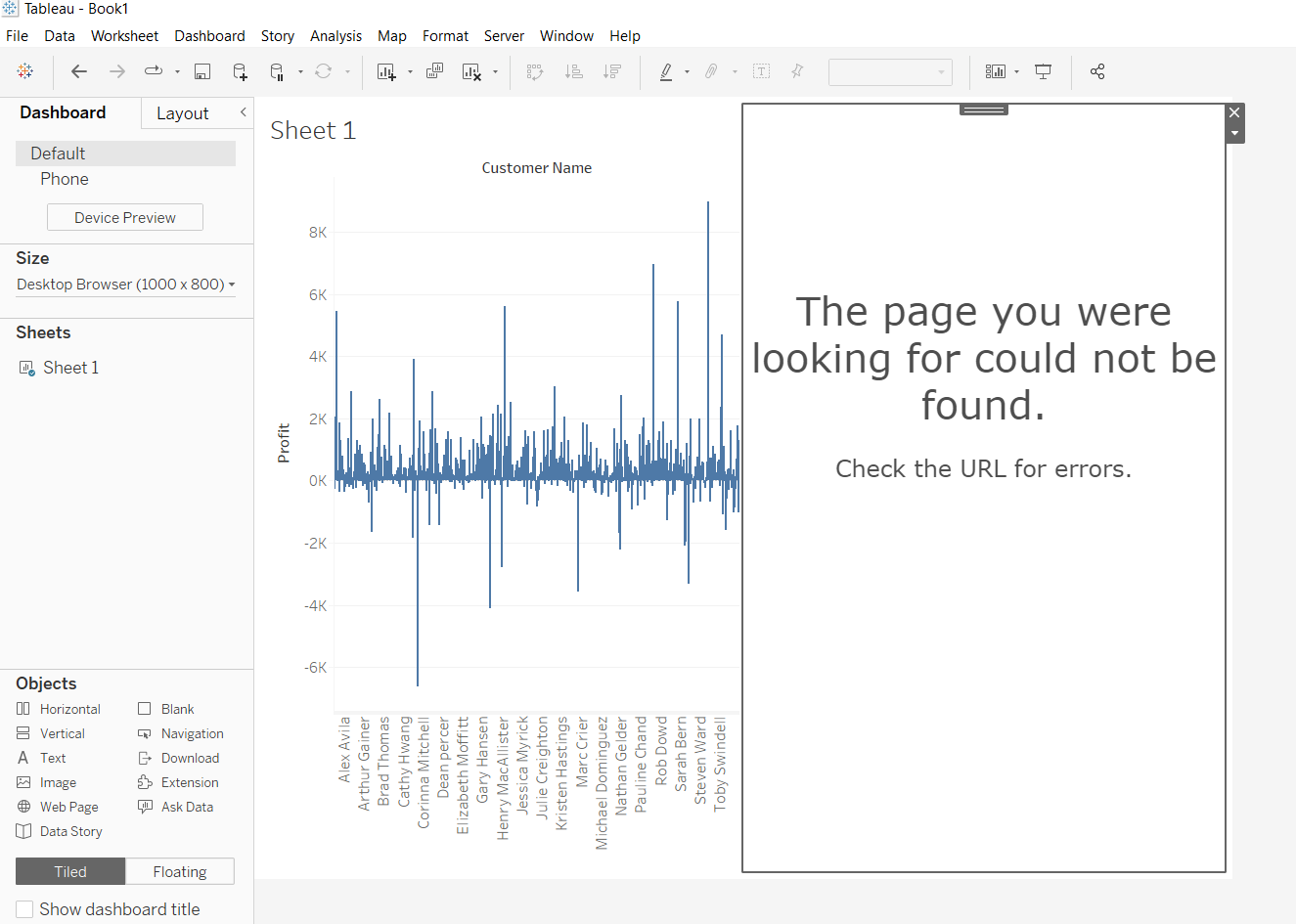
The page you were looking for could not be found. Check the URL for errors." When creating data story in Tableau Desktop.
Publiseringsdato: Apr 24, 2025
Beskrivelse
"The page you were looking for could not be found. Check the URL for errors."
Cause
Data story is only supported in Tableau Cloud. The functionality is not available for Tableau Server.Løsning
Flere ressurser
Knowledge-artikkelnummer
001496977
Hjalp denne artikkelen med å løse problemet ditt?
La oss få vite det slik at vi kan forbedre!
