組織を選択
Error "An item with the same key has already been added Key" Occurs When migrating one workbook and one published data source by CMT
公開日: Apr 13, 2024
説明
When you try to migrate one workbook and one published data source by CMT 2022.2.1, the following error might occur:
An item with the same key has already been added Key: Sheet 1
The migration of the workbooks and the data sources are successful after receiving the error but the following issues remains.
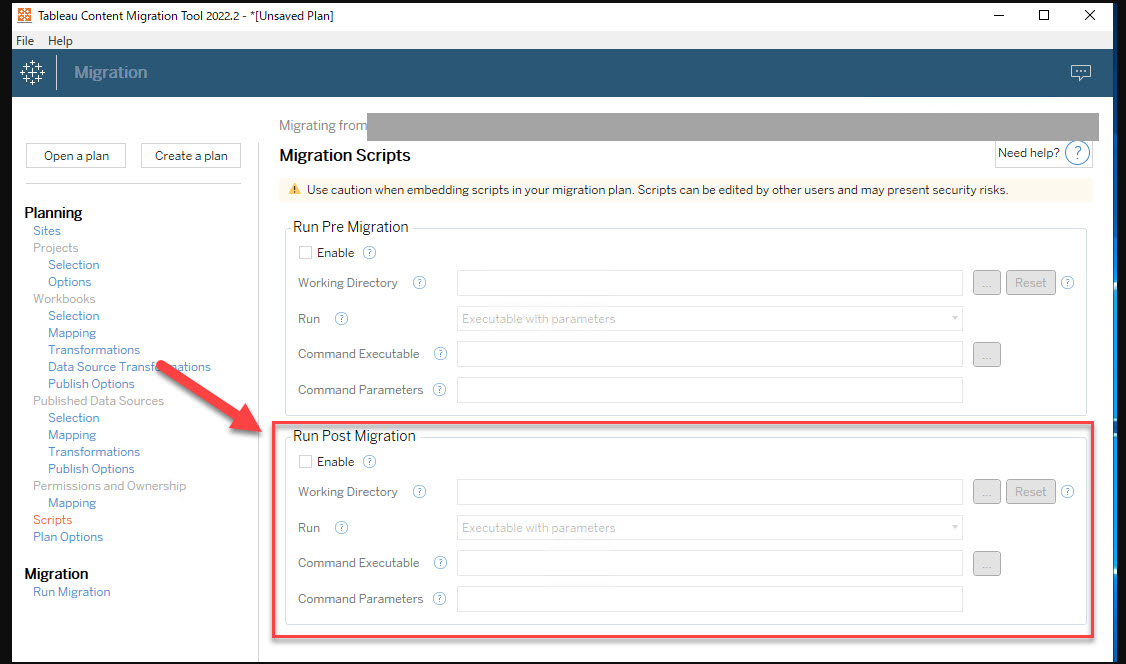
1. Post migration script will not run
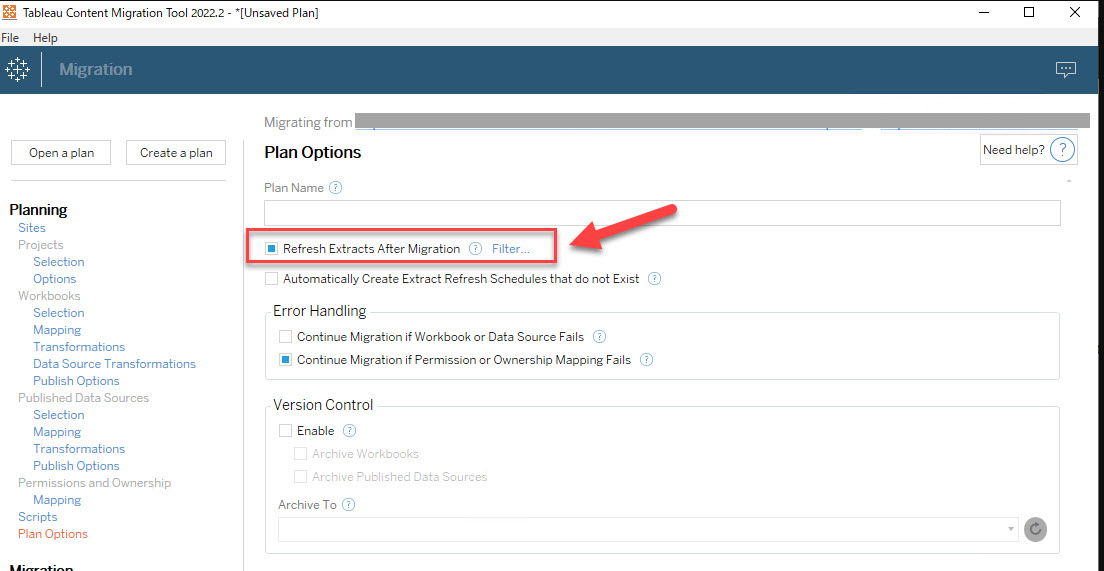
2. Extracts won't be refreshed
Cause
This is a known issue that is being addressed by the development team.解決策
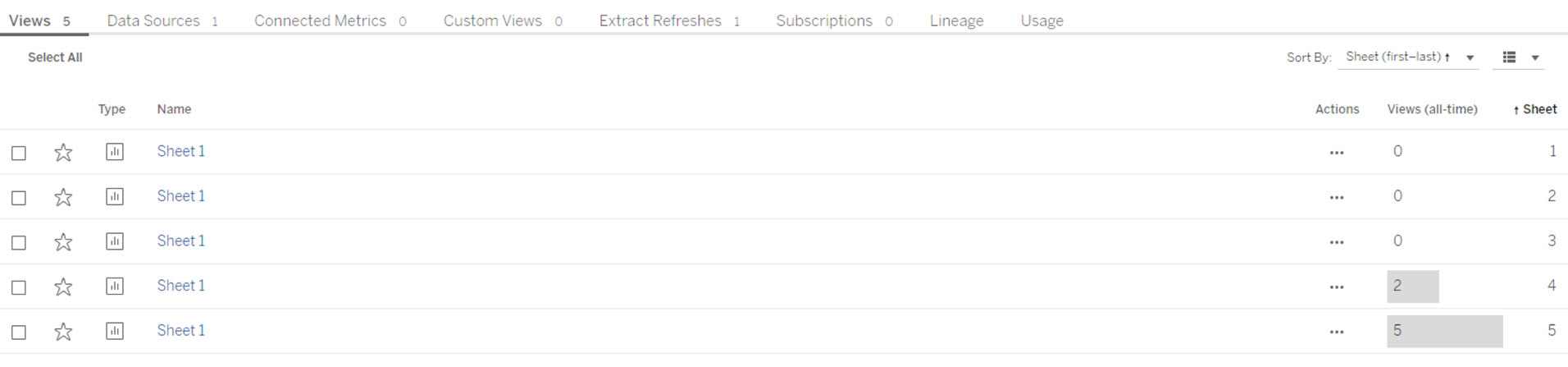
Error occurs when there are workbooks with multiple views with the same name exist on the destination server.
Ideally, a workbook will never have views with the same name. The multiple views issue can occur in test servers or when content doesn't get deleted properly.
<Example: workbooks with multiple views with the same name>
その他のリソース
ナレッジ記事番号
001497156
この記事で問題は解決されましたか?
ご意見をお待ちしております。
