組織を選択
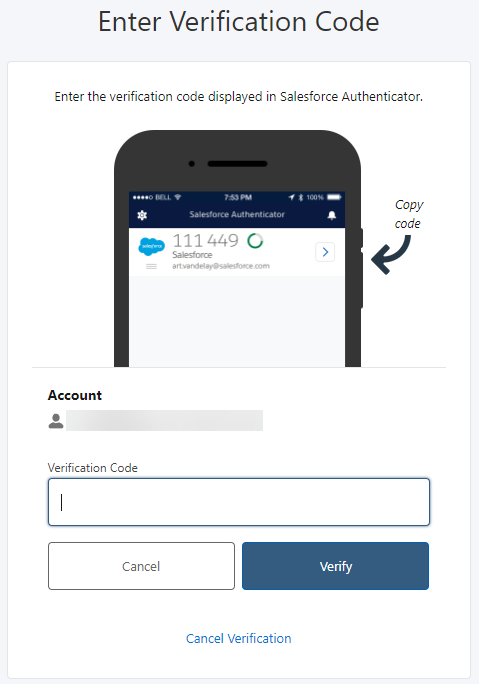
Unable to Sign In To Tableau Cloud And Verification Code Is Required
公開日: Aug 15, 2025
説明
MFA verification method has not been configured previously and you cannot sign in to Tableau Cloud in this state.
Cause
This is a deadlock situation where the authentication is required to sign in to use Tableau Cloud, but the app is not found to display the verification code and the user has no means to authenticate.MFA authentication became a Tableau Cloud requirement beginning February 1, 2022. For more information refer to Multi-Factor Authentication and Tableau Cloud
解決策
Step 1
As a workaround, reset the MFA following the procedure described in Reset MFA
- Reset MFA can be done by Site Admin site role, please ask your Site Admin to reset MFA for you.
- If you are the only Site Admin, you'll need to open a Support case for assistance. For more information, see information on options to contact Tableau Technical Support.
Step 2
After resetting the MFA, next time when you sign in to Tableau Cloud, you can register a new MFA method as described in Register for multi-factor authentication
その他のリソース
If the authentication app is installed on the phone, you will see the verification code displayed in the app like below.
Tableau Cloud MFA (multi-factor authentication) FAQ
ナレッジ記事番号
001497546
この記事で問題は解決されましたか?
ご意見をお待ちしております。
