Vælg en organisation
Color Legend Appears in Multiple Columns after Publishing the Workbook
Udgivelsesdato: Apr 13, 2024
Beskrivelse
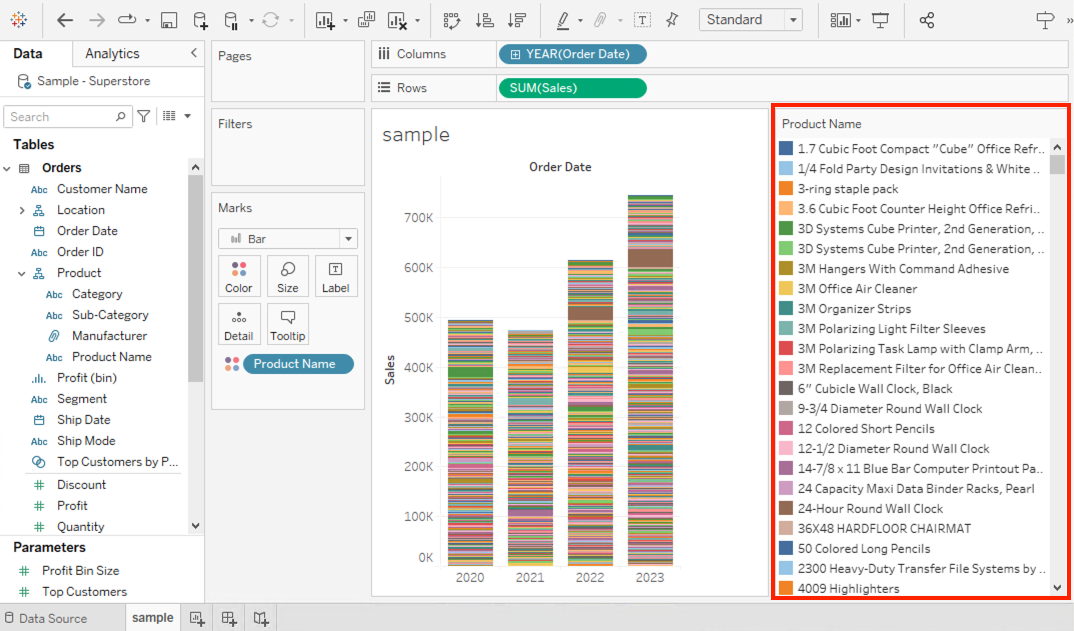
In Tableau Desktop, the color legend appears in a single column, and vertical scroll bar is displayed when the legend values are not fully displayed.
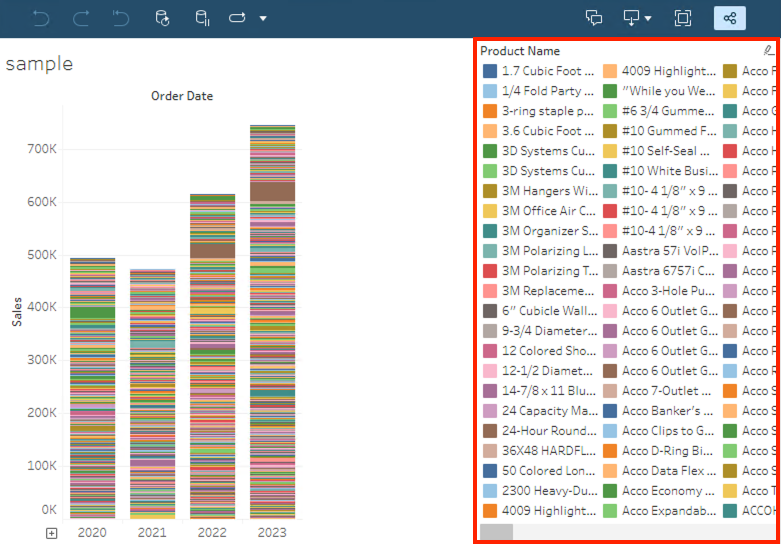
However, the color legend appears in multiple columns and horizontal scroll bar is displayed after publishing the workbook.
Cause
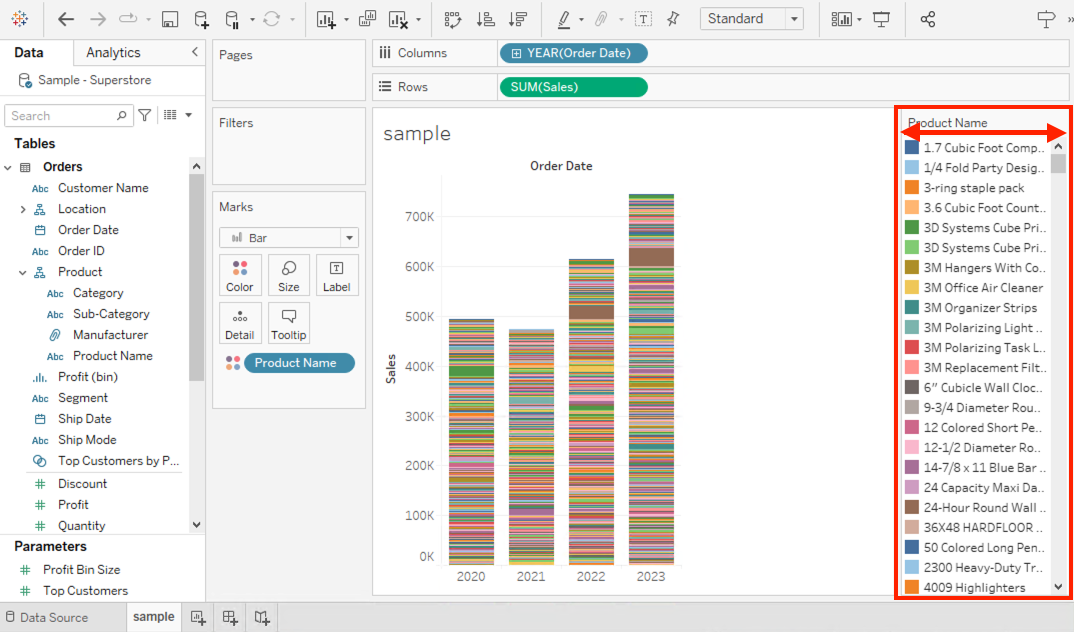
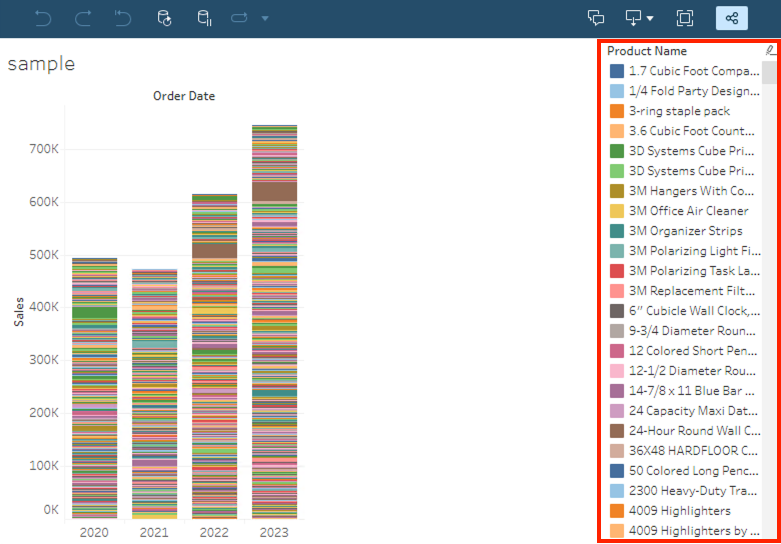
Color legends are displayed wrapped in multiple columns when they don't fit in the layout by design.Løsning
Yderligere ressourcer
Vidensartikelnummer
001497800
Løste denne artikel dit problem?
Giv os besked, så vi kan forbedre os!
