Sélectionner une organisation
Fields placed on the column/row shelf are displayed stretched horizontally and cannot be reverted.
Date de publication: Feb 26, 2025
Description
Fields placed on the column/row shelf are now displayed horizontally and cannot be reverted.
<Current behavior>
<Desired behavior>


Cause
This behavior is by design.Résolution
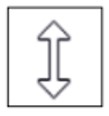

You can then revert to the vertical alignment.
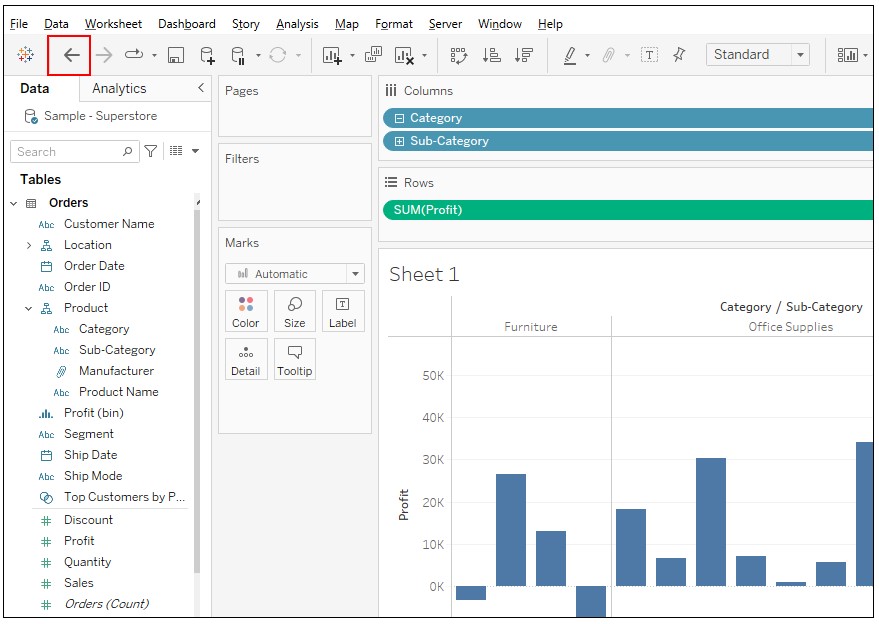
*If you want to restore the default shelf height, you cannot do so by pressing the shortcut "ctrl + z" or "Undo" button.
"Undo" button is below.
Numéro d’article de la base de connaissances
001498427
Cet article a-t-il résolu votre problème ?
Dites-nous ce que nous pouvons améliorer !
