Välj en organisation
Fields placed on the column/row shelf are displayed stretched horizontally and cannot be reverted.
Publiceringsdatum: Feb 26, 2025
Beskrivning
Fields placed on the column/row shelf are now displayed horizontally and cannot be reverted.
<Current behavior>
<Desired behavior>


Cause
This behavior is by design.Lösning
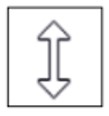

You can then revert to the vertical alignment.
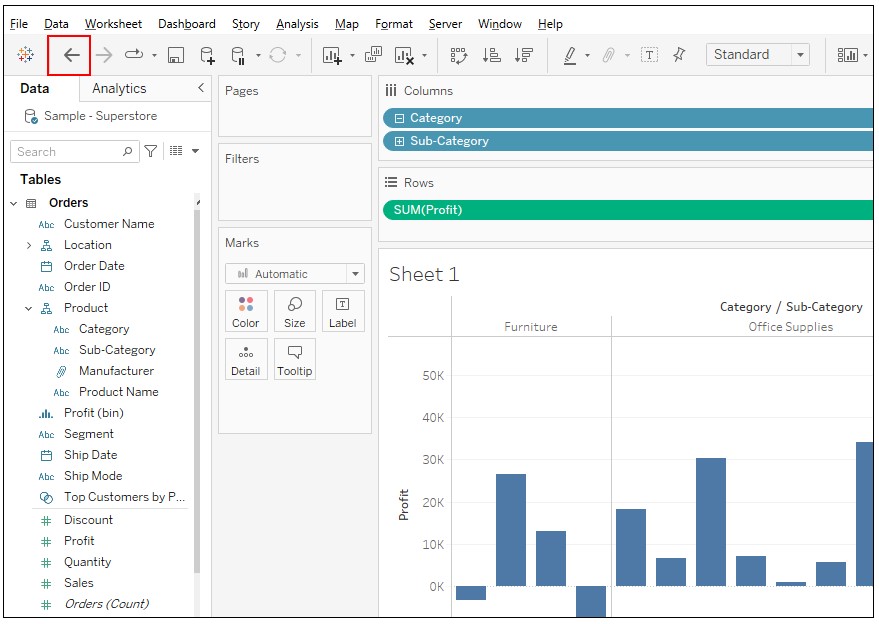
*If you want to restore the default shelf height, you cannot do so by pressing the shortcut "ctrl + z" or "Undo" button.
"Undo" button is below.
Knowledge-artikelnummer
001498427
Löste denna artikel ditt problem?
Berätta för oss vad vi kan förbättra!
