Vælg en organisation
How to activate Tableau Prep Builder using Tableau Cloud
Udgivelsesdato: Mar 31, 2026
Opgave
Trin
- Prep's support for External Browser Authentication during LBLM is available as part of 2026.1.
https://help.tableau.com/current/online/en-us/license_lblm.htm
--------------------------------------------------
For 2025.3.x and earlier release :
Step 1
Determine the Cloud site URL by performing the following steps.
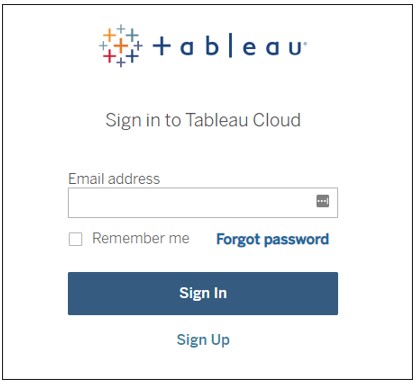
1. Enter the Cloud login page into your web browser:
2. Enter your E-mail address.
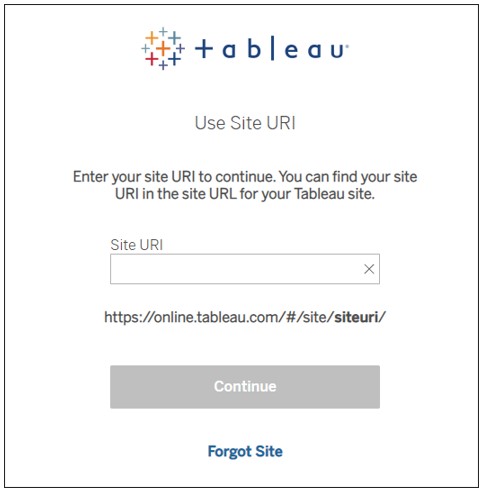
3. Enter your configured site URI.
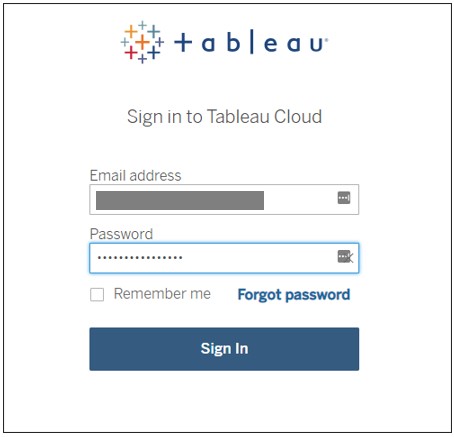
4. Enter your password and Sign In.
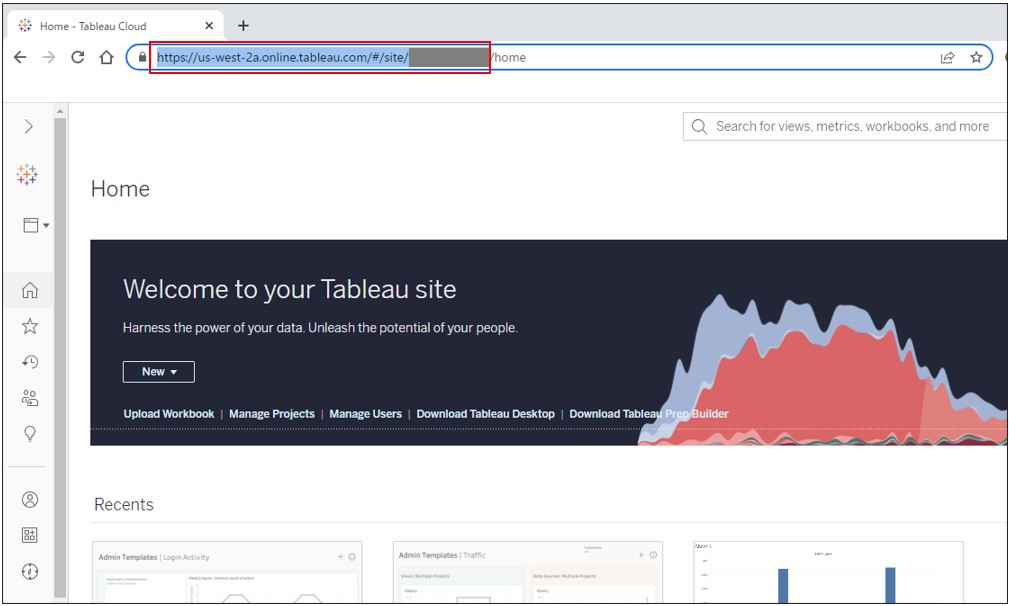
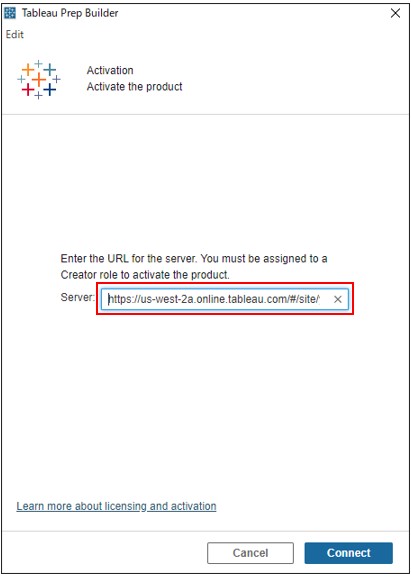
5. In the Tableau Cloud home page, copy the URL up to the site URI portion of the URL.
Step 2
Activate Tableau Prep Builder.
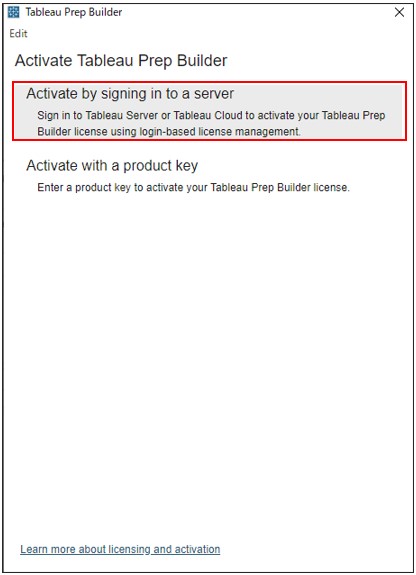
6. Open Tableau Prep Builder and the activate dialog will open. Select Activate by signing in to a Server.
7. Enter site URL copied in procedure 5.
8. Enter your email address and password to sign in to Tableau Cloud and you are activated.
Vidensartikelnummer
001498729
Løste denne artikel dit problem?
Giv os besked, så vi kan forbedre os!
