Välj en organisation
How To Control the Number of Bins using the Parameter
Publiceringsdatum: Feb 24, 2026
Uppgift
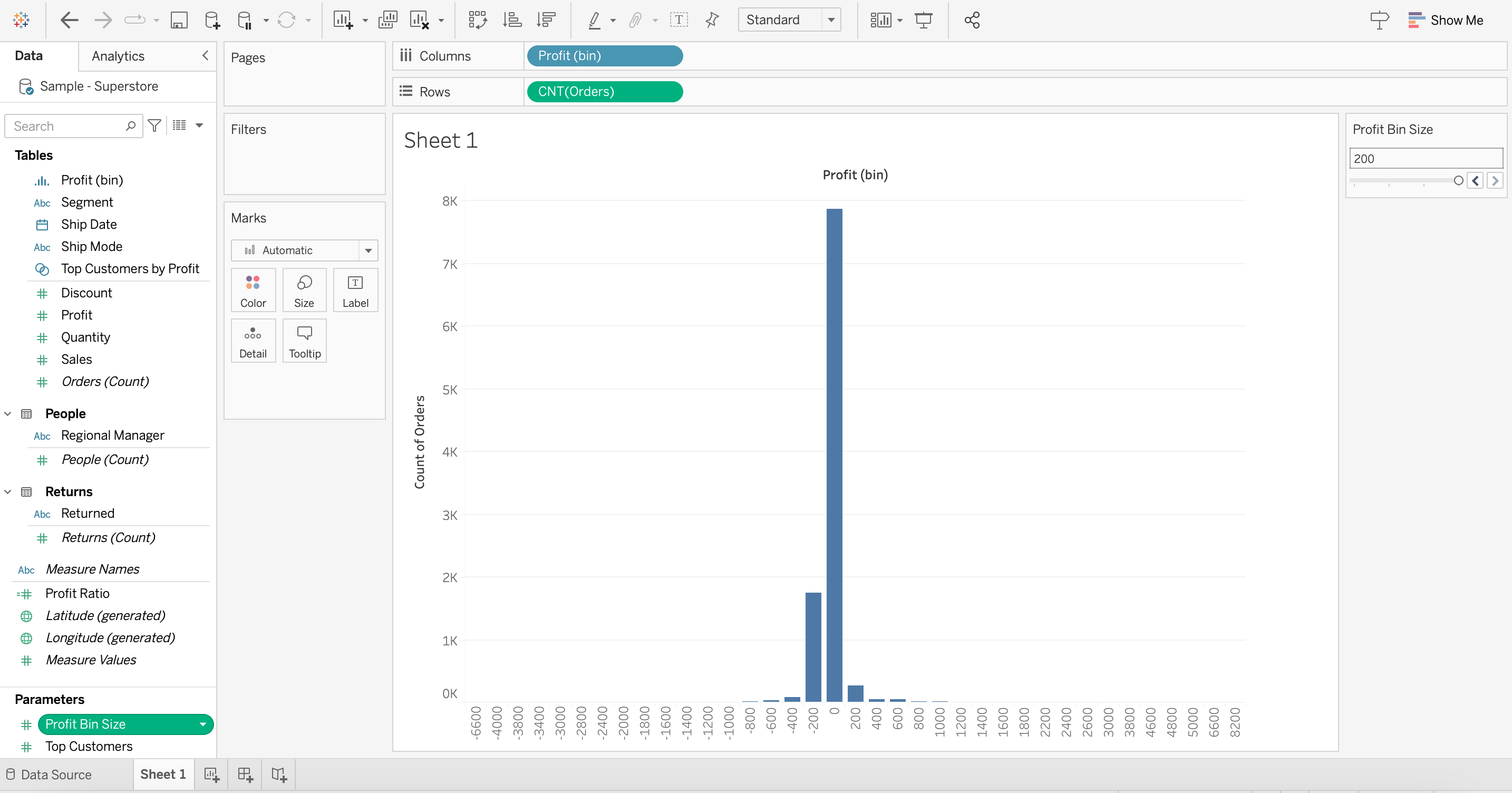
Before:
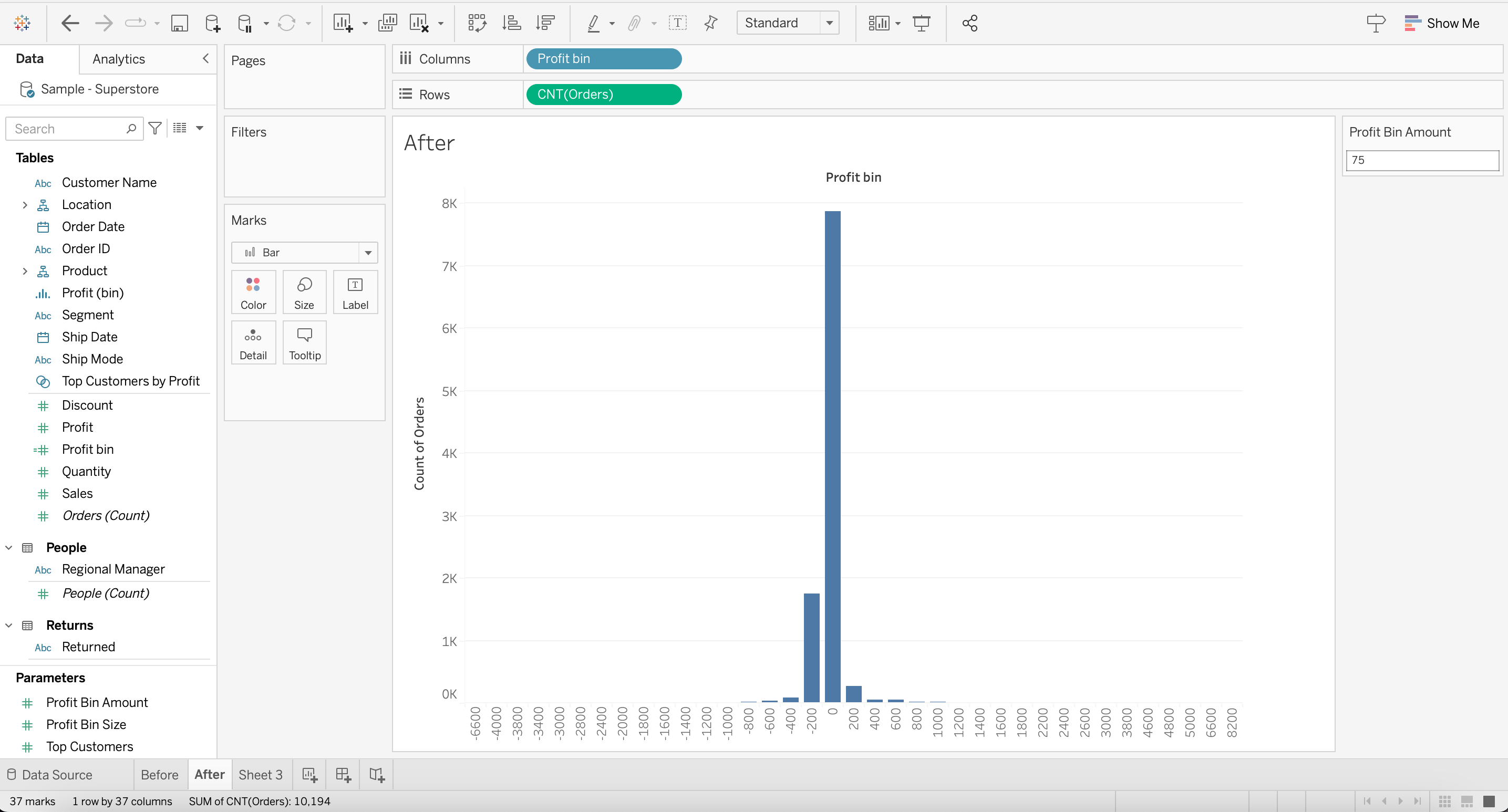
After:
Steg
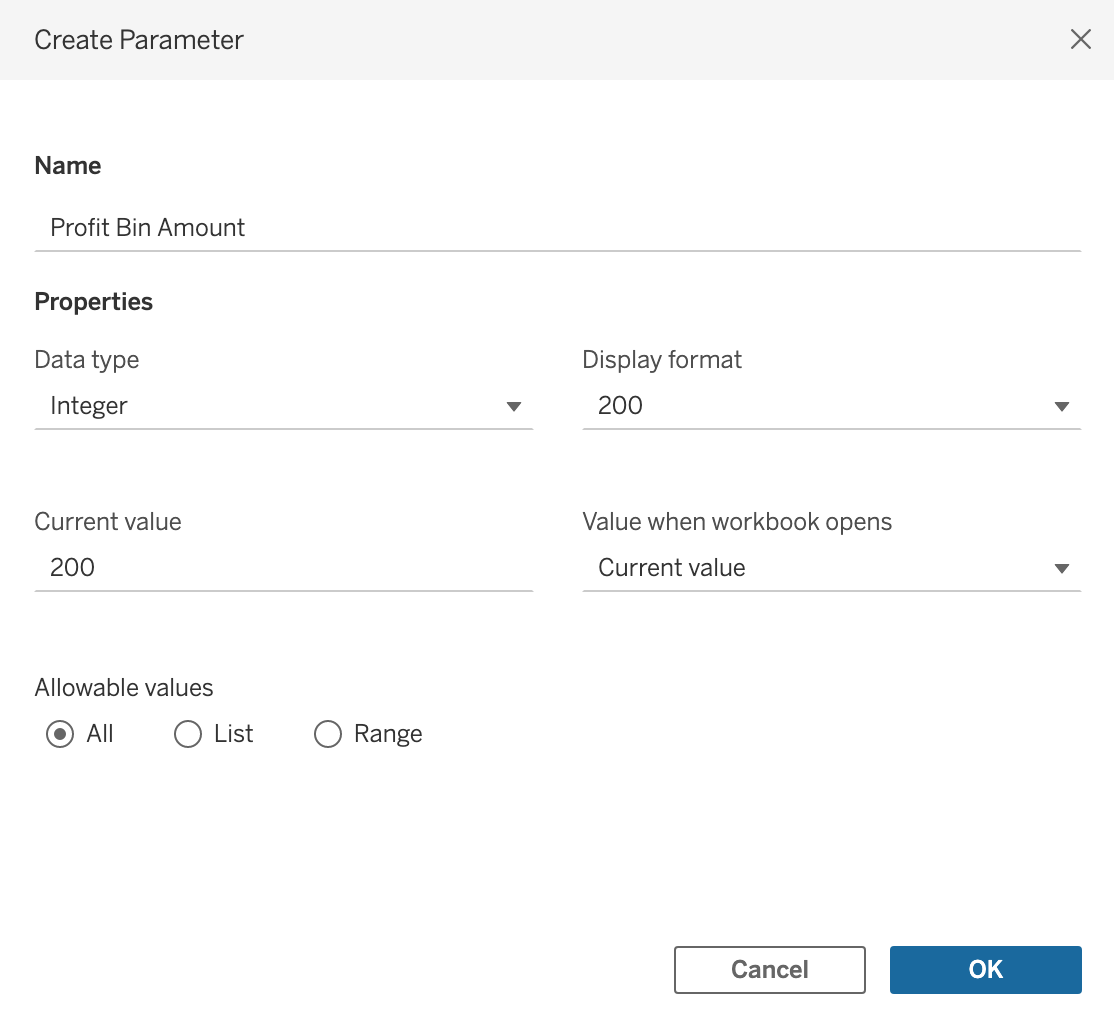
2. Create the following calculated field [Profit bin]:
IF [Profit]>=0 THEN
(INT([Profit]/
ROUND({(MAX([Profit])-MIN([Profit]))/[Profit Bin Amount]})
))
ELSE
(INT([Profit]/
ROUND({(MAX([Profit])-MIN([Profit]))/[Profit Bin Amount]})
)-1)
END
*(ROUND({(MAX([Profit])-MIN([Profit]))/[Profit Bin Amount]}))
3. Drag [Profit bin] to [Columns] and convert it to dimension
4. Drag [Orders (Count)] to [Rows]
5. Use the parameter [Profit Bin Amount] to change the amount of bins
See the attached sample workbook.
Ytterligare resurser
Manually Choosing the Number of Bins Within a Certain Data Set
Knowledge-artikelnummer
001498732
Löste denna artikel ditt problem?
Berätta för oss vad vi kan förbättra!
