Sélectionner une organisation
'Advanced' Tab Not Available in Connector Window of Databricks on Tableau Server and Tableau Cloud
Date de publication: May 7, 2025
Description
Issue
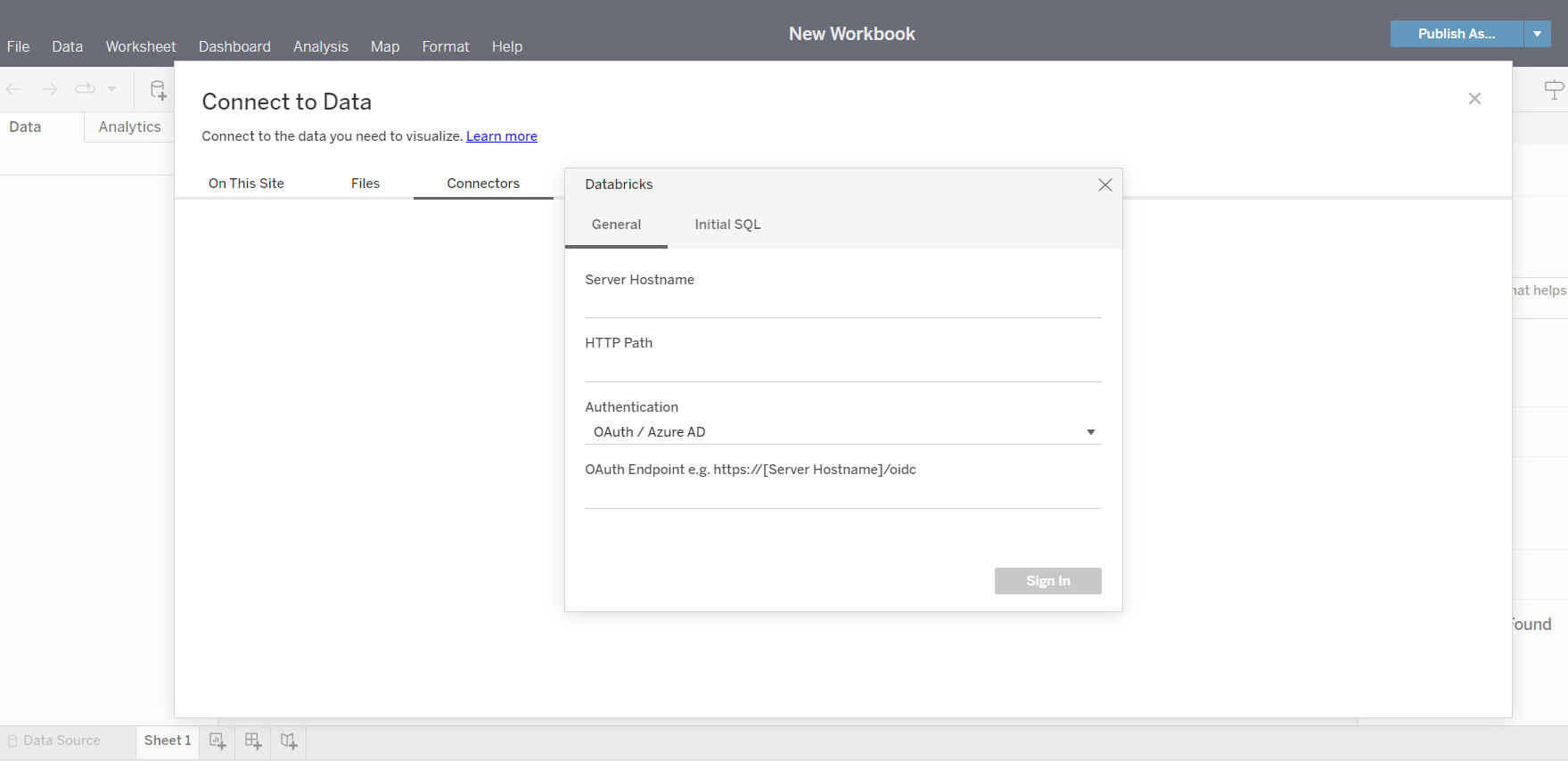
When connecting to Databricks from Tableau Server or Tableau Cloud, the 'Advanced' tab is not available in the connector window. However, the 'Advanced' tab can be displayed in Tableau Desktop Databricks connector.
Cause
Tableau Server and Tableau Cloud currently do not have the 'Advanced' tab available in the connector window of Databricks.
See sample screenshot below:
Résolution
As a workaround, use Tableau Desktop to connect to Databricks and key in the required extra ODBC parameter values in the 'Advanced' tab, then publish the data source/workbook to Tableau Server or Tableau Cloud.
Vote on the Tableau Salesforce Idea to have this option in a future release.
Numéro d’article de la base de connaissances
001534344
Cet article a-t-il résolu votre problème ?
Dites-nous ce que nous pouvons améliorer !
