組織を選択
'Advanced' Tab Not Available in Connector Window of Databricks on Tableau Server and Tableau Cloud
公開日: May 7, 2025
説明
Issue
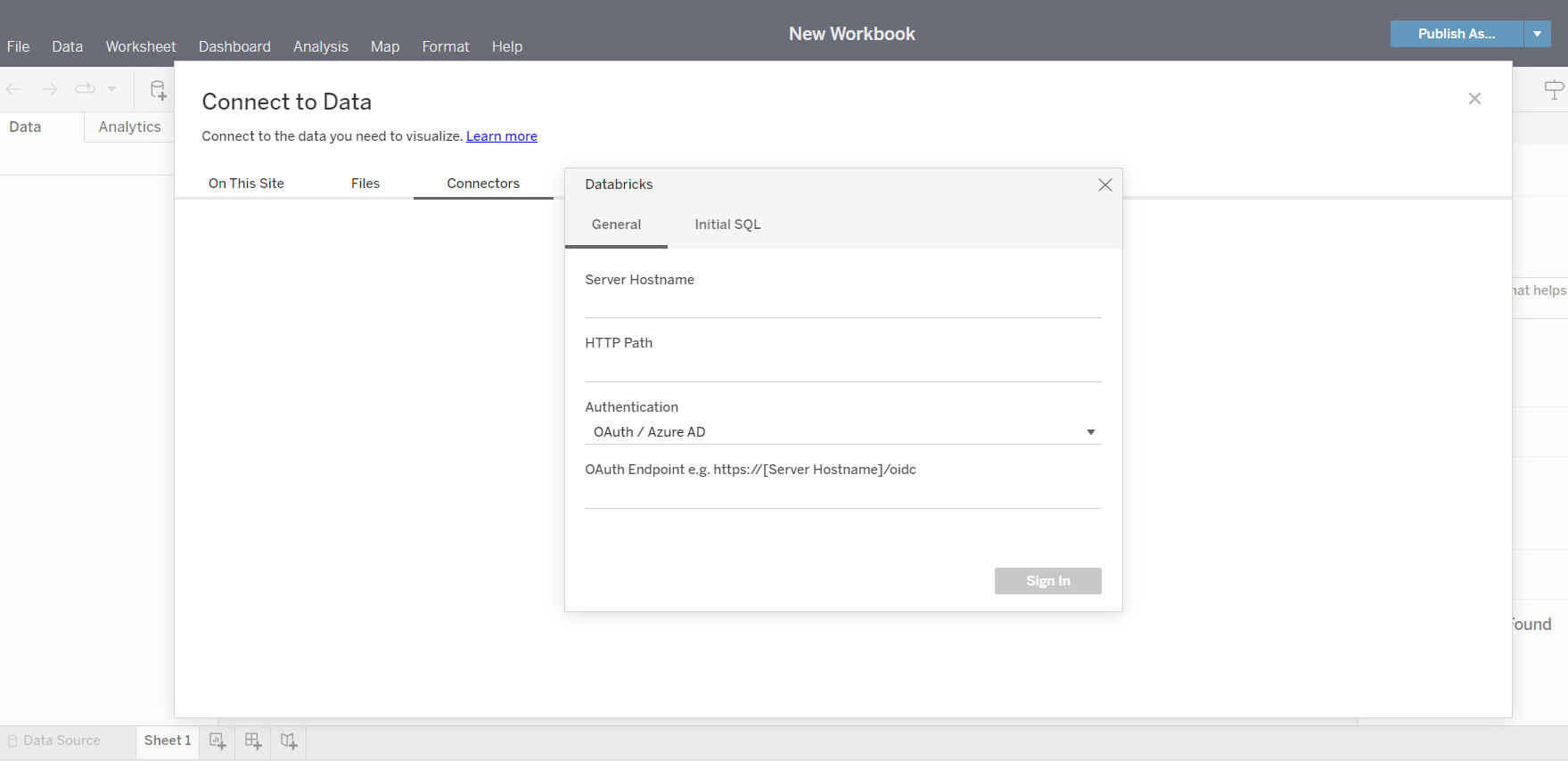
When connecting to Databricks from Tableau Server or Tableau Cloud, the 'Advanced' tab is not available in the connector window. However, the 'Advanced' tab can be displayed in Tableau Desktop Databricks connector.
Cause
Tableau Server and Tableau Cloud currently do not have the 'Advanced' tab available in the connector window of Databricks.
See sample screenshot below:
解決策
As a workaround, use Tableau Desktop to connect to Databricks and key in the required extra ODBC parameter values in the 'Advanced' tab, then publish the data source/workbook to Tableau Server or Tableau Cloud.
Vote on the Tableau Salesforce Idea to have this option in a future release.
ナレッジ記事番号
001534344
この記事で問題は解決されましたか?
ご意見をお待ちしております。
