选择组织
'Advanced' Tab Not Available in Connector Window of Databricks on Tableau Server and Tableau Cloud
发布日期: May 7, 2025
描述
Issue
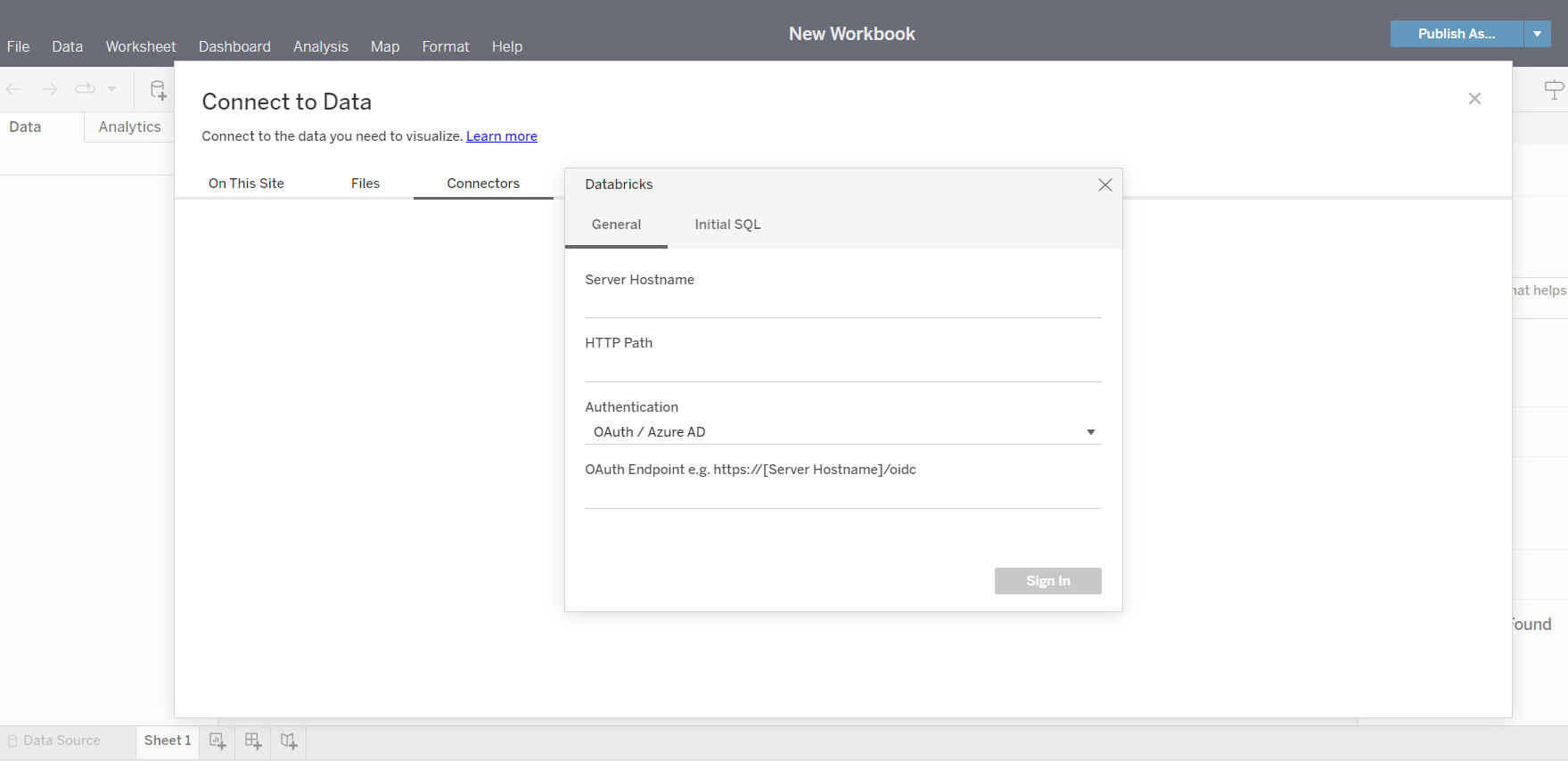
When connecting to Databricks from Tableau Server or Tableau Cloud, the 'Advanced' tab is not available in the connector window. However, the 'Advanced' tab can be displayed in Tableau Desktop Databricks connector.
Cause
Tableau Server and Tableau Cloud currently do not have the 'Advanced' tab available in the connector window of Databricks.
See sample screenshot below:
解决方案
As a workaround, use Tableau Desktop to connect to Databricks and key in the required extra ODBC parameter values in the 'Advanced' tab, then publish the data source/workbook to Tableau Server or Tableau Cloud.
Vote on the Tableau Salesforce Idea to have this option in a future release.
知识文章编号
001534344
本文章是否解决您的问题?
请与我们共享您的想法,以便我们进行改进!
