Velg en organisasjon
Error "Activation has expired." When Adding New User On Tableau Cloud
Publiseringsdato: Feb 26, 2025
Beskrivelse
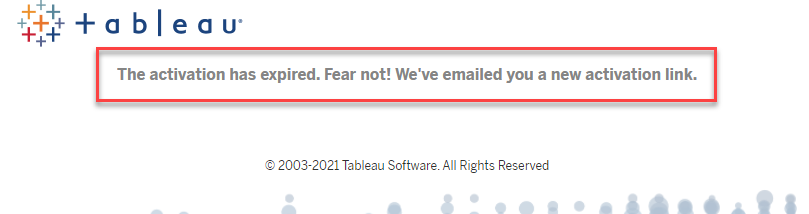
When adding a user to Tableau Cloud, clicking "Join Now" button shows the error:
The activation has expired. Fear now! We've emailed you a new activation link.
Cause
48 hour expiration time for the invitation is by design.Løsning
- Option 1: A new email will be sent to the user automatically right after the message displayed. Please check inbox for the new invitation email and try the activation from the new link/email.
- Option 2: Tableau Cloud site admin can delete and re-add the user, then a new invitation email will be sent.
Flere ressurser
When you add a user to Tableau Cloud site,
an email title [You've Been Invited to Tableau Cloud] will be sent to the user.
- if the user already have a Tableau ID account, [Sign In] button is displayed in the email. Clicking the button will open Tableau Cloud login page.
- if the user doesn't have a Tableau ID account, [Join Now] button is displayed in the email. Clicking the button will open a registration page for creating a Tableau ID account.
- [Join Now] button/link has a 48 hours expiration time.

Tableau Cloud Getting Started and Unable To Access Site After Purchase
Knowledge-artikkelnummer
001534417
Hjalp denne artikkelen med å løse problemet ditt?
La oss få vite det slik at vi kan forbedre!
