Select An Org
Tableau Desktop Freezes When Using Crosstab to Excel Function With a Large Amount of Data
Publish Date: Apr 13, 2024
Description
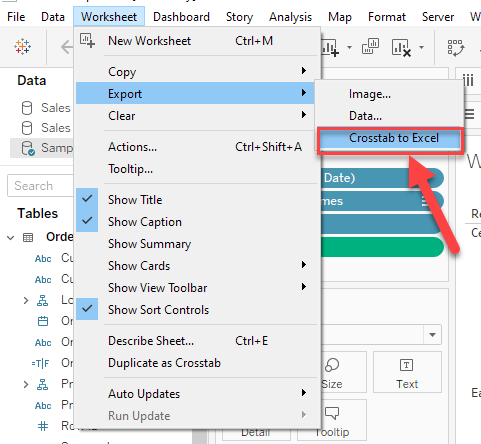
Tableau Desktop freezes when exporting data with the Worksheet > Export > Crosstab to Excel function and using a very large data set.
Generally, Tableau Desktop will not be responsive until Excel opens with the exported data.
For small data in the view, it takes seconds to complete export and Tableau Desktop freezes for a short time.
But when the data is large in the view(e.g. 1 million rows of data), Tableau Desktop can freeze for over 1 hour.
Cause
Tableau Desktop stops functioning before the export process is complete when the time is excessive for Excel to build the file.Resolution
Download Views and Workbooks
Knowledge Article Number
001534946
Did this article solve your issue?
Let us know so we can improve!
