Выбрать организацию
Tableau Desktop Freezes When Using Crosstab to Excel Function With a Large Amount of Data
Дата публикации: Apr 13, 2024
Описание
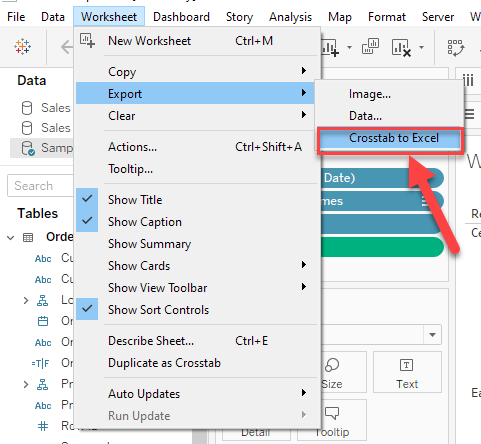
Tableau Desktop freezes when exporting data with the Worksheet > Export > Crosstab to Excel function and using a very large data set.
Generally, Tableau Desktop will not be responsive until Excel opens with the exported data.
For small data in the view, it takes seconds to complete export and Tableau Desktop freezes for a short time.
But when the data is large in the view(e.g. 1 million rows of data), Tableau Desktop can freeze for over 1 hour.
Cause
Tableau Desktop stops functioning before the export process is complete when the time is excessive for Excel to build the file.Решение
Download Views and Workbooks
Номер статьи базы знаний
001534946
Эта статья решила вашу проблему?
Оставьте свой отзыв, чтобы мы могли стать лучше!
