조직 선택
Unable to Add Annotation Directly on Trendline
게시 일자: Apr 29, 2025
상세 설명
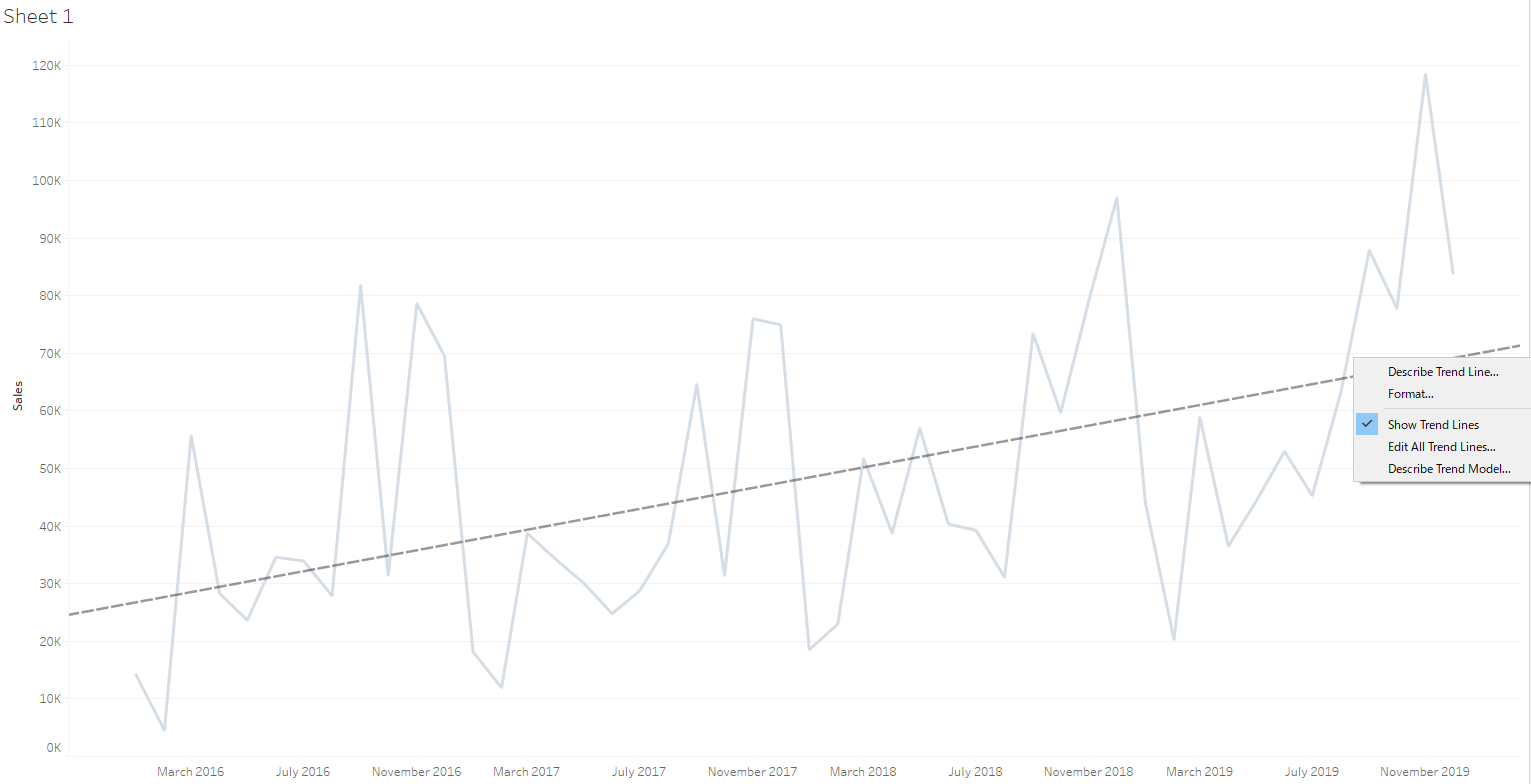
It is not possible to add an annotation directly on a trendline. No menu option show for adding an annotation when you right click on a trendline.
Cause
The ability to add an annotation directly on a trendline is not built in the product.솔루션
1. Click on the other area of the view and add an annotation first.
2. Drag the tail of annotation arrow manually and place it at the position you would like to add annotate on.
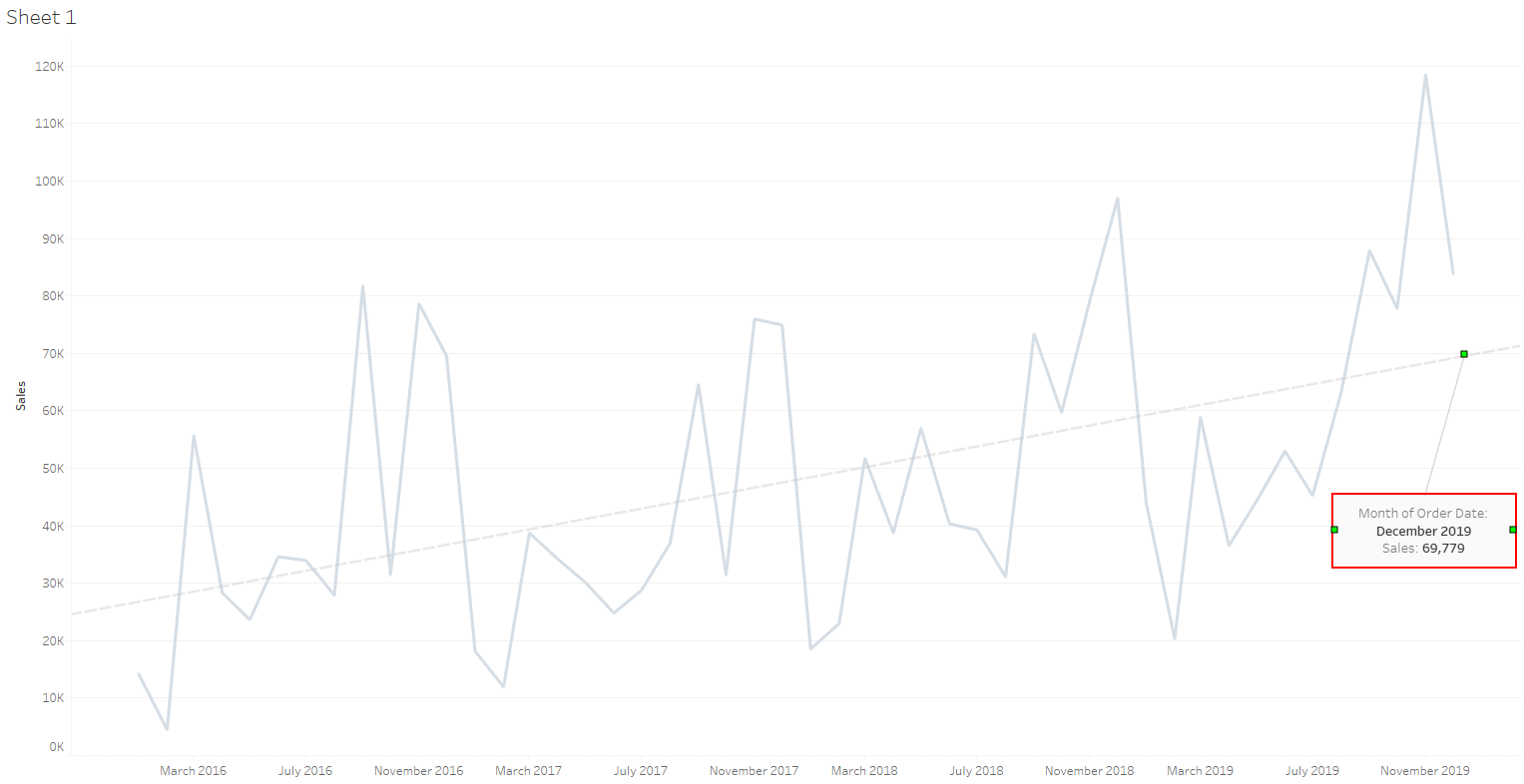
※For more detailed steps, please refer to attached video "AddingAnnotationExample.mp4"
※The annotation made above is static on the view. When data/view changes (for example filtering out some months), the annotation will not change dynamically with the view and it needs to be manually adjusted.
Knowledge 기사 번호
001534964
이 기사를 통해 문제를 해결했습니까?
개선을 위한 의견을 보내주세요.
