Seleziona un'organizzazione
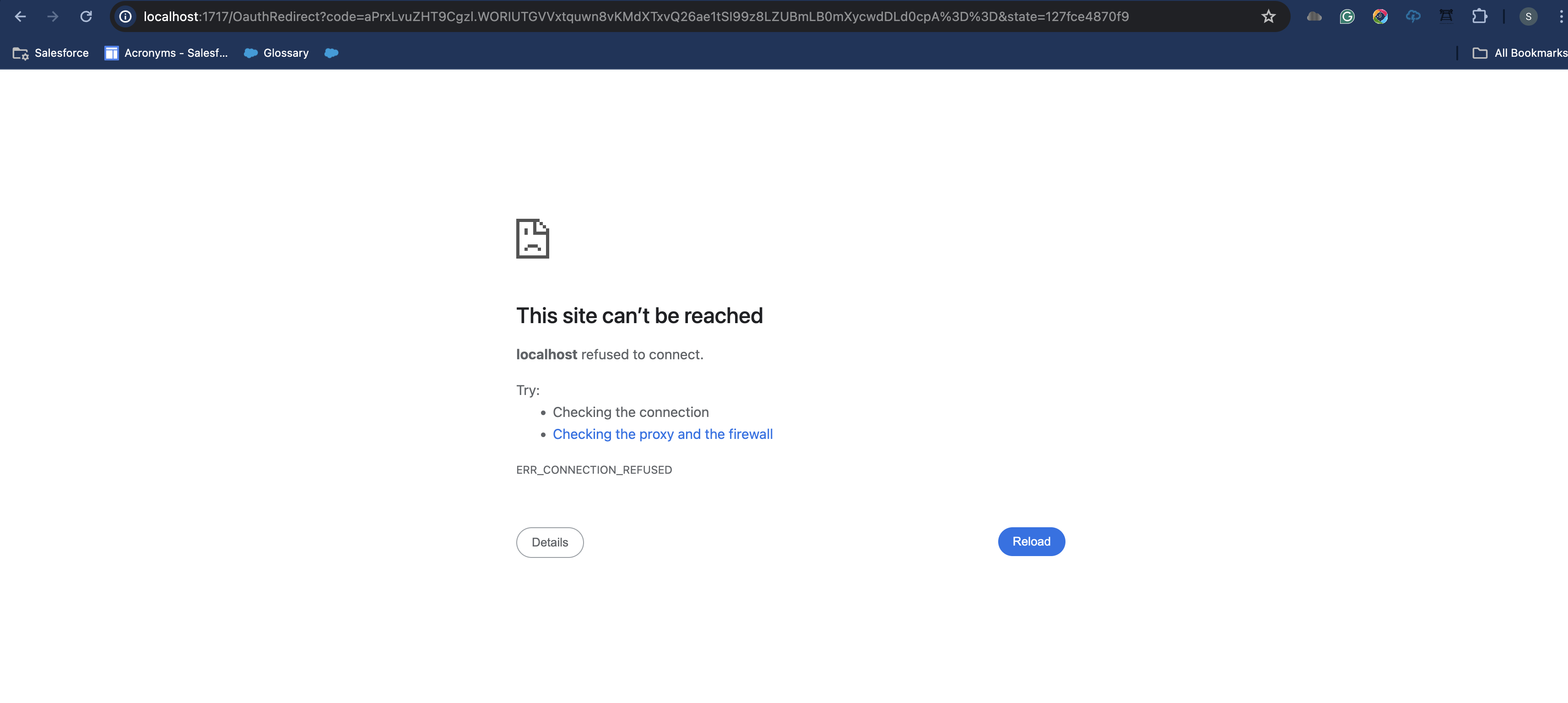
Localhost refused to connect when connecting IDX workbench to some orgs
Data pubblicazione: May 15, 2024
Descrizione
Steps to reproduce:
- "+ New Environment" on Alpha IDX Workbench application.
- Add the Organization Type by clicking on the "+" icon.
- Enter the login URL and click on OK.
- Select the login URL you just entered from the dropdown list of Organization Type. This will redirect you to the login page in a browser.
- Enter the correct login credentials (Username & Password).
- In some cases, you will be receiving a localhost error as shown below.
Risoluzione
Issue Resolution:
- This issue happens when the URL used is the Salesforce org URL but not the Domain URL.
- To resolve this please change the login URL to the domain URL as shown below:
- Wrong login URL format for IDX connection - https://unique_org_name.lightning.force.com
- Correct login URL format for IDX connection - https://unique_org_name.my.salesforce.com
- You can also find the correct login URL in your org. Navigate to Setup > Home > My Domain > Current My Domain URL.
- Once the login URL is changed repeat the steps mentioned to connect an org using the changed URL. The org will be connected as expected.
Numero articolo Knowledge
001667650
Questo articolo ha risolto il problema?
Facci sapere, così possiamo migliorare!
