組織を選択
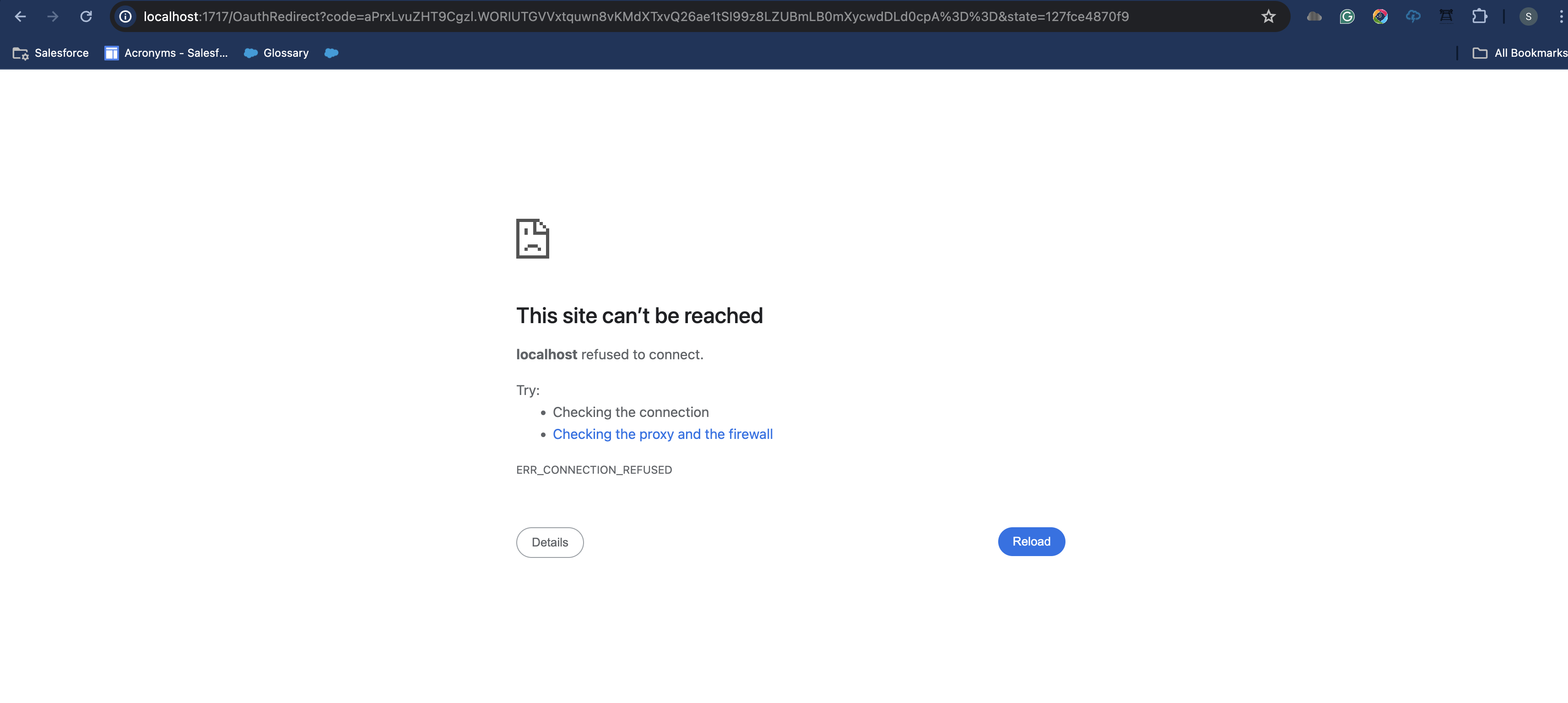
Localhost refused to connect when connecting IDX workbench to some orgs
公開日: May 15, 2024
説明
Steps to reproduce:
- "+ New Environment" on Alpha IDX Workbench application.
- Add the Organization Type by clicking on the "+" icon.
- Enter the login URL and click on OK.
- Select the login URL you just entered from the dropdown list of Organization Type. This will redirect you to the login page in a browser.
- Enter the correct login credentials (Username & Password).
- In some cases, you will be receiving a localhost error as shown below.
解決策
Issue Resolution:
- This issue happens when the URL used is the Salesforce org URL but not the Domain URL.
- To resolve this please change the login URL to the domain URL as shown below:
- Wrong login URL format for IDX connection - https://unique_org_name.lightning.force.com
- Correct login URL format for IDX connection - https://unique_org_name.my.salesforce.com
- You can also find the correct login URL in your org. Navigate to Setup > Home > My Domain > Current My Domain URL.
- Once the login URL is changed repeat the steps mentioned to connect an org using the changed URL. The org will be connected as expected.
ナレッジ記事番号
001667650
この記事で問題は解決されましたか?
ご意見をお待ちしております。
