Välj en organisation
OmniScript Elements Icon Reference
Publiceringsdatum: Sep 11, 2024
Beskrivning
-
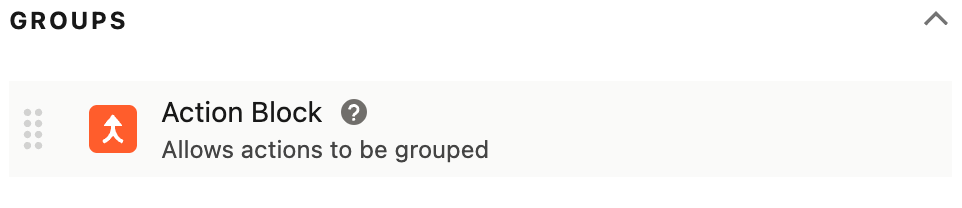
Action Block (see Action Block) (Group section)
-
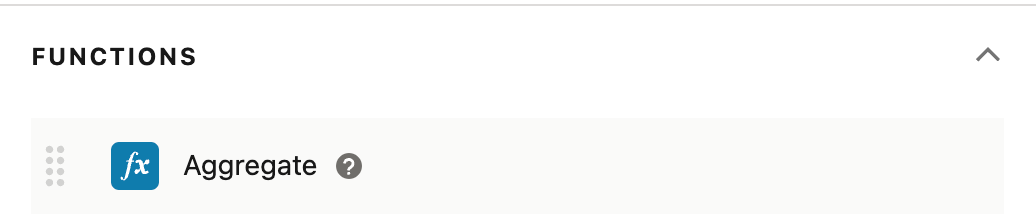
Aggregates (see Creating a Formula or Aggregate in an OmniScript) (Functions section)
-
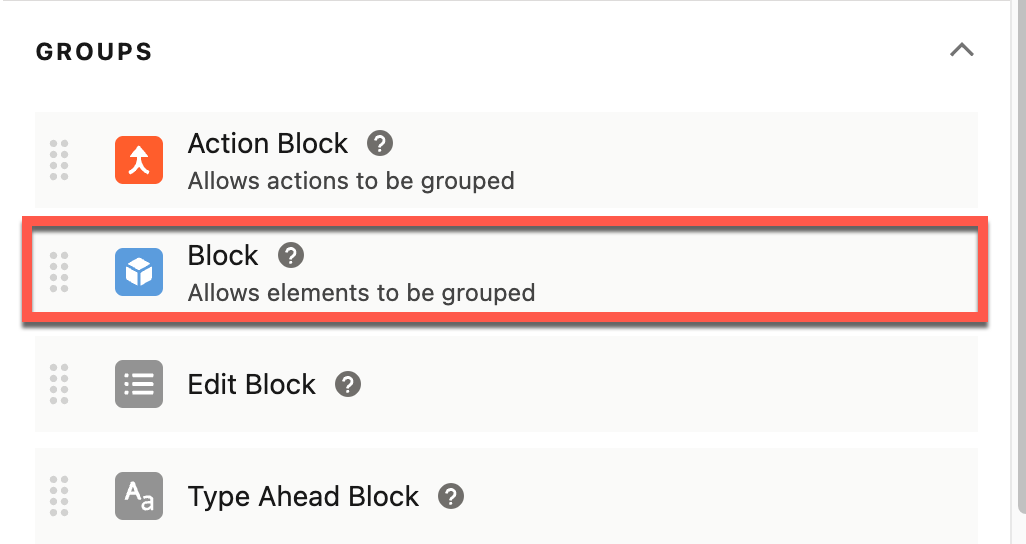
Blocks (Group section)
-
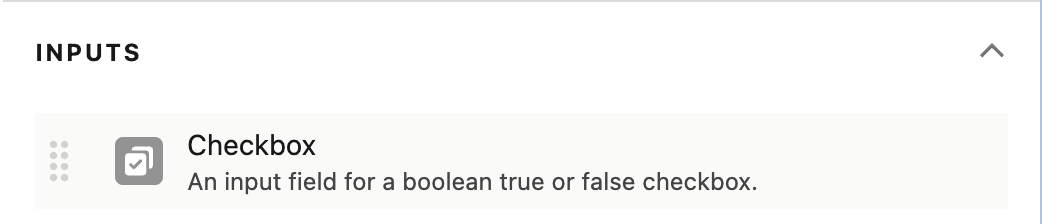
Checkbox (see OmniScript Input Components) (Input section)
-
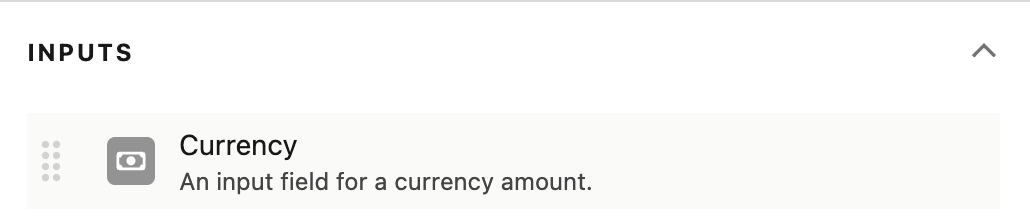
Currency (see OmniScript Input Components) (Input section)
-
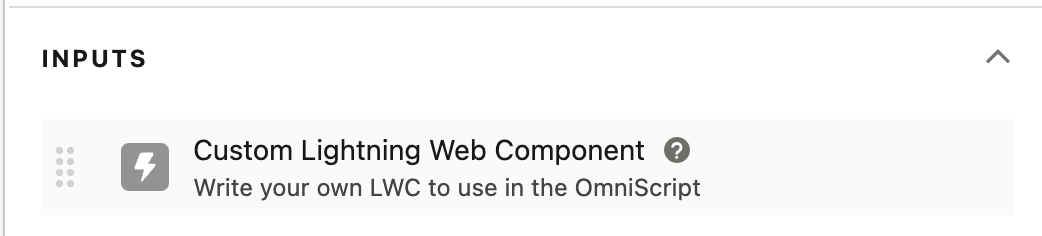
Custom LWC (see Custom LWC Element) (Input section)
-
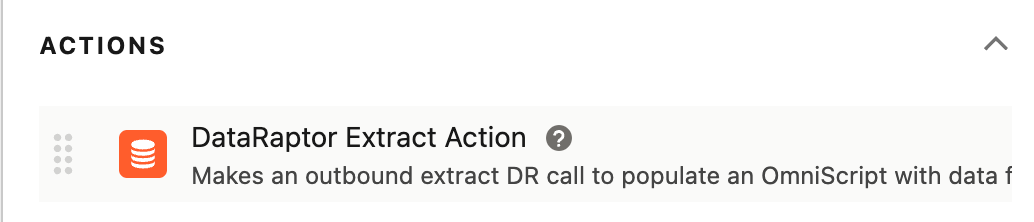
Omnistudio Data Mapper Extract Action (Action section)
-
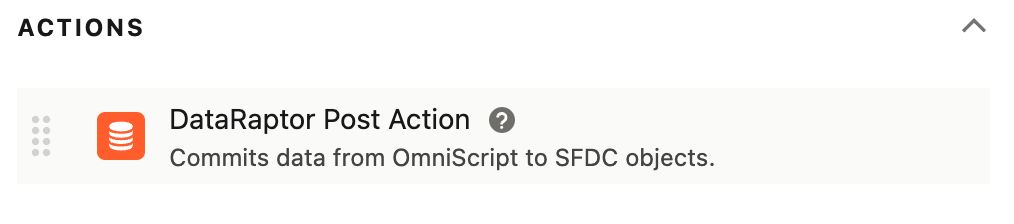
Data Mapper Post Action (Action section)
-
Data Mapper Transform Action (Action section)
-
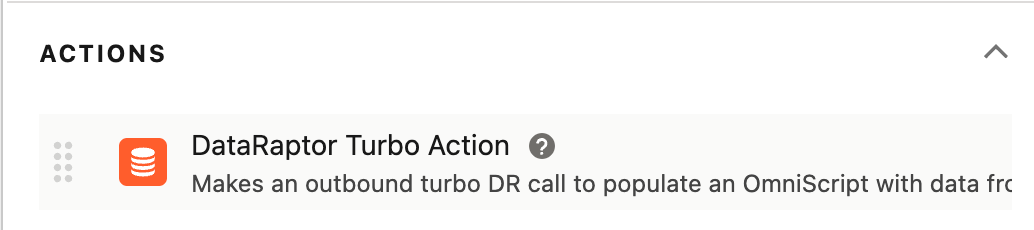
Data Mapper Turbo Action (Action section)
-
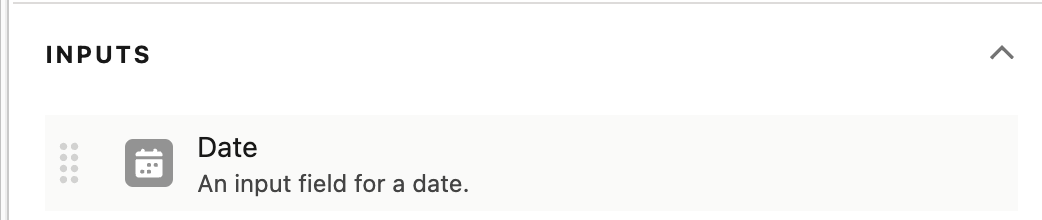
Date (see OmniScript Input Components) (Input section)
-
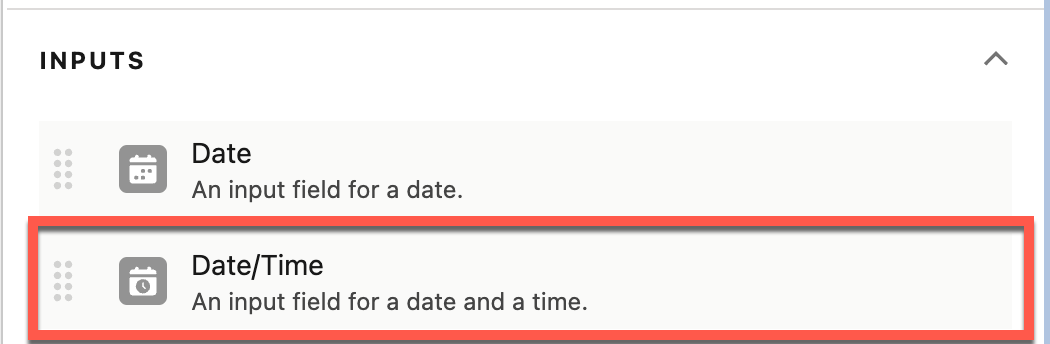
Date/Time (Local) (see OmniScript Input Components) (Input section)
-
Delete Action (see Delete Action) (Action section)
-
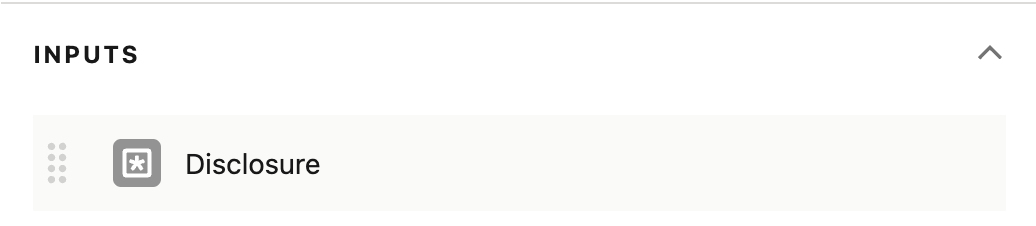
Disclosure (see OmniScript Input Components) (Input section)
-
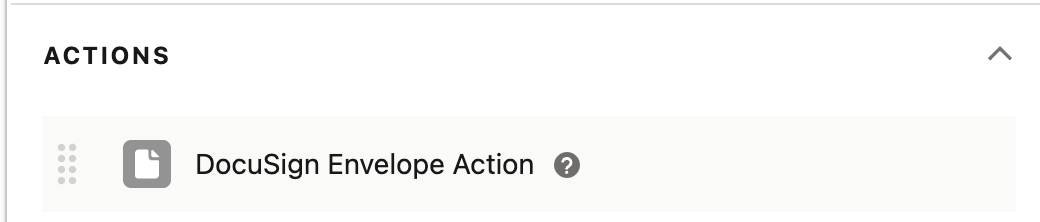
DocuSign Envelope Action (see Preparing DocuSign Documents) (Action section)
-
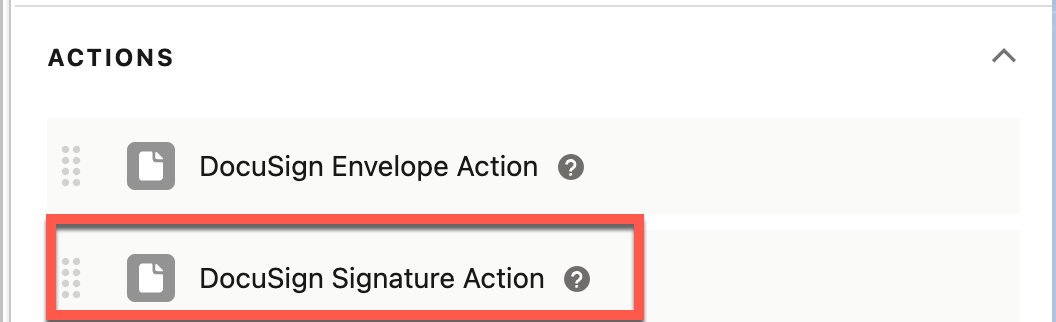
DocuSign Signature Action (see Preparing DocuSign Documents) (Action section)
-
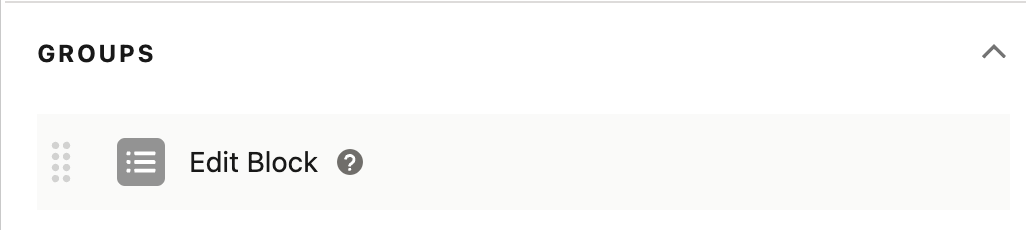
Edit Block (see Using OmniScript Edit Blocks) (Action section)
-
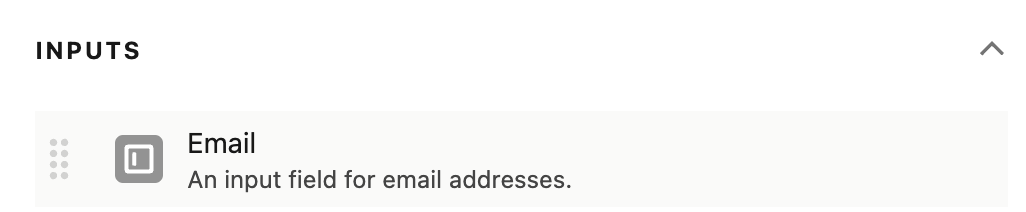
Email (Input section)
-
Email Action (see OmniScript Email Action) (Action section)
-
File (see Adding a File Component to the Structure of an OmniScript) (Input section)
-
Formulas (see Creating Formula Fields in an OmniScript) (Formula section)
-
Headline (see OmniScript Display Components). Not supported in LWC OmniScripts; instead, use the Text Block element.
-
HTTP Action (Action section)
-
Image (see OmniScript Display Components)
-
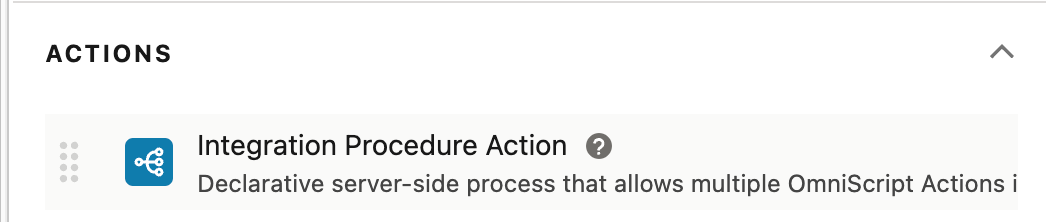
Integration Procedure Action (see OmniScript Integration Procedure Action) (Input section)
-
Line Break (see OmniScript Display Components) (Display section)
-
Lookup (see Working with Lookup Query Configurations) (Input section)
-
Multi-select (see OmniScript Input Components) (Input section)
-
Navigate Action (see Navigate Action) (Action section)
-
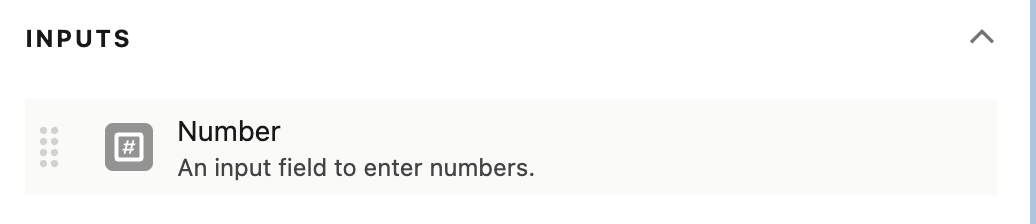
Number (see OmniScript Input Components) (Input section)
-
OmniScript (see OmniScript Action Components) (OmniScript section)
-
Password (see OmniScript Input Components) (Input section)
-
PDF Action (seeAdding a PDF Action to the OmniScript) (Action section)
-
Radio (see OmniScript Input Components) (Input section)
-
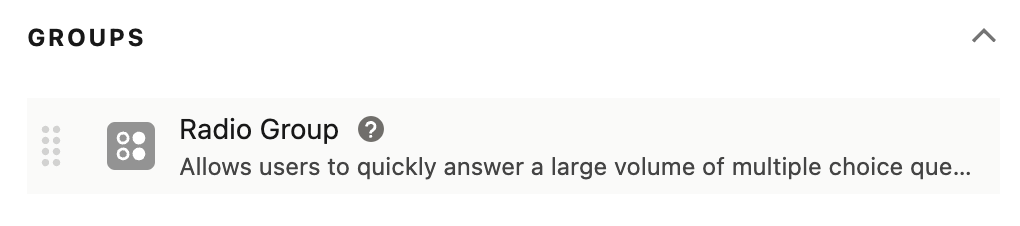
Radio Group (see OmniScript Group Component) (Group section)
-
Range (see OmniScript Input Components) (Input section)
-
Remote Action (see OmniScript Remote Action) (Action section)
-
Rest Action (see HTTP Action) (Action section)
-
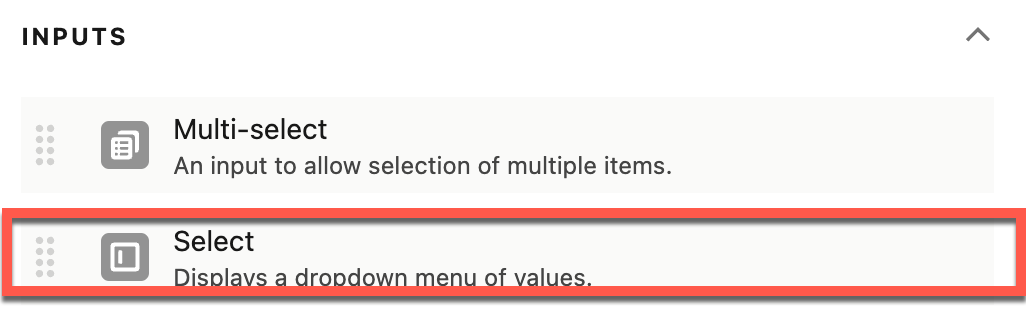
Select (see OmniScripts Select Element) (Input section)
-
Set Errors (see Setting Errors In an OmniScript) (Action section)
-
Set Values (see Setting Values in an OmniScript) (Action section)
-
Signature (see OmniScript Input Components) (Input section)
-
Step (Group section)
-
Telephone (see OmniScript Input Components) (Input section)
-
Text (see OmniScript Input Components) (Input section)
-
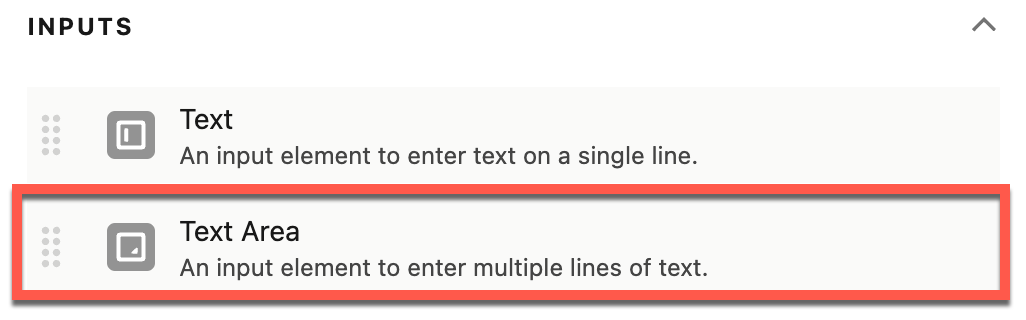
Text Area (see OmniScript Input Components) (Input section)
-
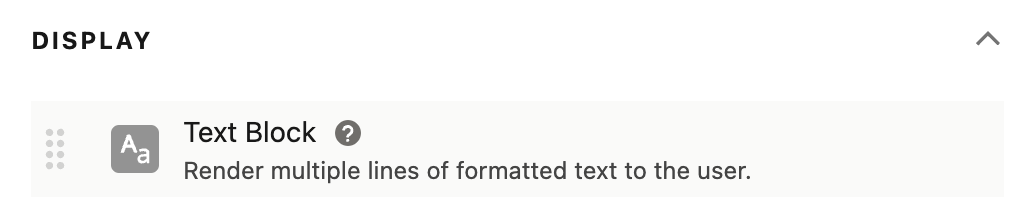
Text Block (see OmniScript Input Components) (Display section)
-
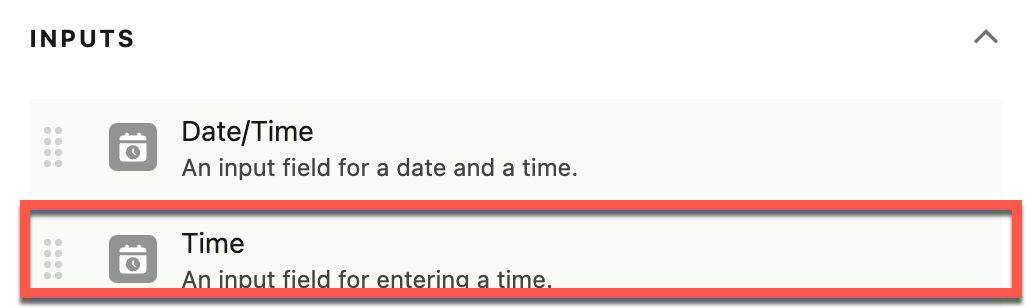
Time (see OmniScript Input Components) (Input section)
-
Type Ahead Block (see Adding a Type Ahead Block) (Group section)
-
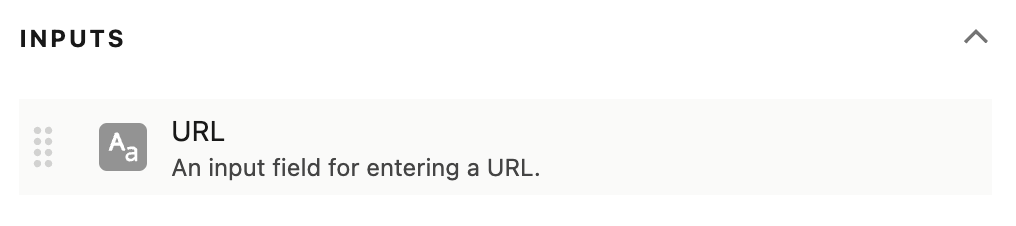
URL (see OmniScripts URL Element) (Input section)















Ytterligare resurser
Knowledge-artikelnummer
001738819
Löste denna artikel ditt problem?
Berätta för oss vad vi kan förbättra!
