Organisation auswählen
Internal Server Error When Creating a Lookup Relationship Field on Certain Salesforce Objects
Veröffentlichungsdatum: Oct 12, 2026
Beschreibung
When you attempt to create a Lookup Relationship field in Salesforce, you see the following error:
An internal server error has occurred. Error ID: XXXXXXXXX-XXXXXX (-1680058168)
Lösung
This article answers the question: why does Salesforce return an internal server error when you create a Lookup Relationship field on certain objects, such as Work Order, and how do you work around it? Uncheck the 'Add Related List' option when you save the field, then add the related list to the page layout manually.
Why the Error Occurs
The error occurs because the 'Add Related List' option triggers an internal conflict on certain objects. This issue is tracked as a Known Issue. To create the Lookup field successfully, disable this option during field creation and add the related list manually afterward.
Steps to Create the Lookup Field Without the Error
- Navigate to the object where you want to create the Lookup field (for example, Work Order) in Setup > Object Manager.
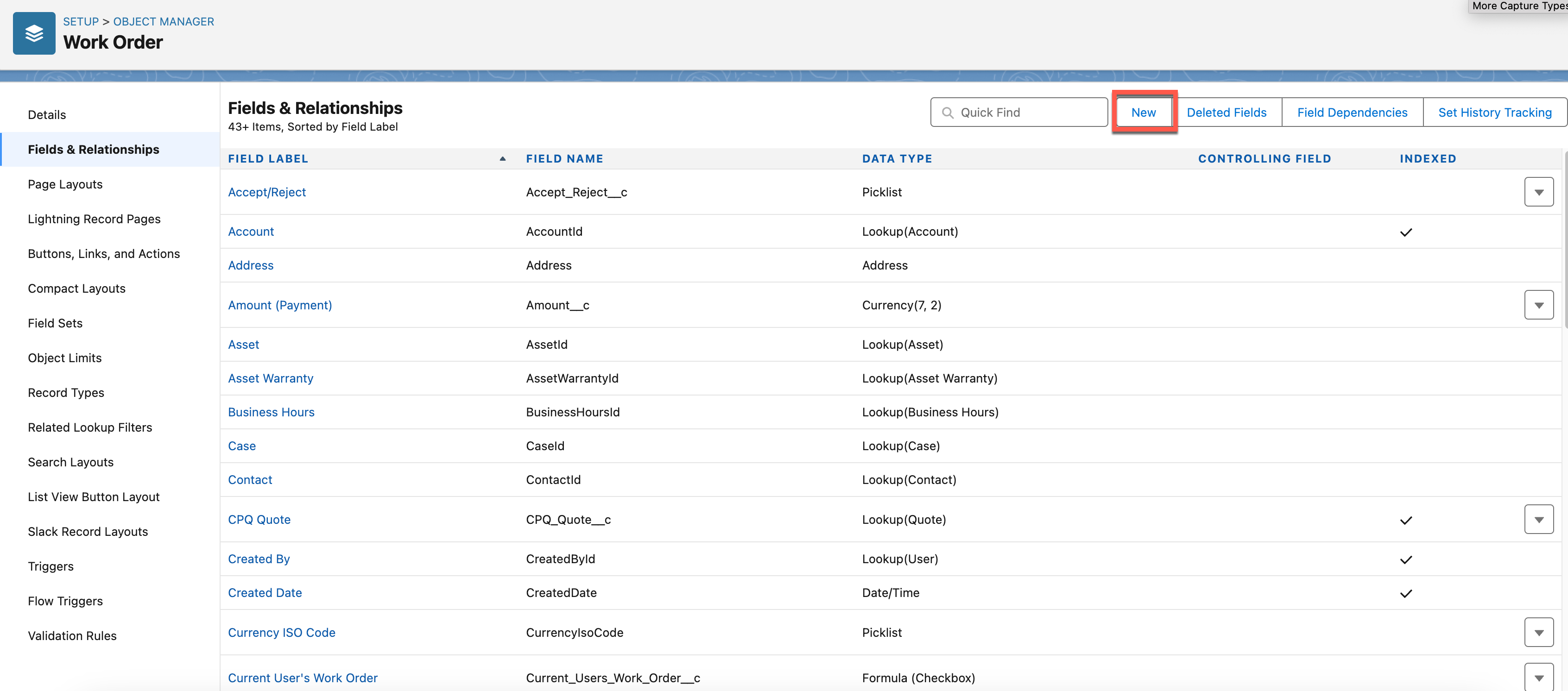
- Click Fields & Relationships, then click New.
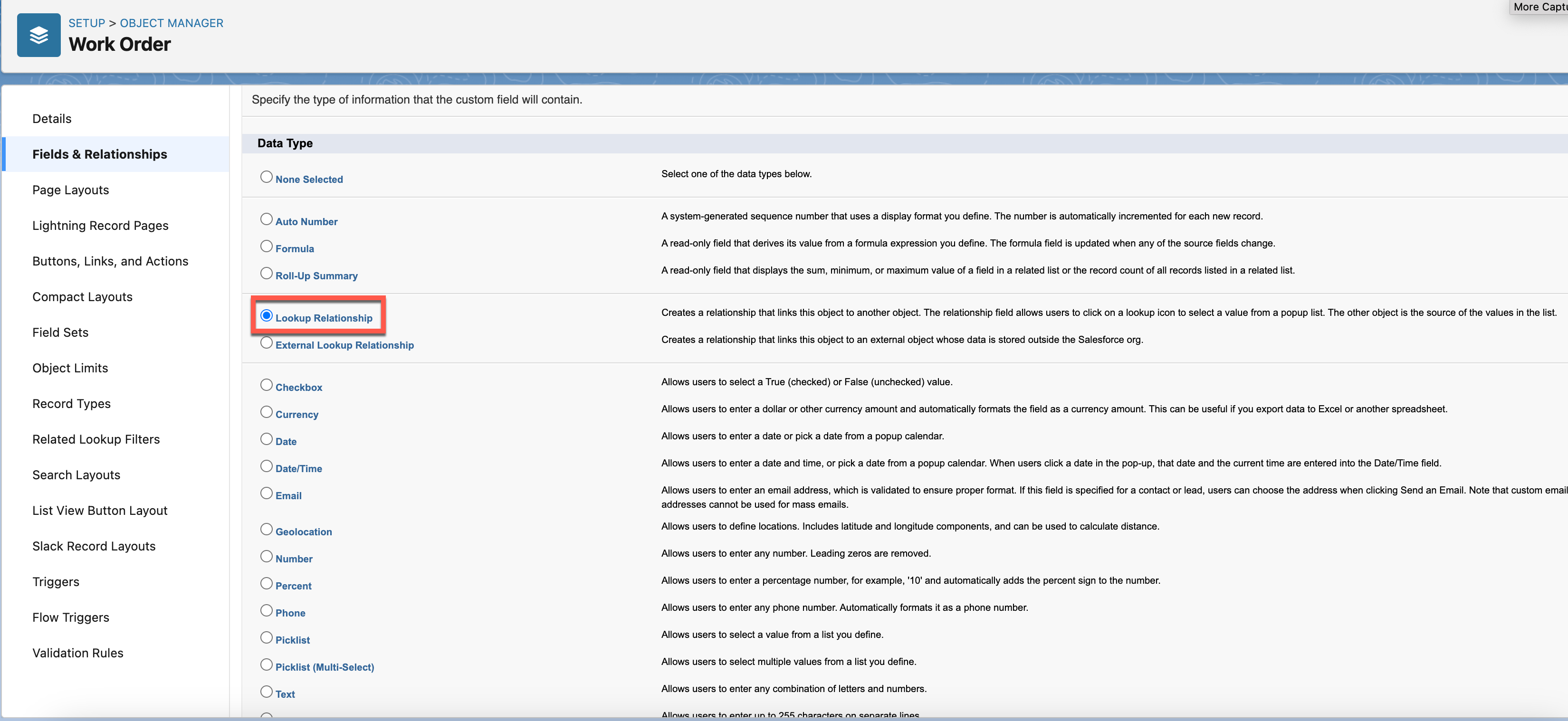
- Select Lookup Relationship as the Data Type and click Next.
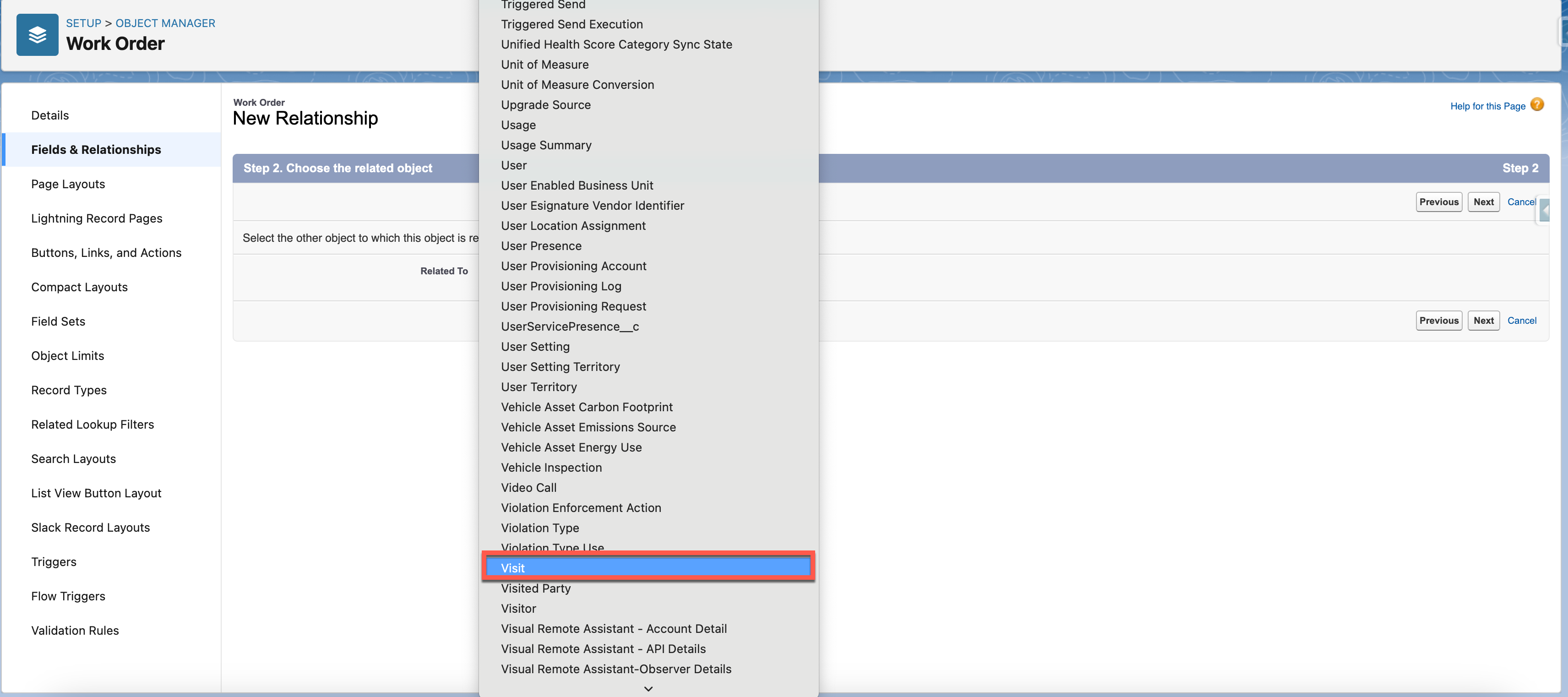
- Choose the related object for the lookup (for example, Visit) and click Next.
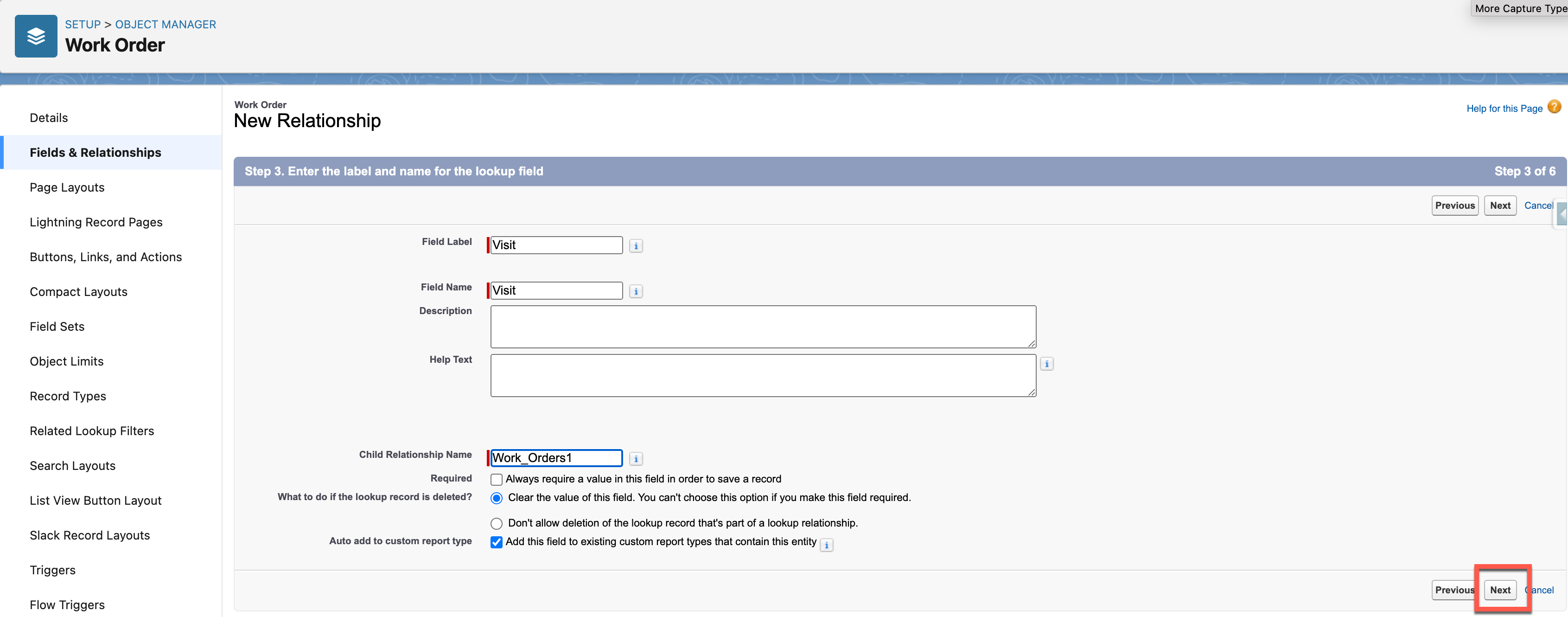
- Fill in all required fields and click Next.
- Adjust Field-Level Security as needed and click Next.
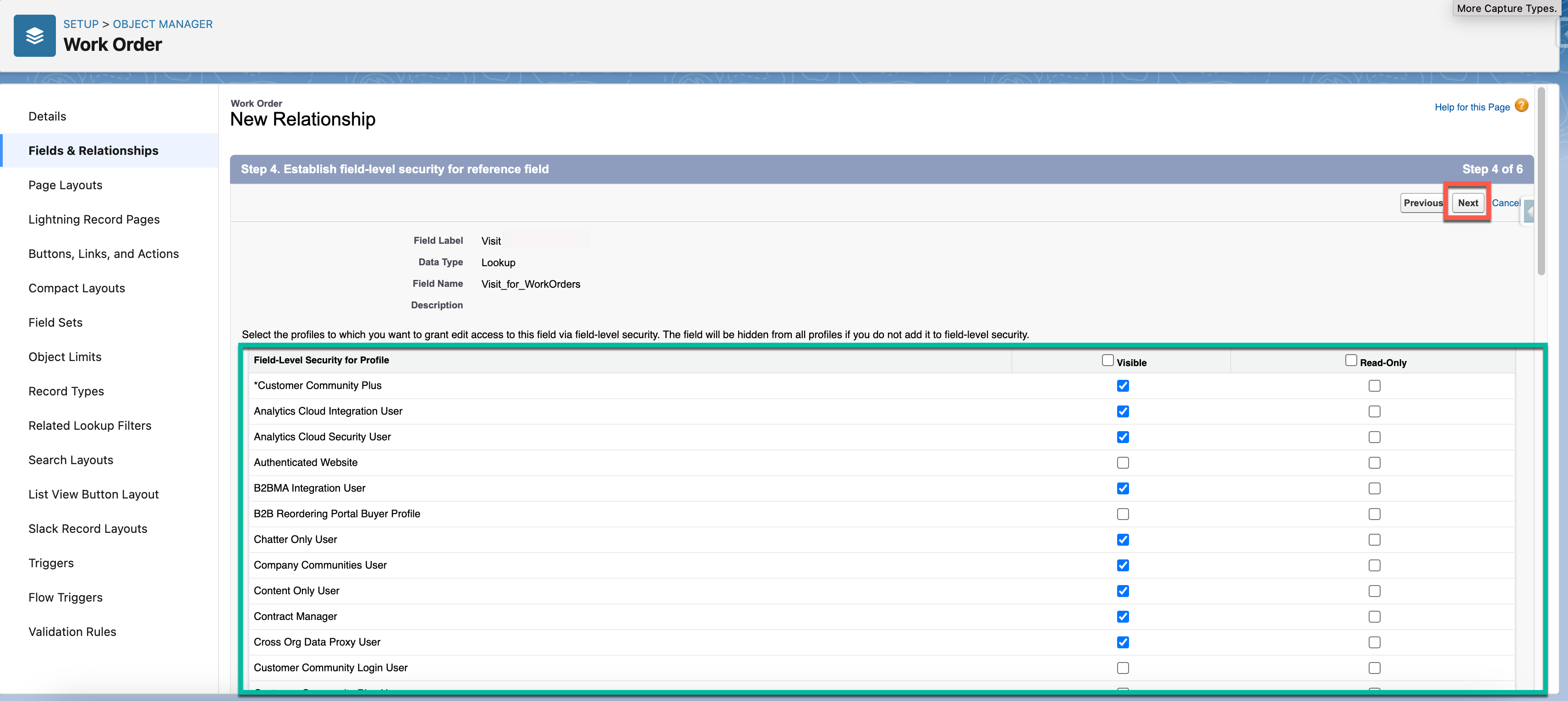
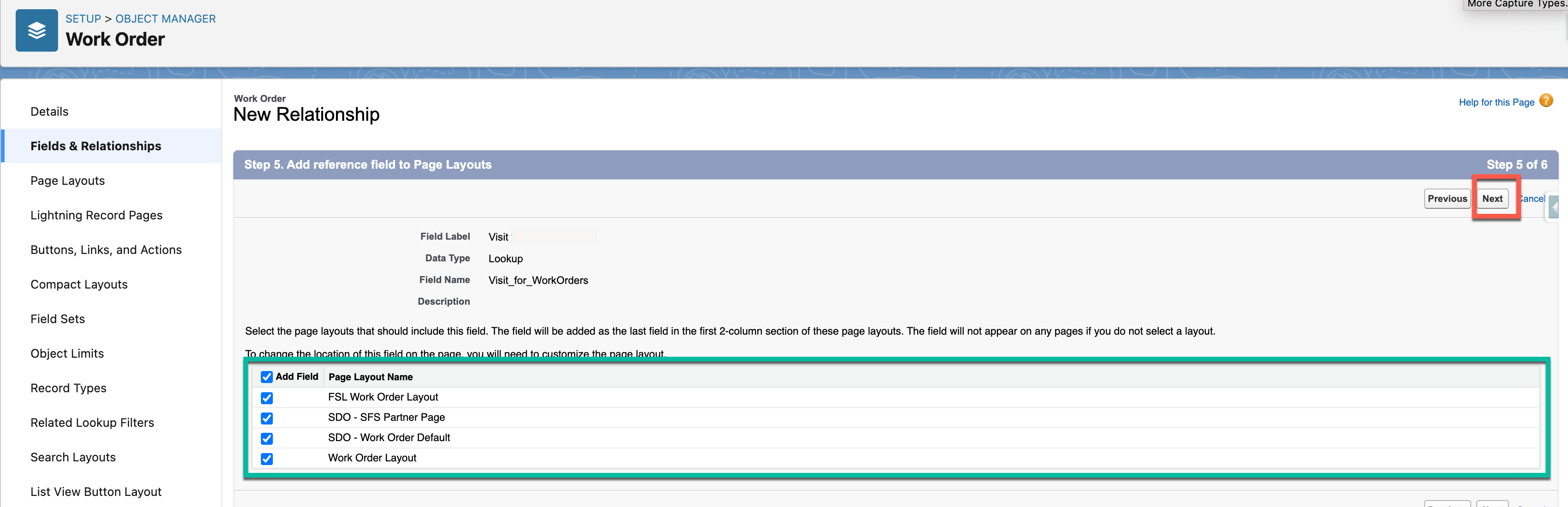
- On the Page Layouts step, assign layouts as needed and click Next.
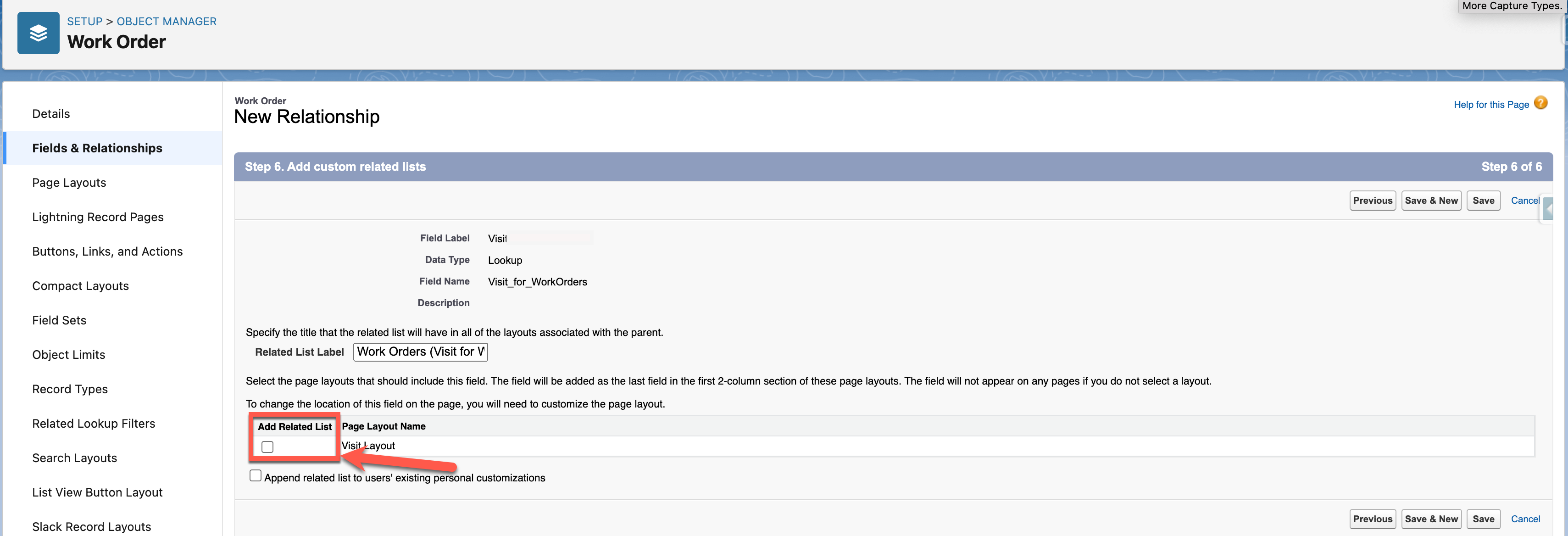
- Important: Before saving, uncheck the Add Related List checkbox, then click Save. This prevents the internal server error from occurring.
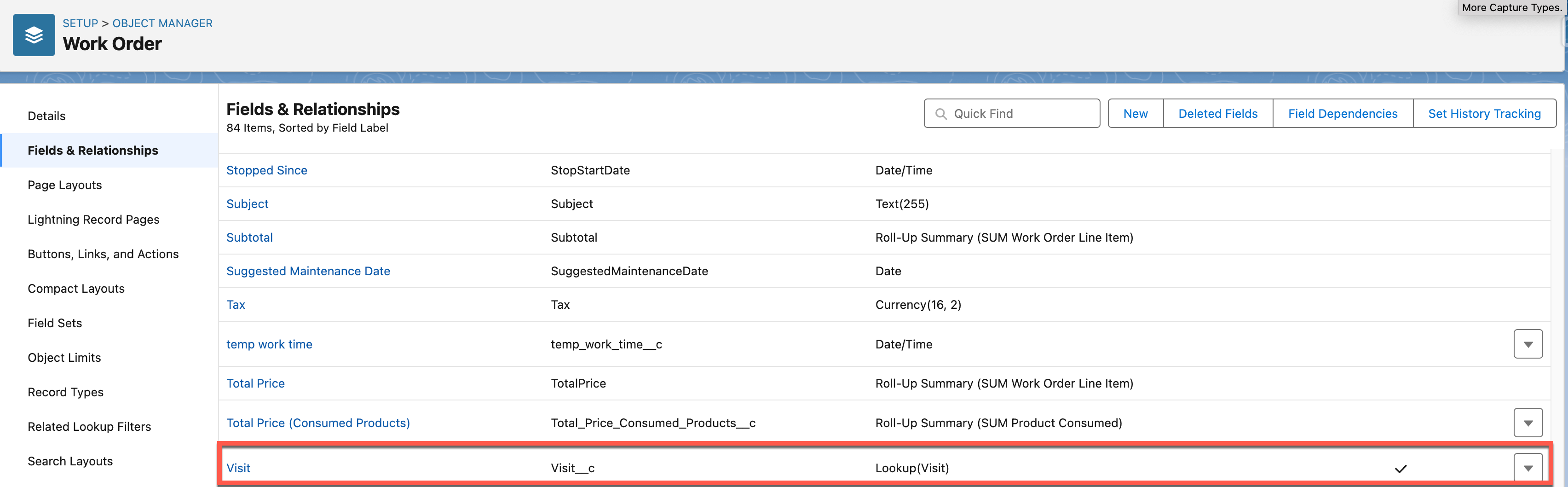
- After the Lookup field is created successfully, manually add the related list to the object's Page Layout.
Zusätzliche Ressourcen
Nummer des Knowledge-Artikels
002234041
Konnten Sie Ihr Problem mithilfe dieses Artikels lösen?
Geben Sie uns Feedback, damit wir uns verbessern können.
