Velg en organisasjon
EAC to MS Office 365: Service Account Retirement
Publiseringsdato: Jul 22, 2026
Beskrivelse
Salesforce is retiring service account authentication access to Microsoft Office 365 from Einstein Activity Capture on February 1, 2025. We recommend that you use org-level OAuth 2.0 authentication instead.
What’s the change?
Since Microsoft is retiring the ApplicationImpersonation role in Exchange Online in February 2025 (notification in Azure Message Center below), Salesforce is retiring service account authentication access to Microsoft Office 365 from Einstein Activity Capture. For more information, see Microsoft Exchange Team Blog: Retirement of RBAC Application Impersonation in Exchange Online.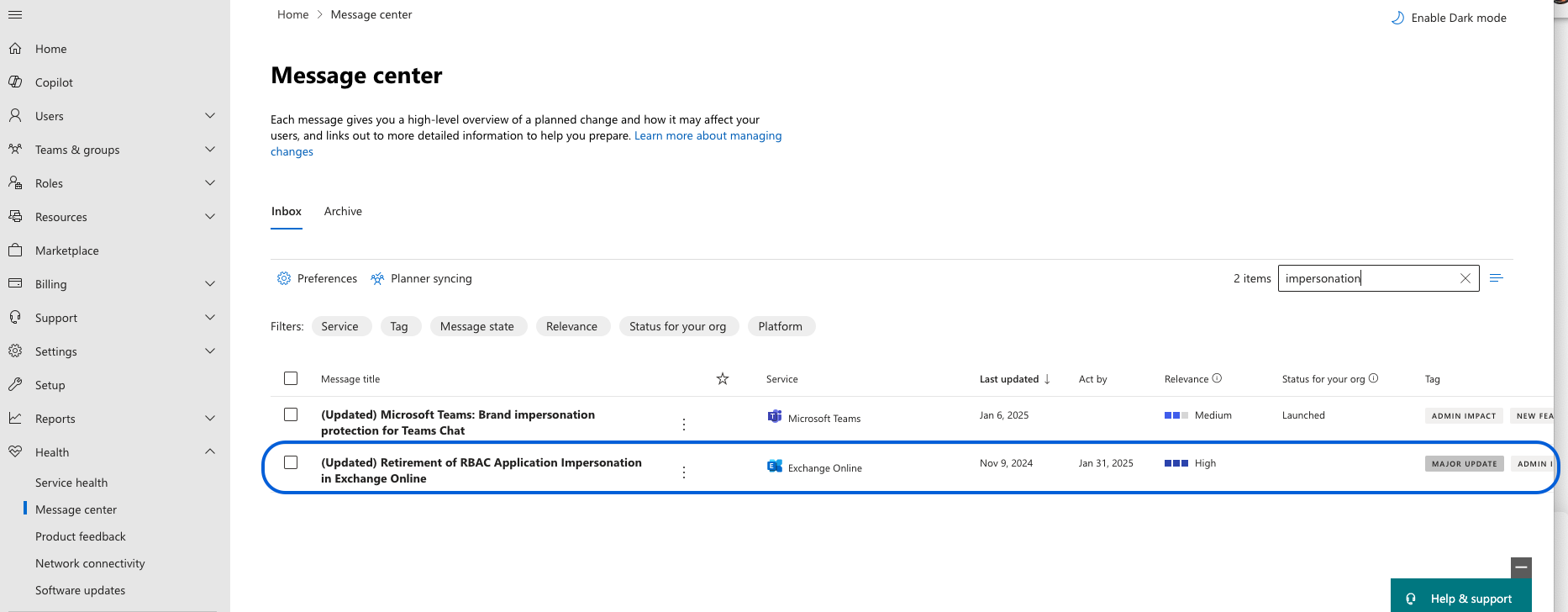
What does this change mean for me?
After February 1, 2025, Einstein Activity Capture connections to Microsoft Office 365 that use service account authentication, access won’t work and your activity data capture will stop.
What action can I take?
Before February 1, 2025, change your connection to org-level OAuth 2.0. This will avoid any service disruptions.
In addition to that customer’s Azure admin can choose to limit the user group (similar to Service Accounts) directly in Azure using Role Based access controls with EWS connections.
Note for Azure admins, the following is the Microsoft Entra application id for Einstein Activity Capture:
c55d6177-918e-4745-96d3-1715194bc7e8
What happens if I don’t take action?
After February 1, 2025, your Einstein Activity Capture connections to Microsoft Office 365 that use service account authentication access won’t work and your activity data capture will stop. For more information, review the Salesforce Help on transitioning to Org-level OAuth.
How do I identify affected users?
If your org uses service account authentication access, all users with Einstein Activity Capture in your org are affected.
If you have more questions, open a case with support via Salesforce Help or contact your Salesforce account team. For more information about Salesforce’s approach to retiring products and features, read our Product & Feature Retirement Philosophy.
Knowledge-artikkelnummer
002420794
Hjalp denne artikkelen med å løse problemet ditt?
La oss få vite det slik at vi kan forbedre!
