Select An Org
[SFS] Map View is Missing on the Field Service Mobile App
Publish Date: May 12, 2026
Description
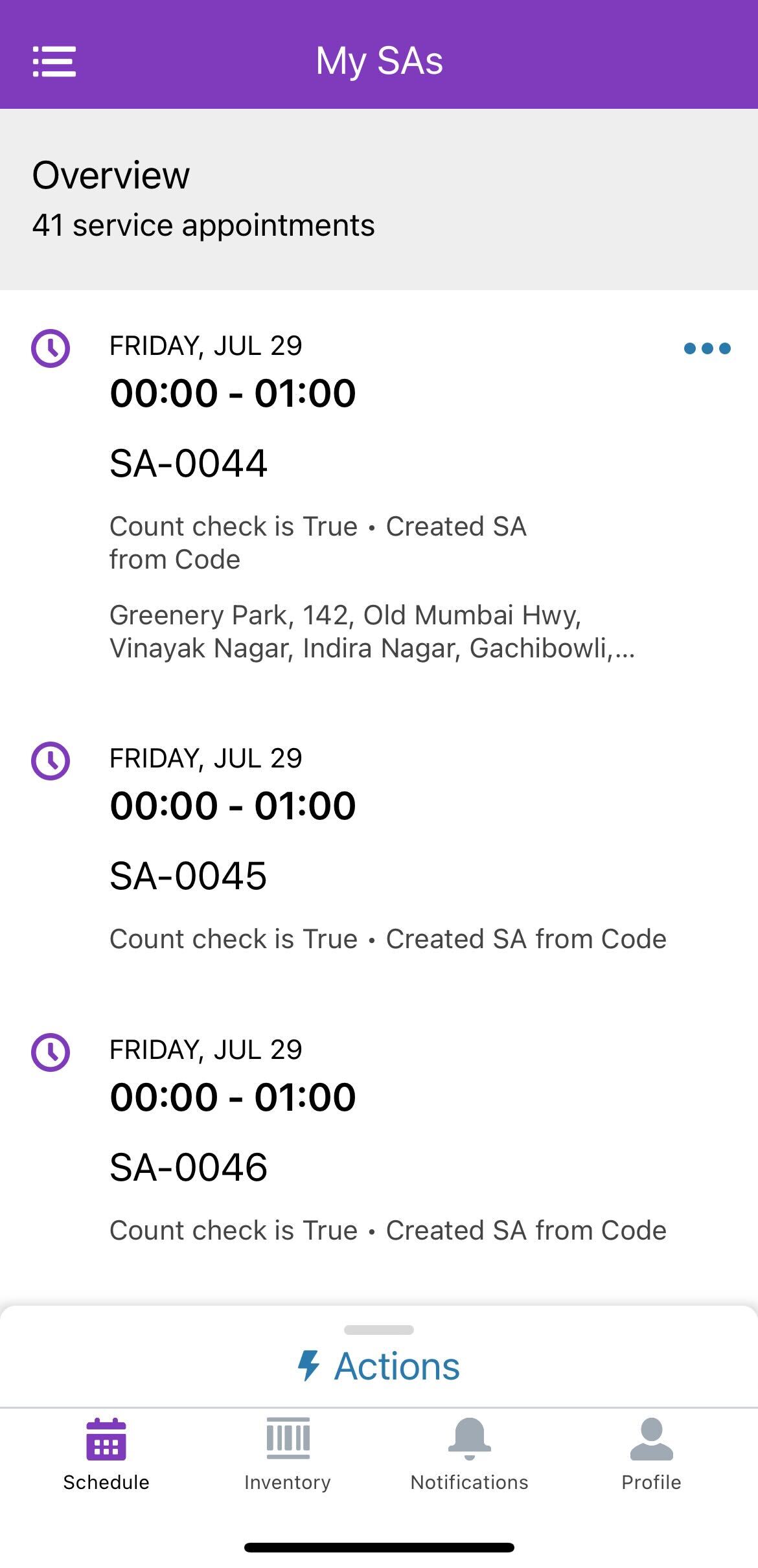
In Salesforce Field Service, the Map view is not available in the Field Service Mobile App on both Android and iOS devices. The map tab icon is missing from the app's navigation, preventing technicians from viewing their scheduled work locations on a map. The screenshot below shows the app with the Map view absent.
Resolution
Root Cause
The Map view requires geolocation and map data sharing to be enabled in Field Service Settings. When this setting is disabled, the app cannot load map tile data from Google Maps (on Android) or Apple Maps (on iOS), and the Map view is hidden from the app navigation entirely.
Steps to Enable the Map View
- Navigate to Setup in Salesforce.
- Go to Field Service Settings.
- Locate and enable the setting "Send geolocation and map data to Google and Apple".
- Click Save.
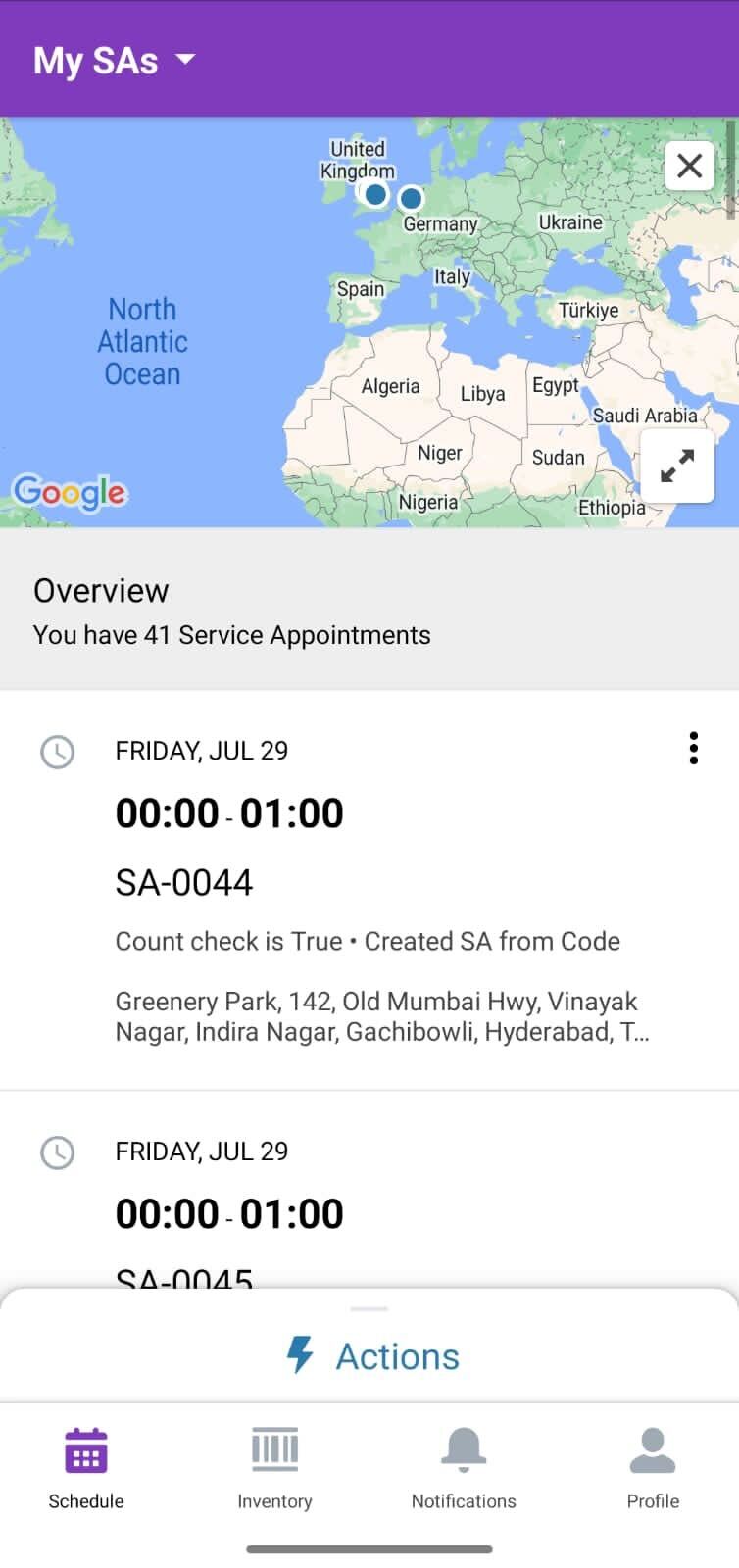
After enabling this setting, the Map view will appear in the Field Service Mobile App for all users.
Knowledge Article Number
002523510
Did this article solve your issue?
Let us know so we can improve!
