Valitse organisaatio
[SFS] Map view is missing on the Field Service Mobile App
Julkaisupäivä: Aug 12, 2024
Kuvaus
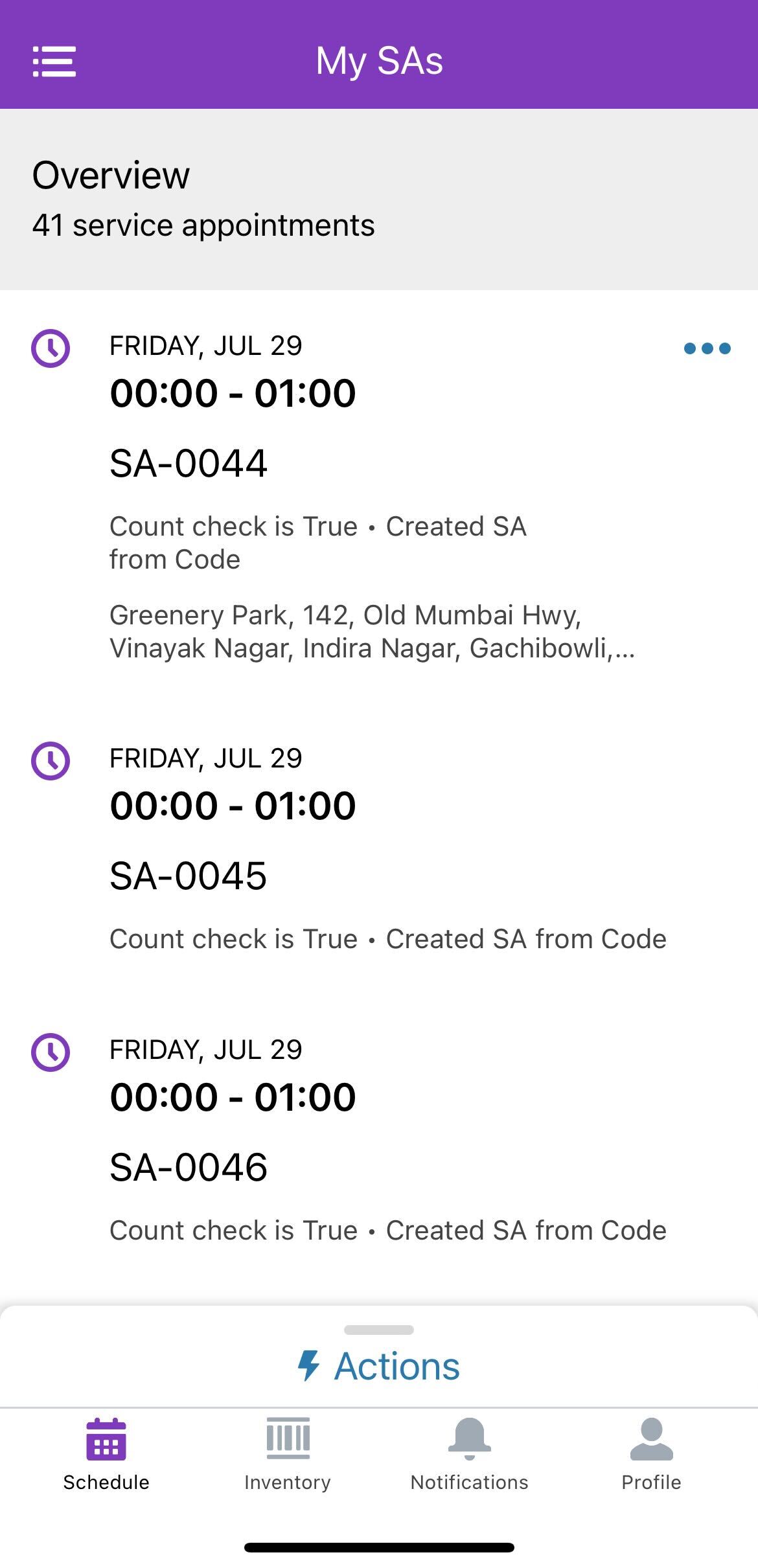
In Field Service, the Map view on the Field Service Mobile App is not available on both Android and iOS devices.
Please see the screenshot below:
Ratkaisu
To make the Map view available in the Field Service Mobile App, follow these steps:
Enable Geolocation and Map Data Setting:
-
- Navigate to Setup.
- Go to Field Service Settings.
- Enable the setting "Send geolocation and map data to Google and Apple".
- Click Save.
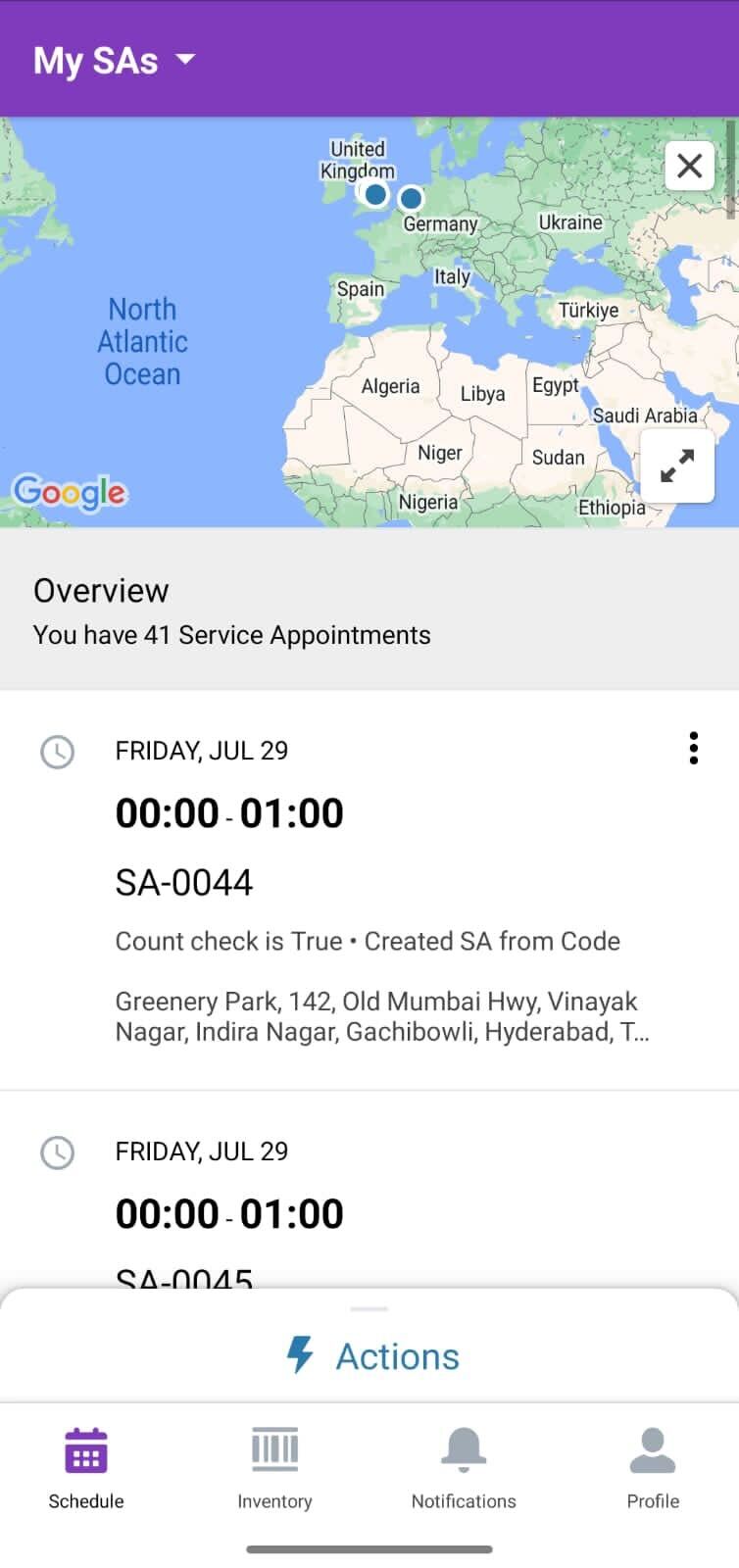
By enabling this setting, the Map view will be displayed in the Field Service Mobile App.
Knowledge-artikkelin numero
002523510
Ratkaisiko tämä artikkeli ongelmasi?
Anna palautetta, jotta voimme kehittyä!
