Seleziona un'organizzazione
[SFS] Map view is missing on the Field Service Mobile App
Data pubblicazione: Aug 12, 2024
Descrizione
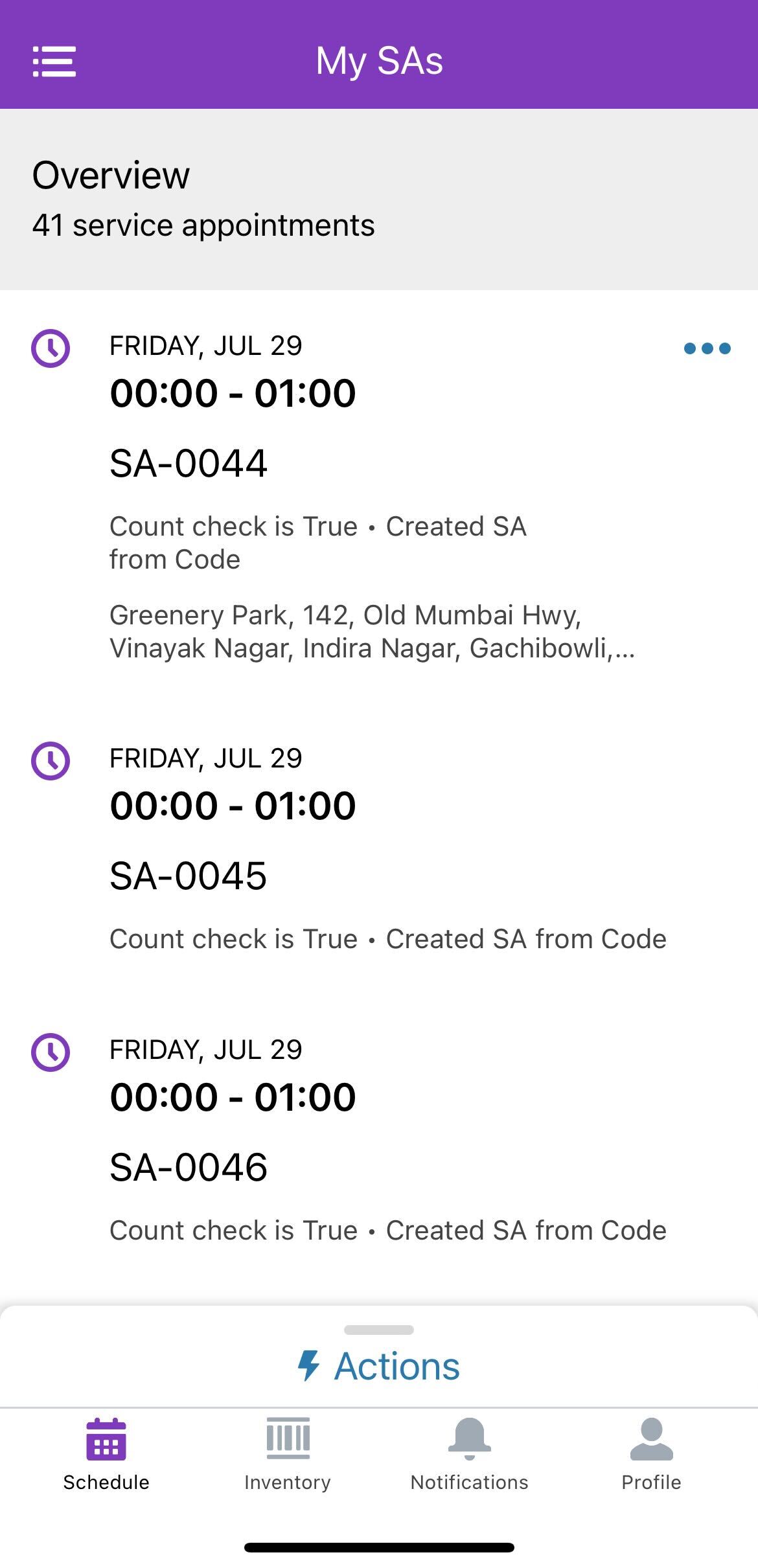
In Field Service, the Map view on the Field Service Mobile App is not available on both Android and iOS devices.
Please see the screenshot below:
Risoluzione
To make the Map view available in the Field Service Mobile App, follow these steps:
Enable Geolocation and Map Data Setting:
-
- Navigate to Setup.
- Go to Field Service Settings.
- Enable the setting "Send geolocation and map data to Google and Apple".
- Click Save.
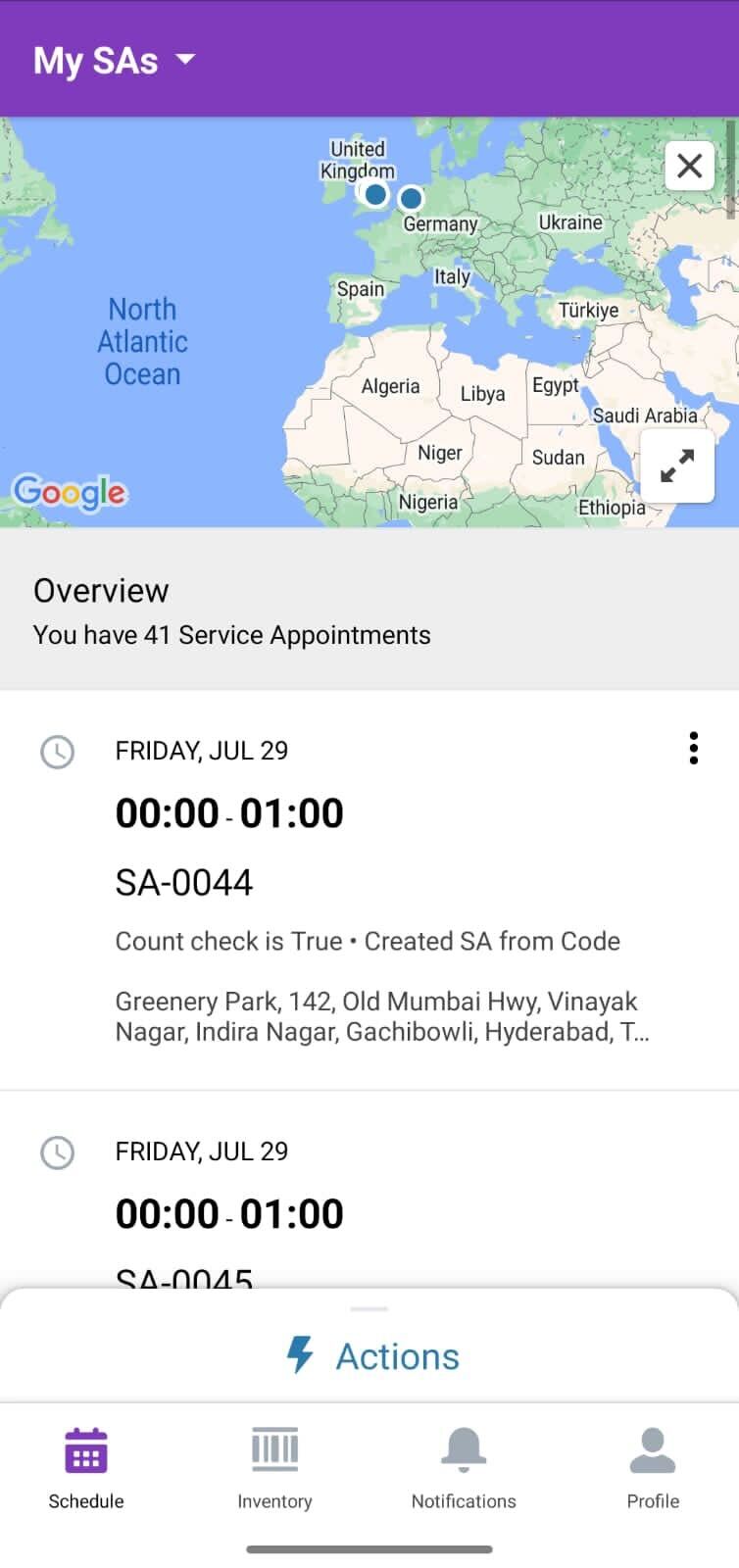
By enabling this setting, the Map view will be displayed in the Field Service Mobile App.
Numero articolo Knowledge
002523510
Questo articolo ha risolto il problema?
Facci sapere, così possiamo migliorare!
