조직 선택
[SFS] Map view is missing on the Field Service Mobile App
게시 일자: Aug 12, 2024
상세 설명
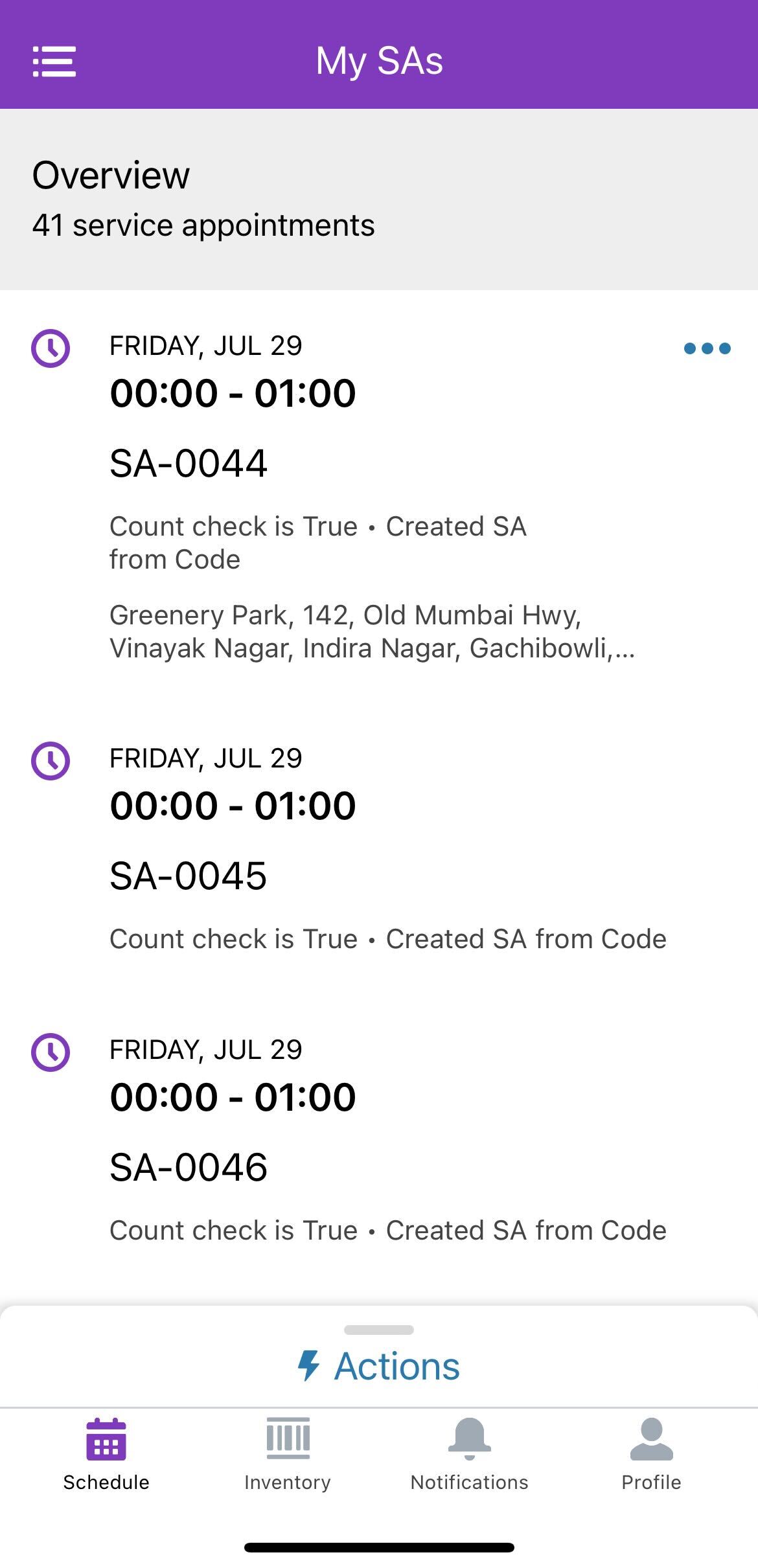
In Field Service, the Map view on the Field Service Mobile App is not available on both Android and iOS devices.
Please see the screenshot below:
솔루션
To make the Map view available in the Field Service Mobile App, follow these steps:
Enable Geolocation and Map Data Setting:
-
- Navigate to Setup.
- Go to Field Service Settings.
- Enable the setting "Send geolocation and map data to Google and Apple".
- Click Save.
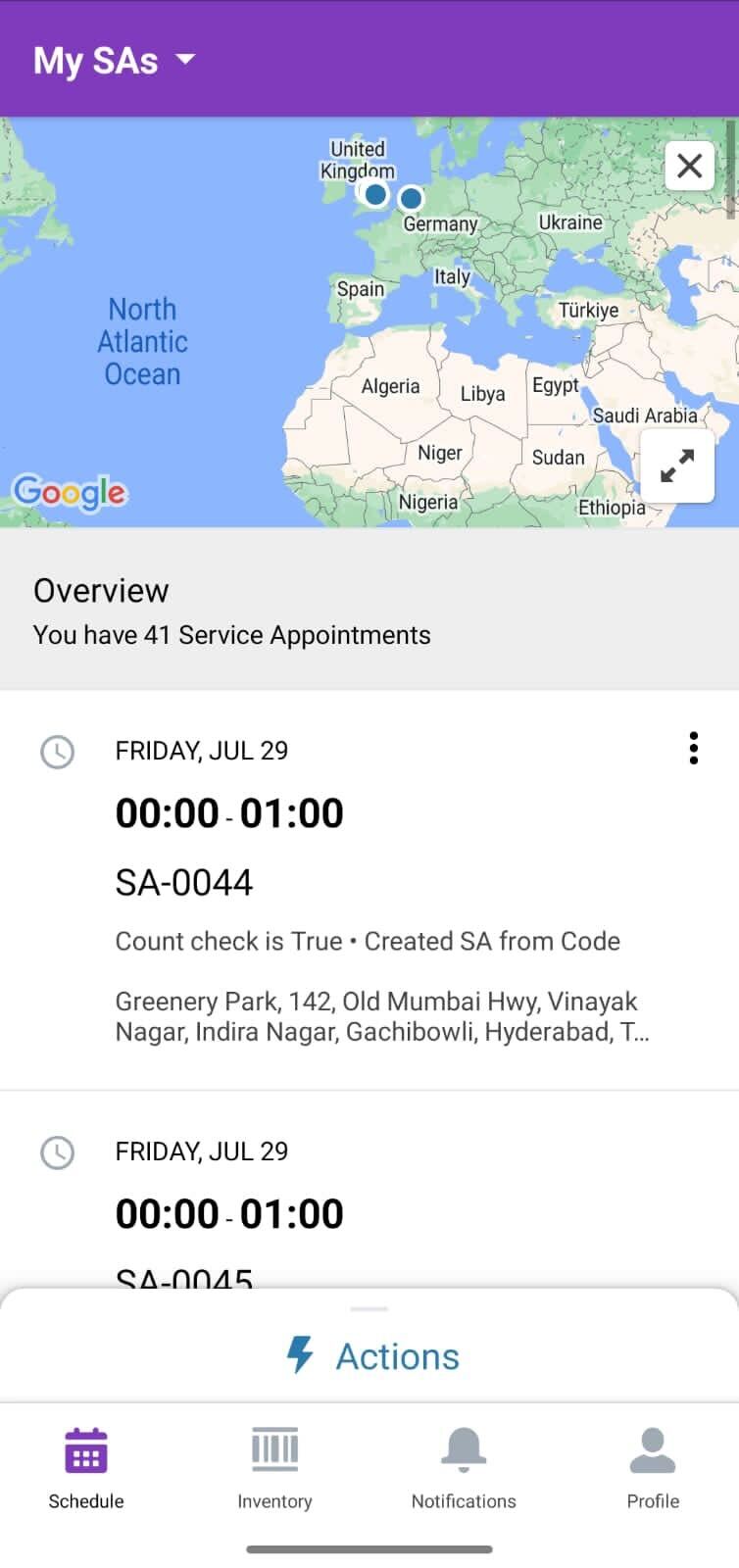
By enabling this setting, the Map view will be displayed in the Field Service Mobile App.
Knowledge 기사 번호
002523510
이 기사를 통해 문제를 해결했습니까?
개선을 위한 의견을 보내주세요.
