組織を選択
How to Request Technical Support for Salesforce Point of Sale
公開日: Apr 3, 2026
タスク
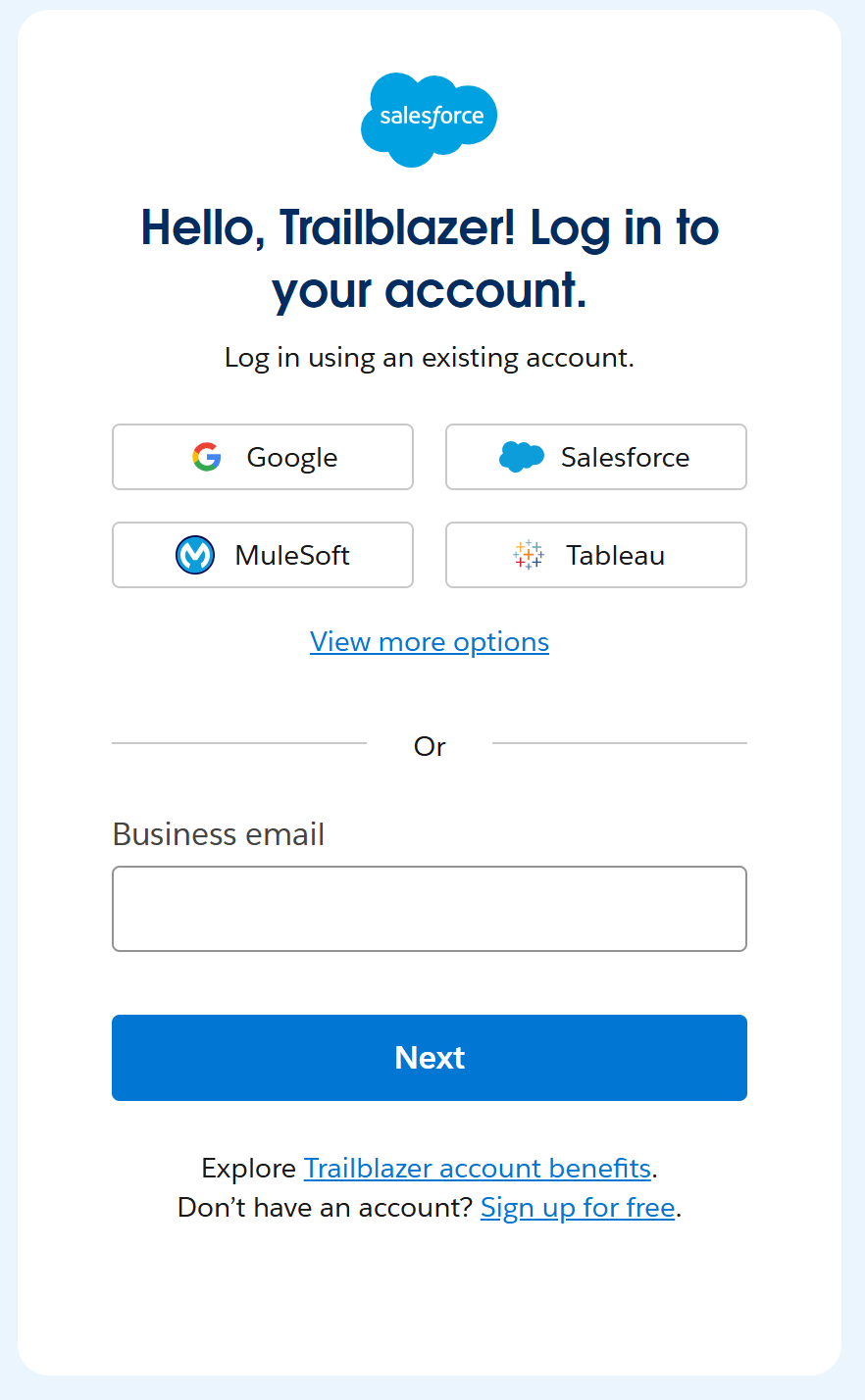
Salesforce has launched an enhanced support portal experience for Salesforce Point of Sale (formerly known as Retail Cloud Modern POS and PredictSpring) customers, including a migration to the Salesforce Help Portal for a more unified support experience. As part of this change, you have gained access to Agentforce on Salesforce Help, enabling easier self-service grounded in trusted data. None of your product features or product entitlements will change. Cases can now be created using the steps in the video below:
You can also request for a case to opened via phone by calling (866) 565-0251.
ステップ
Helpful Reminders:
- Users need a Trailblazer Account to Login to Salesforce Help
If you have not already, create a Trailblazer account (TBID) as soon as possible. This will give you access to open, view and manage your cases in Salesforce Help. If you have a TBID already, we recommend having your credentials handy. See How HERE - User set-up in the Salesforce Org
Ensure all users who need to open Support cases for Salesforce Point of Sale are users in the Salesforce Org. Read this article for help. TIP: If you have a large number of users, you can use the Data Loader to assist, instructions can be found here.
Important: If you need additional Salesforce Point of Sale users for your account, please contact your Account Executive and they can assist in having additional licenses provided for support user purposes. - How to access Legacy Case History
Your legacy support case data will be available after March 1st, 2026. You can request the download of this data by opening a support case.
その他のリソース
If you have additional questions please contact your Account Executive or Customer Success Manager. We have also provided links below to some additional resources to help you prepare for your new Support experience.
- Salesforce Signs Definitive Agreement to Acquire PredictSpring
- How to Get Support from Salesforce Help
- How to engage Commerce Cloud Support via the Salesforce Help portal
- Create and Manage Designated Contacts on Salesforce Help for Salesforce Point of Sale Support Customers
- Agentforce on Salesforce Help
- Get Started with Trailblazer (Article)
ナレッジ記事番号
004333399
この記事で問題は解決されましたか?
ご意見をお待ちしております。
