Vælg en organisation
How to Request Technical Support for Own
Udgivelsesdato: Jul 25, 2026
Beskrivelse
As of July 2026, the Own support experience has migrated to the Salesforce Help Portal (Gov/FedRAMP excluded). As part of this change, you have gained access to Agentforce on Salesforce Help, enabling easier self-service grounded in trusted data.
Own Gov/FedRAMP Customers
The support experience for Gov/FedRAMP Customers has not changed:
-
Log in via the FedRAMP Support Portal and submit your case.
-
Select the appropriate priority level and provide full details to ensure compliance handling.
-
All ticket activity can be found in the My Cases section.
Løsning
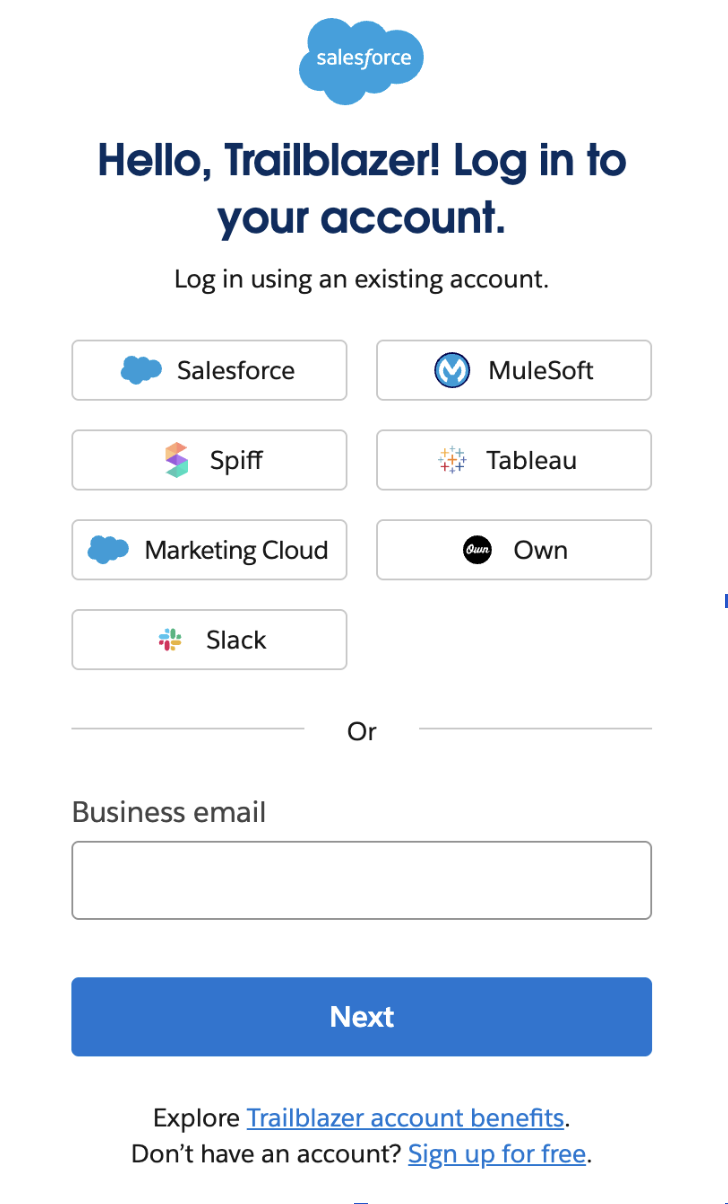
Own customers (Gov/FedRAMP excluded) are able to login to Salesforce Help using their Own login, interact with Agentforce, see their “Own” tenants listed, and submit a support ticket (as long as they log in with the email address used to access the Own product). Salesforce Help can also be accessed directly from the Own Platform UI.
How to Request Technical Support for Own Products
To submit a support ticket, Own users will need to have an active contract associated with your account. In case the access to Own account is disabled for any reason, users will not be able to login to Help either.
Important Reminders to make the most of your Own Support Experience
-
Own users need a Trailblazer Account to Login to Salesforce Help
-
-
Own users who already have a Trailblazer Account (TBID) set up with the same email address used for logging into the Own platform are all set.
-
Own users who don’t have a TBID should set up one as soon as possible. This will provide access to view and manage cases in Salesforce Help. IMPORTANT: When setting up a TBID, the email address should match the email used to log into the Own platform. For further instructions, read the Get Started with Trailblazer article.
-
Trailblazer Account will ask to select Country/State and accept disclosures
-
Email Verification: perform a One-Time Passcode that gets sent to your email address
-
Complete profile information by providing First Name, Last name, Company, Role and Relationship to Salesforce
-
-
Own users who have a TBID set up with a different email address than the one used for logging into the Own platform should connect the two accounts following these instructions: Learn more about Account Merges.
-
-
Primary Designated Contacts and Designated Contacts have access to additional support features
-
Primary Designated Contacts (PDCs) can assign, manage, and deactivate other Designated Contacts, control user access in Salesforce Help, escalate cases, and view all cases across the account.
-
Designated Contacts (DCs) can create, manage, and escalate support cases, request Expert Coaching Sessions, and access an extended set of support features. By default, DCs can only view cases they created but a PDC can grant them "View All Cases" access. Read this article to learn more.
-
If you have an existing Salesforce org in Salesforce Help that uses Designated Contacts, please reach out to your Salesforce Administrator to discuss.
-
-
Customers with Backup or Accelerate are able to see their own tenant under “Manage All Orgs”. Select it to submit a case or get redirected to help from the Recover App/Get support menu.
-
Customers with Archive or Secure Managed Package: When opening support cases, you will be selecting the production tenant where the package is installed. For Archive 1.0 - help can no longer be provided via the Managed Package link to portal form. It is advised to get help via core org.
-
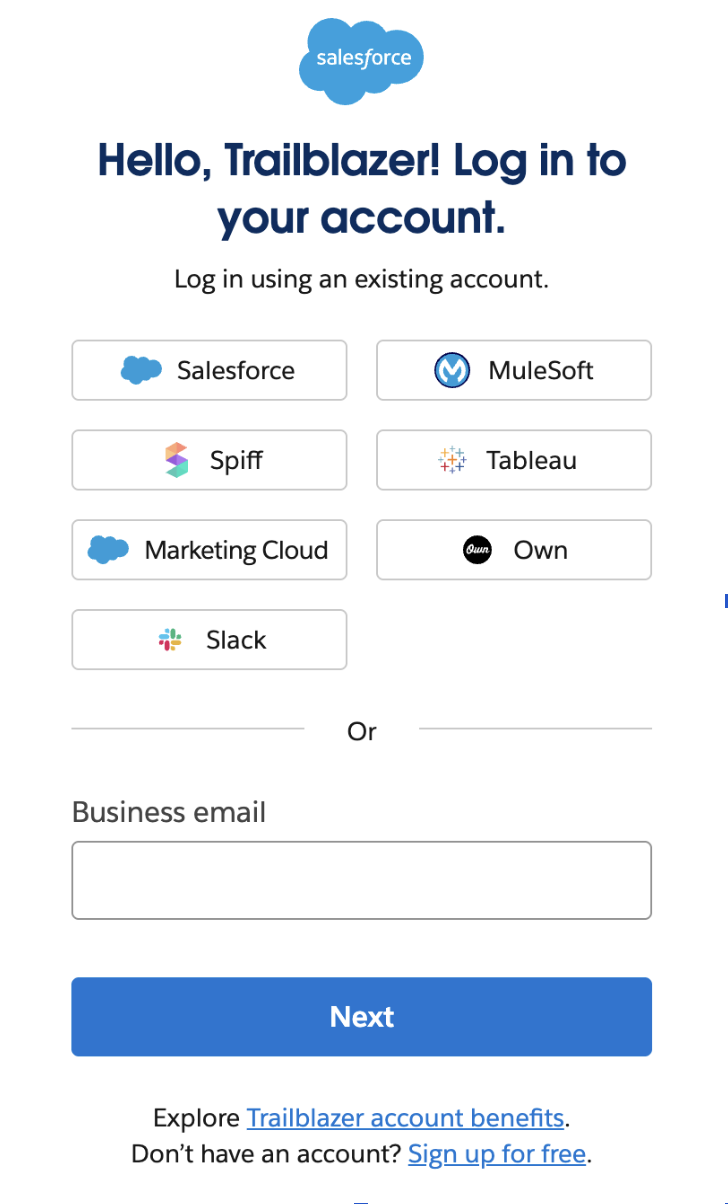
Logging in to Salesforce Help to get Own support for the first time? Login via the Own tile to be able to see Own tenants and submit cases.
Yderligere ressourcer
Have Additional Questions?
Please see the references below to help you prepare for your new support experience. If you have additional questions, please contact your Account Executive.
References:
Vidensartikelnummer
004464745
Løste denne artikel dit problem?
Giv os besked, så vi kan forbedre os!
