Vælg en organisation
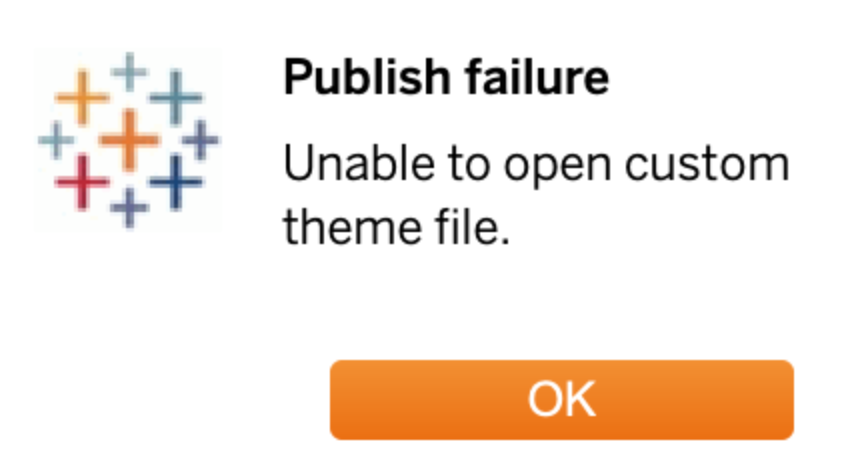
Publishing a dashboard from Tableau Desktop to Cloud or Server version 2025.1 fails with 'Unable to open custom theme file' error
Udgivelsesdato: Mar 21, 2025
Beskrivelse
Publishing a dashboard from Tableau Desktop to Cloud or Server version 2025.1 fails with 'Unable to open custom theme file' error. This can also occur using the workbook upload feature in the Cloud or Server UI.
Environment
- Tableau Cloud
- THIS ISSUE HAS BEEN RESOLVED IN TABLEAU CLOUD AS OF MARCH 18, 2025
- Tableau Server
- 2025.1.0
Cause
This behavior is related to a Known Issue that is currently under investigation by the Tableau Development team - Known Issue ID W-17902064
Løsning
Tableau Cloud
- This known issue has been fixed in Tableau Cloud as of March 18, 2025
Tableau Server
- This issue only impacts Tableau Server 2025.1.0
- As a temporary solution until the fix is released in the first Server MR, you can disable the the Custom Themes feature flag as a stop gap fix by running the following commands within an administrative Command Prompt
NOTE: These commands will require a restart.
tsm configuration set -k features.CustomThemesSP1 -v false
tsm pending-changes apply
NOTE: Disabling this feature flag will disable the Custom Themes feature in Server and any published workbook with Custom Themes will not render with the Custom Theme applied. The Feature Flag should be enabled once Server is upgraded to the MR with the fix. Once the feature flag has been turned back on, any workbook with custom themes will need to be republished in order for Custom Themes to work for that workbook.
Yderligere ressourcer
Vidensartikelnummer
004517765
Løste denne artikel dit problem?
Giv os besked, så vi kan forbedre os!
