조직 선택
Agentforce : Issues Uploading Files to the Agentforce Data Library in Salesforce
게시 일자: Feb 13, 2026
상세 설명
You may experience the error, "We couldn't upload your file. Try again" when attempting to upload files to the Agentforce Data Library from Setup.
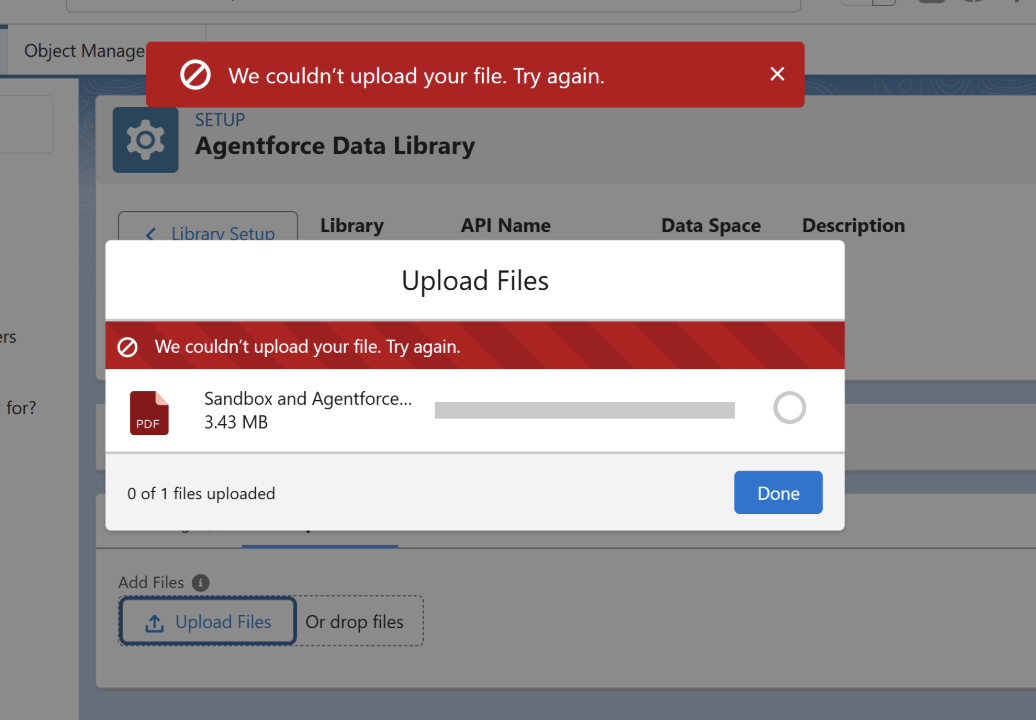
솔루션
Please Check the following first:
1. Home CRM Connection needs to be set to Active in Data Cloud. (Setup > Salesforce CRM > Click on the dropdown and click 'Activate')
2. Object Permissions: The object 'Engagement Signal Compound Metric Definitions' needs View All access from the Data Cloud Salesforce Permission Set.
-
Navigate to Setup > Permission Sets > Data Cloud Salesforce Connector > Object Settings > Engagement Signal Compound Metric Definitions.
-
Ensure View All is checked.
3. Data Space Assignment: Ensure the user attempting the upload has the correct Data Space assigned.
-
Navigate to Setup > Permission Sets.
-
Select the relevant permission set assigned to the user. (eg. Data Cloud Architect, Data Cloud User)
-
Click Data Cloud Data Space Management and ensure the appropriate Data Space is assigned.
추가 자원
Permission sets available through licenses with Data Cloud. For more information see Data 360 Standard Permission Sets.
Knowledge 기사 번호
004519288
이 기사를 통해 문제를 해결했습니까?
개선을 위한 의견을 보내주세요.
