조직 선택
Salesforce Error In Prompt Builder When Previewed in Sandboxes: "Error resolving Einstein Search retriever: <retriever name>"
게시 일자: Sep 8, 2025
상세 설명
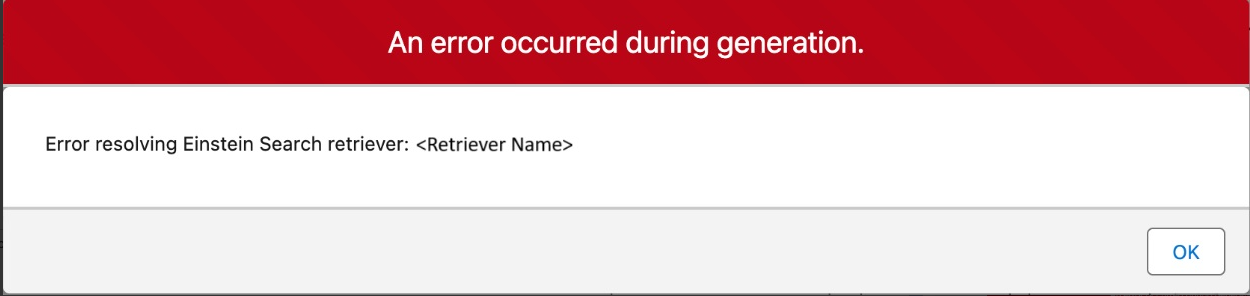
In a sandbox which is refreshed or newly created, you may see the exception "Error resolving Einstein Search retriever: <retriever name>" when you preview the prompt template in Prompt Builder.
솔루션
The error resolving the Einstein Search retriever, is thrown due to a known limitation related to retrievers in refreshed or newly created sandboxes. To resolve the issue, follow the steps below:
- Open Data Cloud App
- Navigate to "Einstein Studio"
- Open "Retrievers"
- Select the affected Retriever
- Click on "Edit Version <number>"
- Without making any changes, click on "Save as New Version"
- Activate the new version. Activating the new version will trigger a backend sync job, resolving the issue.
Please note that the information in this article does not apply to Default Retrievers, as they cannot be edited. If changes are required, users should instead create either a new Custom Retriever or a new Search Index to meet their needs.
추가 자원
Knowledge 기사 번호
004575665
이 기사를 통해 문제를 해결했습니까?
개선을 위한 의견을 보내주세요.
