組織を選択
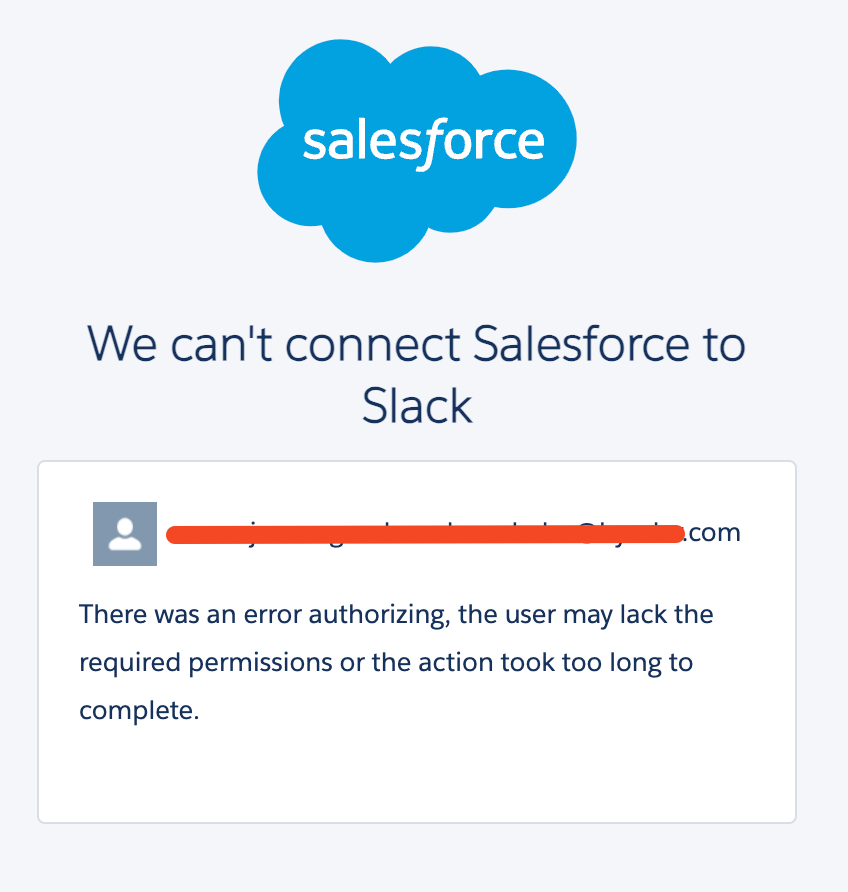
Error "There was an error authorizing, the user may lack the required permissions or the action took too long to complete."
公開日: Apr 14, 2025
説明
Salesforce for slack users when they follow below steps ,
-> Go to Slack workspace and add app 'Salesforce for slack'
-> On app 'Salesforce for slack' , use command /sfhq-connect to connect
-> Enter their Salesforce login credentials and allow the slack application access
Below error pops up
解決策
As per the error message, admins needs to verify if below permissions are allowed
'The app permission - Slack Sales User'
'The system permission - Connect Salesforce with Slack'
If affected user has above permission (through permission set) then try with below url
https://login.salesforce.com/slack/slack-connect?appId=A03269G3DNE
User shall be able to authenticate and access now. Also Salesforce for slack app UserMapping will be created.
ナレッジ記事番号
004630383
この記事で問題は解決されましたか?
ご意見をお待ちしております。
