Vælg en organisation
System Administrator Unable to See 'Connect New Org' Button in Salesforce for Slack App
Udgivelsesdato: Apr 30, 2026
Beskrivelse
With the Salesforce for Slack Multi-Org feature, users can connect multiple Salesforce orgs to a single Slack workspace. This functionality is accessible via a button on the Salesforce for Slack App Home tab or through a slash command.
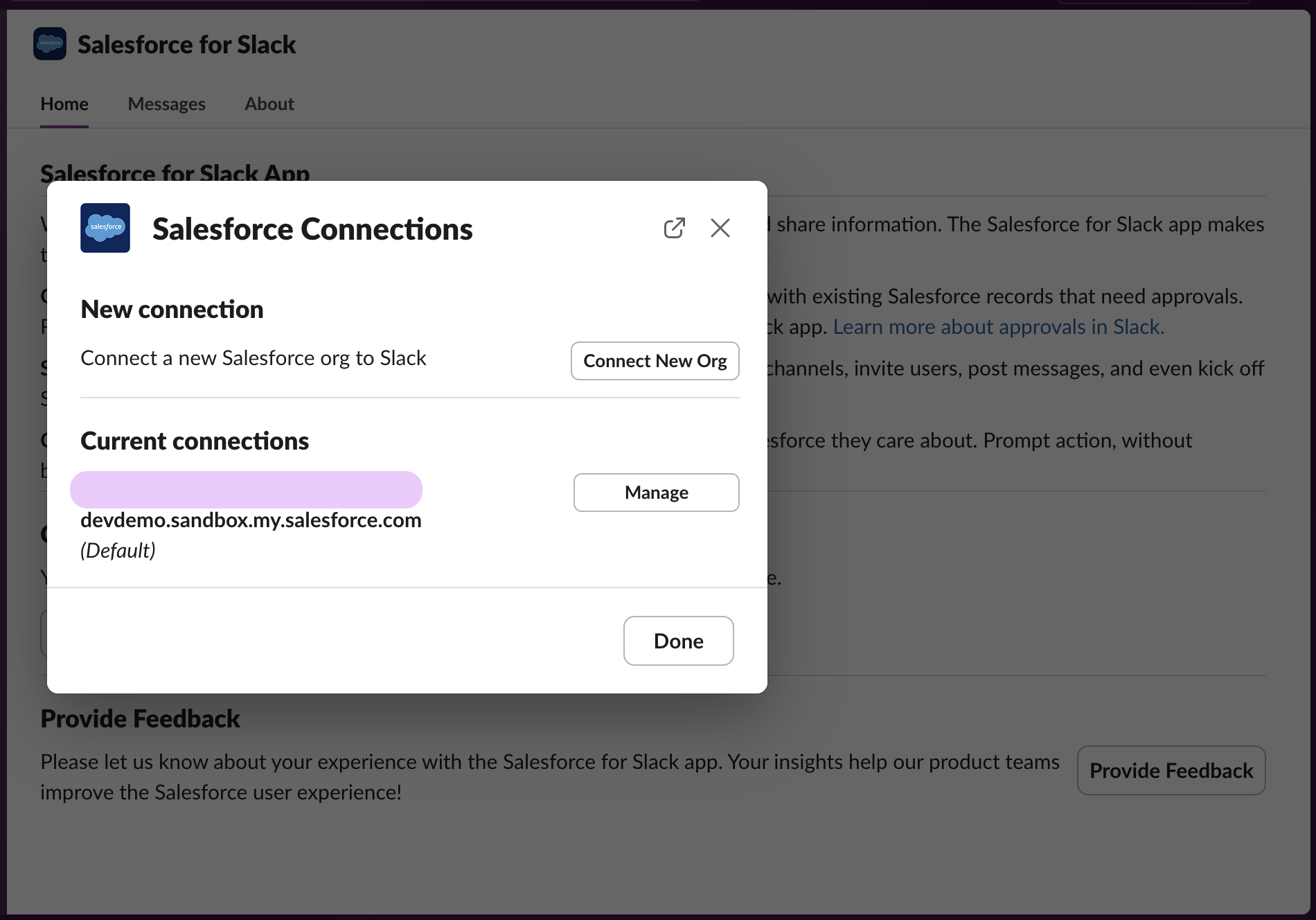
However, in some cases, Salesforce System Administrators may not see the Connect New Org button, even when they have been assigned the Connect Salesforce with Slack permission or the Sales Cloud for Slack permission set.
Løsning
TThe Connect New Org button is controlled by two distinct access requirements. Meeting only one of the two is not sufficient — the user must satisfy at least one of the following conditions:
- Be a Slack Admin in the default Salesforce org connected to the Slack workspace
OR
- Have the Manage Slack App Organization Connections for Slack Apps System Permission.
The default org for the Slack workspace is indicated in the Manage Org Connections modal on the Salesforce for Slack App Home tab.
Yderligere ressourcer
Vidensartikelnummer
004695444
Løste denne artikel dit problem?
Giv os besked, så vi kan forbedre os!
