조직 선택
Get the Right Salesforce Outlook Integration from Microsoft AppSource
게시 일자: May 1, 2025
상세 설명
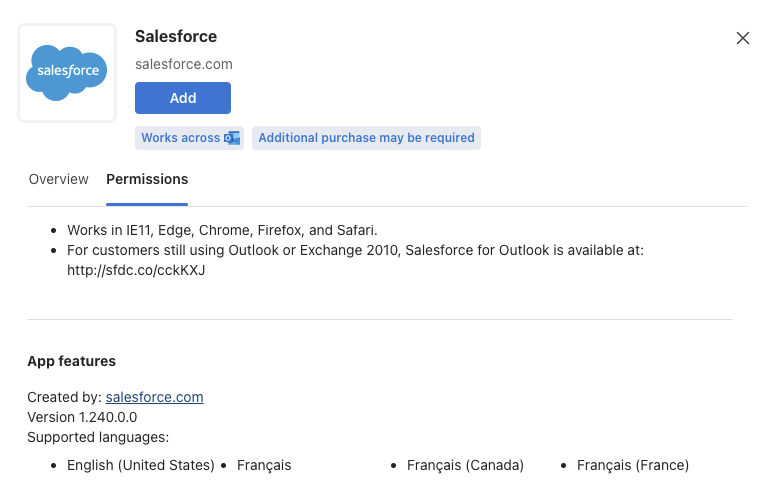
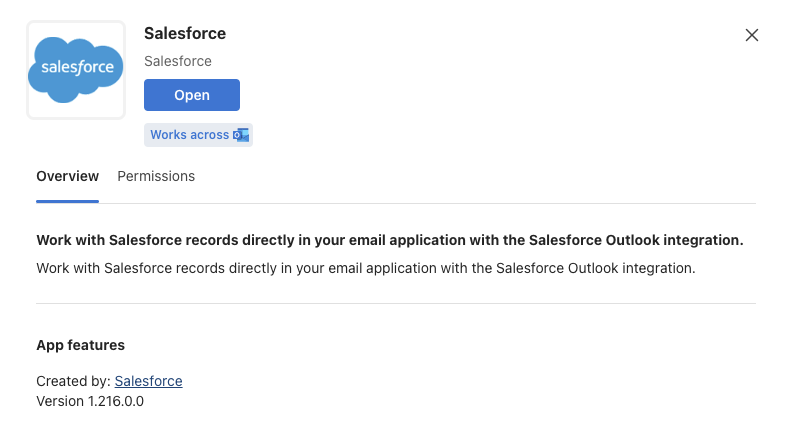
Currently, Users are able to see two Salesforce Outlook integration add-ins in the App Source. So, users are unable to locate the correct Outlook add-in for Salesforce and is seeking assistance to verify the correct add-in from Microsoft AppSource.
솔루션
1. Verify the correct Outlook add-in for Salesforce by checking the description and publisher details on Microsoft AppSource.
2. Ensure that the Salesforce add-in from Microsoft AppSource is published by Salesforce.com, Inc.
추가 자원
NOTE: Other Add-in is also relevant and published by Salesforce so, either of one can be used. However, the above mentioned add-in has additional language support.
Knowledge 기사 번호
004695528
이 기사를 통해 문제를 해결했습니까?
개선을 위한 의견을 보내주세요.
