Velg en organisasjon
"Something went wrong" Error When Connecting to Google BigQuery from Tableau Using a Service Account Email
Publiseringsdato: Aug 18, 2025
Beskrivelse
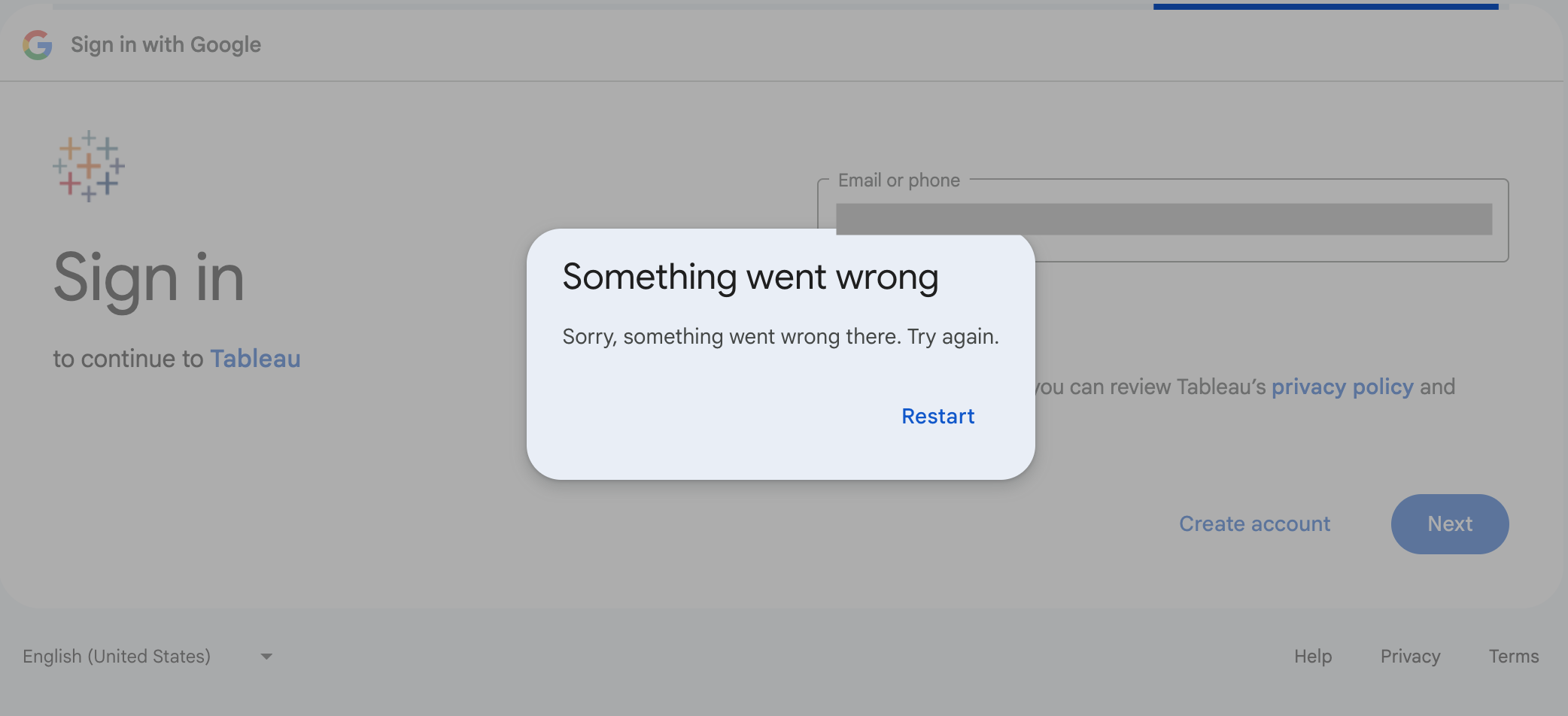
When using the Google BigQuery connector and selecting Sign in using OAuth, entering the email address of a service account on the sign-in page results in the following error and fails to establish the connection:
Something went wrong
Sorry, something went wrong there. Try again.
Cause:
When using OAuth for authentication, the Google sign-in flow requires a user account. Do not enter a service account email address directly on the Google sign-in page.
Attempting to do so will result in this authentication error and will prevent the connection from being established.
Løsning
Option 1:
Select "Sign in using Service Account" and choose a valid Service Account JSON file.
Option 2:
Select "Sign In using OAuth" to sign in with a Google user account.
Flere ressurser
Knowledge-artikkelnummer
005100901
Hjalp denne artikkelen med å løse problemet ditt?
La oss få vite det slik at vi kan forbedre!
