Välj en organisation
Restoring a Full Organization to Salesforce
Publiceringsdatum: Sep 16, 2025
Uppgift
Restoring a Full Organization to Salesforce
Steg
| This content relates to Backup & Recover. For Salesforce Backup click here. |
About Restore Full Organization
The Restore full organization provides a means to bring back something that was lost from an Org. Restore full organization can restore to a certain snapshot.
This function is designed for restoring data in an entire Org to its prior state, or to revert changes that were made in a given timeframe. For example, it can be used in a scenario where a third-party integration corrupts or causes data loss across the entire Org.
A Restore full organization restores all deletions and changes between two selected snapshots. It includes deleted and changed records that occurred between the two backup snapshots.
When Should Restore Full Organization Be Used
To restore data in an entire Org to a specific prior state, or to revert changes made in a given timeframe. For example, when a third-party integration corrupts or causes data loss across the entire Org.
In most scenarios, Restore full organization is NOT an ideal approach for disaster recovery planning. Generally, only a subset of objects (within the Org) need to be restored. Since a Restore full organization may take a long time (in case of a large Org), it should be used only when the corruption has occurred broadly across the Org.
As a general rule, Own does not recommend using the Restore full organization restore task, unless it’s required, since any intentional changes are lost, and due to the amount of time required to restore a full Org.
Restore Full Organization versus Repair Data Loss or Repair Data Corruption
Own's Restore application provides three options for restoring data:
-
Repair data loss - Use this option if an accidental deletion in your environment caused a cascading deletion of records and all their related records and attachments.
-
Repair data corruption - Use this option if only a field level data corruption occurred in your Salesforce environment.
-
Restore full organization - Use this option only if a broad scale corruption or loss occurred in your Org, or if you are not certain as to the scope of the corruption or loss that occurred in your environment.
Full Organization Restore versus Multiple Objects Restore
Multiple Objects Restore is a precision restore method for restoring multiple objects that were corrupted or lost in an org. This is the recommended method for restoring multiple objects, for the majority of data loss or corruption instances.
Full Organization Restore is preferable only when all data in an org has been corrupted or lost (or a large part of the org, with many objects/tables).
Best Practices
Every business should have a verified disaster recovery plan to address data loss.
Own recommends identifying critical objects for business operations and testing data loss scenarios in disaster recovery scenarios or drills. The data loss scenarios should be realistic and planned out ahead of time.
As a best practice, Own recommends leveraging Repair data loss and Repair data corruption instead of Restore full organization, whenever the scope of record restore can be reduced to less than all data in the org.
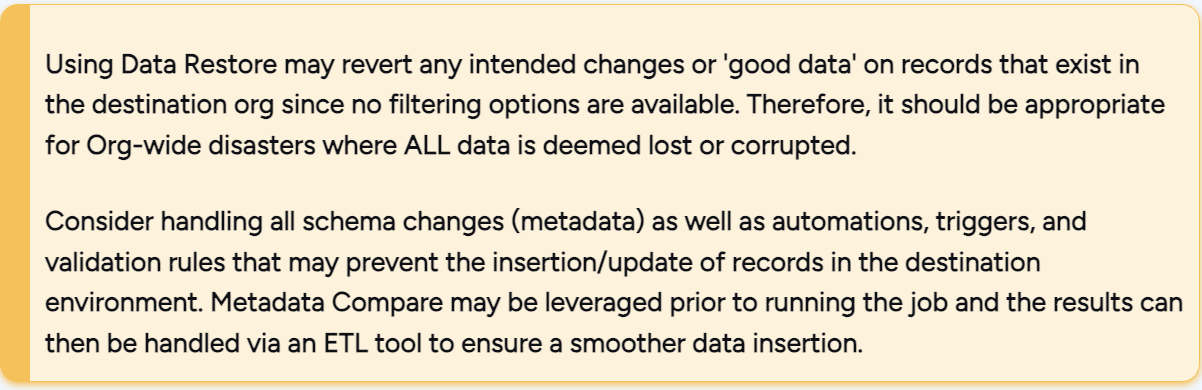
Required Conditions for Restore Full Organization
When running a Restore full organization restore job, only two points in time (backups) are compared (to determine which data had been deleted or changed).
Make sure that the Org being restored is still in the same environment.
Make sure that the sandbox has not been refreshed.
Restore Full Organization Limitations
The Restore full organization restore task has the following limitations:
-
Does not update or insert records that are not within the two backup snapshots
-
Cannot exclude specific objects from the restore
-
All changes or record deletions are restored, regardless of whether they were done intentionally or unintentionally. Therefore, any intentional changes are lost.
Full Organization Metadata Restore
Full Org metadata restore is not currently supported. Should the need arise to restore full org metadata, it can be accomplished by using the 'deploy via Workbench' method, which is easier than the manual process required to restore the full org in the correct order.
| Workbench is free to use, but is not an official Salesforce product. |
Our platform supports restoring the most common metadata objects: reports, dashboards, permission sets, etc. Any other issues related to restoring metadata objects can be solved with the help of Own technical support.
Run Time Estimate for Restore Full Organization
Estimating the total run time of a Restore full organization restore job is difficult, since this time can significantly vary from one Org to another, due to the size and complexity of an org's schema.
Knowledge-artikelnummer
005135059
Löste denna artikel ditt problem?
Berätta för oss vad vi kan förbättra!
