조직 선택
Tableau Hidden Sheets in Vertical Container Leave Blank Space
게시 일자: Apr 28, 2026
상세 설명
Hidden charts (specifically bar charts) in Tableau, placed within a vertical container on a dashboard stack with blank spaces, preventing the container from displaying correctly or filling the screen.
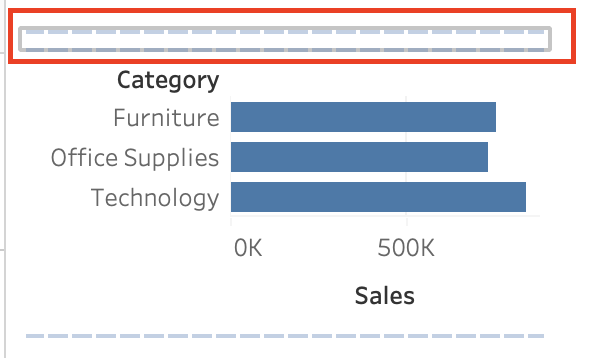
솔루션
Cause:
-
The sheet height is fixed or "Fit Height" is not enabled.
-
Behavior associated with stacking horizontal bar charts vertically within a container.
Resolution:
-
Select the target sheet on the dashboard.
-
Select the drop-down arrow icon in the upper right corner of the sheet, or use the context menu to select [Fit].
-
Select [Fit Height].
Knowledge 기사 번호
005239143
이 기사를 통해 문제를 해결했습니까?
개선을 위한 의견을 보내주세요.
