Valitse organisaatio
Salesforce Messaging for In-App and Web Can’t display conversation Exception
Julkaisupäivä: Jan 12, 2026
Kuvaus
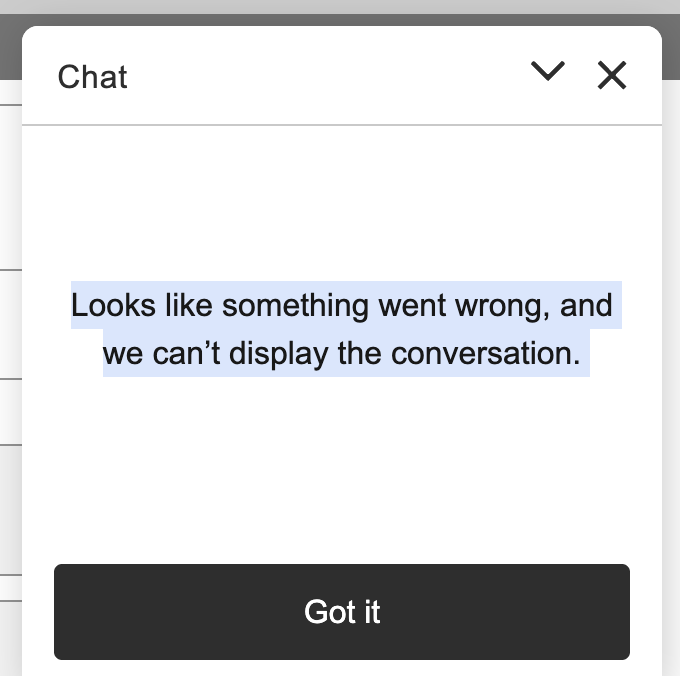
When testing the Enhanced chat from the Embedded Service Deployment, you may receive an error in the Chat Window:
"Looks like something went wrong, and we can’t display the conversation."
Ratkaisu
The root cause is that “Fallback message” was enabled under Messaging Settings.
• Fallback message is intended to show a message to customers in the conversation window in the event of service downtime.
• When we disabled the fallback message and re-published the Embedded Service Deployment, the error should disappear and the chat should start loading normally again.
Still Experiencing the Issue?
If the problem persists after completing the above steps, Please open a support case with Salesforce Support for further assistance.
Knowledge-artikkelin numero
005239538
Ratkaisiko tämä artikkeli ongelmasi?
Anna palautetta, jotta voimme kehittyä!
