조직 선택
How to Request Technical Support for Informatica
게시 일자: Jul 31, 2026
상세 설명
Following Salesforce's acquisition of Informatica in 2025, Informatica is being integrated into the Salesforce ecosystem. For Informatica products, technical support continues to be provided through the Informatica Support portal. Use this article to learn how to contact Informatica Support and submit an Informatica support case to request technical assistance.
솔루션
To submit a technical support ticket or support case to Informatica, follow these steps:
- Log in to Informatica Network:
-
- Navigate to the Informatica Network portal.
- Access the Support Section:
-
- Under the "Support" tab, go to "My Cases." This will redirect you to the Informatica Support portal.
- Create a New Case:
-
- On the Informatica Support portal, click on the Create a New Case button on the top of the portal screen.
- You will see three options to create a new case: Technical, Product Download & License Request, and Support Account Administration. Select the appropriate case type.
Notes:
- If you do not see the option to create a case (for instance, if you get a “403 App Not Assigned” or no Support menu), then reach out to your organization’s Primary Contact to grant you Write access.
- Ensure you have the necessary access permissions (Write access) on your organization’s Support Account to create and update cases. If you only have Read access, you can view cases but cannot create them. Contact your organization’s Primary Contact to grant you the required access.
- The "Support" option is only visible to valid support contacts.
- If you are a valid Support Account with Informatica, raise an Administrative case to get access to Informatica Support.
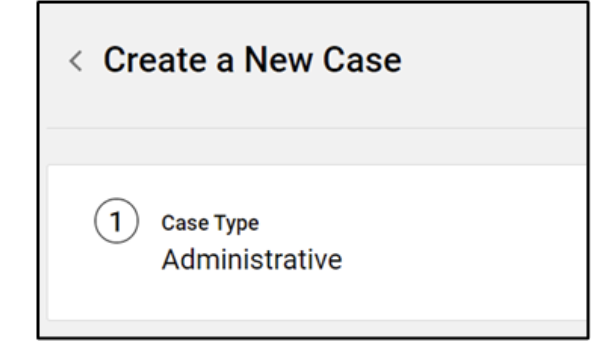
For more information, visit the FAQs on Informatica Support and Community on How to open a case with Informatica Support.
Knowledge 기사 번호
005270379
이 기사를 통해 문제를 해결했습니까?
개선을 위한 의견을 보내주세요.
