Velg en organisasjon
Can’t Launch a Trailhead Playground
This article will help troubleshoot issues related to launching Trailhead Playgrounds. If you find yourself needing assistance with Hands-on Challenges, check out the Enhanced Trailhead Hands-on Challenge Support Experience to help you find just what you are looking for easier and faster than ever.
If you’re having issues launching a Trailhead playground, and receive an error message similar to the ones below, we can help. Read below to learn how to solve this issue.
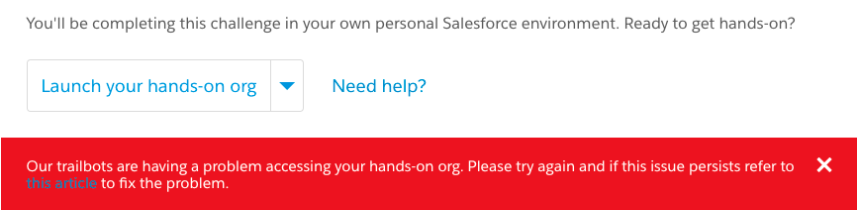
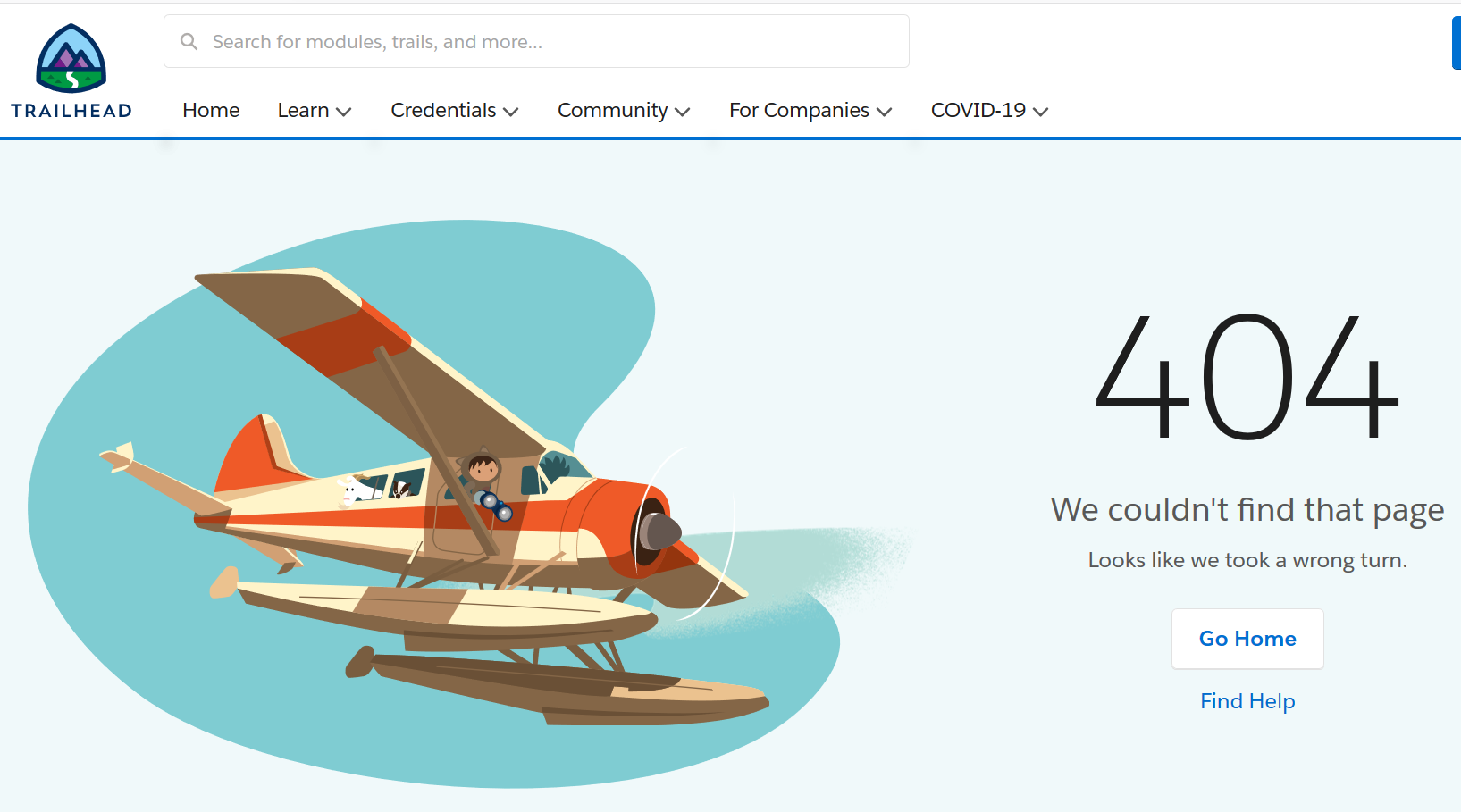
Solution #1 Launch Your Playground
Here are some helpful tips:
1. Give it a few minutes and try again.
2. Try clearing your web browser's cookies and cache. Log out, log back in, and try launching your Playground.
3. Log in to your Trailhead account from an incognito window or from a different web browser and try launching your Playground again.
If this does not work. Try our second solution.
Solution #2 Create a New Playground
If the Playground you are trying to access does not have important work that you are not worried about losing or continuing on with, create a new hands-on org.
1. From the challenge section of the module, open the hands-on org drop-down menu. This is where you can access your existing Playgrounds.
2. Click Create a Trailhead Playground.
- You can also switch to a different hands-on org if you'd prefer to use a different environment that you already have rather than create a new one.
- You can only have a max of 10 auto-generated Playgrounds associated with your org. If you are at the max, try using a different org from your hands-on orgs by selecting that in the drop-down or removing one of your old Playgrounds. To remove an org, go to Hands-on Orgs from your avatar drop-down menu and click the X button to disconnect.
3. Wait until the process has finished.
4. Launch your new org
Solution #3 Submit a Case
In some cases, you will need someone from our Help team to assist you. Take this moment to try Solution #1 again give it a few minutes and trying again. You would be surprised how often this works. Also, make sure that you are not locked out of your Trailhead Playground (possibly from lost username/password).
If that still doesn’t help, you can follow these steps:
1. Submit a case to contact our help team about this issue. In the case you submit, provide your username to your Trailhead Playground, and, if possible, a link to screenshots or a video of the issue.
2. Our help team will assist you, but this will take time. Problems that could cause this include (but are not limited to) setting configurations that lock your user out of your own org, removing perms for REST access, changing your username, or changing the namespace in your org.
Hjalp denne artikkelen med å løse problemet ditt?
La oss få vite det slik at vi kan forbedre!
